
Guides & resources
Find the requirements for your application, take a better original photo and check your digital file or print before submitting.
More guides

How to prepare a student ID photo for upload
Follow your university’s photo rules, distinguish the portrait from identity-verification uploads and check the approval message before enrollment.
Read the guideCan you wear hearing aids in a passport photo?
Check the distinction between a hearing aid and everyday earbuds, and prepare a photo without digitally removing a necessary aid.
Read the guide
Taking a document photo with a phone self-timer
Use a stable phone, the right camera height and a short timer to take a clear document photo without an arm’s-length selfie.
Read the guide
How to light your document photo at home
Use soft daylight, leave space behind your head and check a trial photo for shadows before taking the final shot.
Read the guide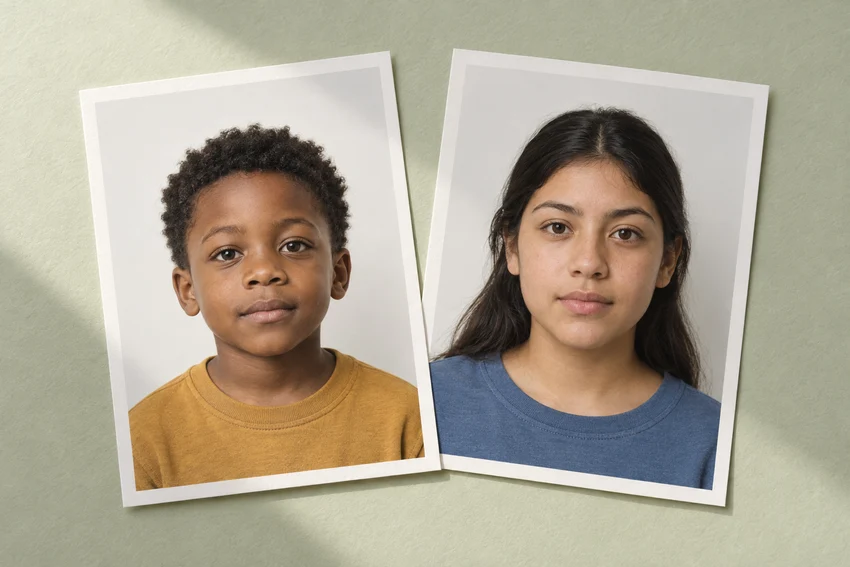
Planning document photos for the whole family
Organize separate requirements, originals and finished files when several family members need passport, visa or ID photos.
Read the guideHow to take a toddler’s passport photo
Set up a short, calm photo session and check the child-specific expression rules for the passport you need.
Read the guideChoosing the right background for your document photo
White is not right for every document. Check the required color, watch for shadows and understand when digital replacement is restricted.
Read the guideHow a UK passport photo code works
Understand what a photo code retrieves, how it differs from a downloadable image and what to check before buying a photo service.
Read the guideShould you upload your photo as a PDF or an image?
Distinguish a portrait upload from supporting-document uploads and print sheets so the right file goes into the right part of the application.
Read the guide
How to take a baby’s passport photo
Set up a comfortable photo, check the rules for your baby’s age and choose a clear frame for the application.
Read the guideWhat to check when your document photo will not upload
Work through file type, dimensions, size and portal errors in order so you can fix the actual upload problem without degrading your photo.
Read the guideWhy your photo uploads sideways and how to fix it
Check the saved image orientation, create an upright export and avoid accidentally mirroring your face while correcting a rotated upload.
Read the guide
Prepare your document photo.
Choose your document. Upload a photo. Preview before you pay.