
Guides & resources
Find the requirements for your application, take a better original photo and check your digital file or print before submitting.
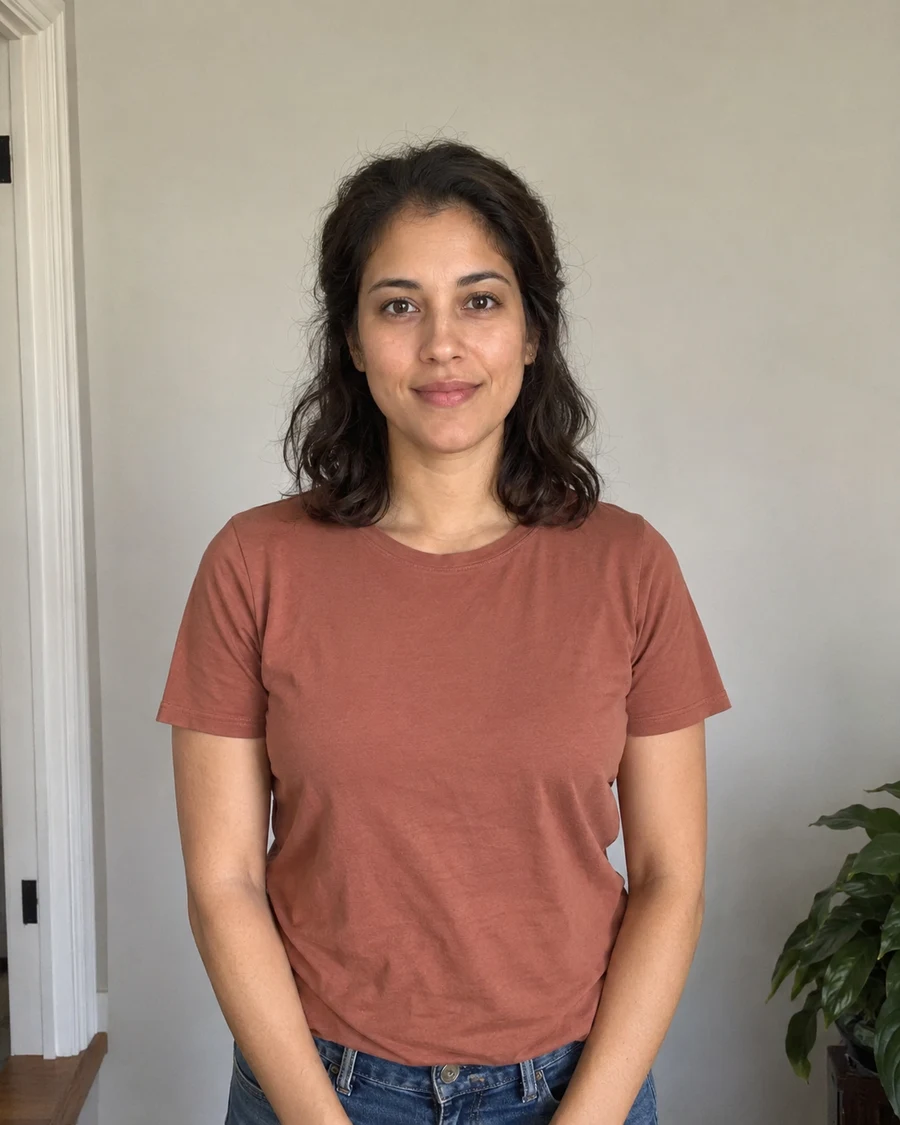
How to take a passport photo at home with your phone
Take a clear passport photo with your iPhone or Android phone. Set up the light, position the camera and check the result before uploading.
· 3 min read
Read the guideLatest guides
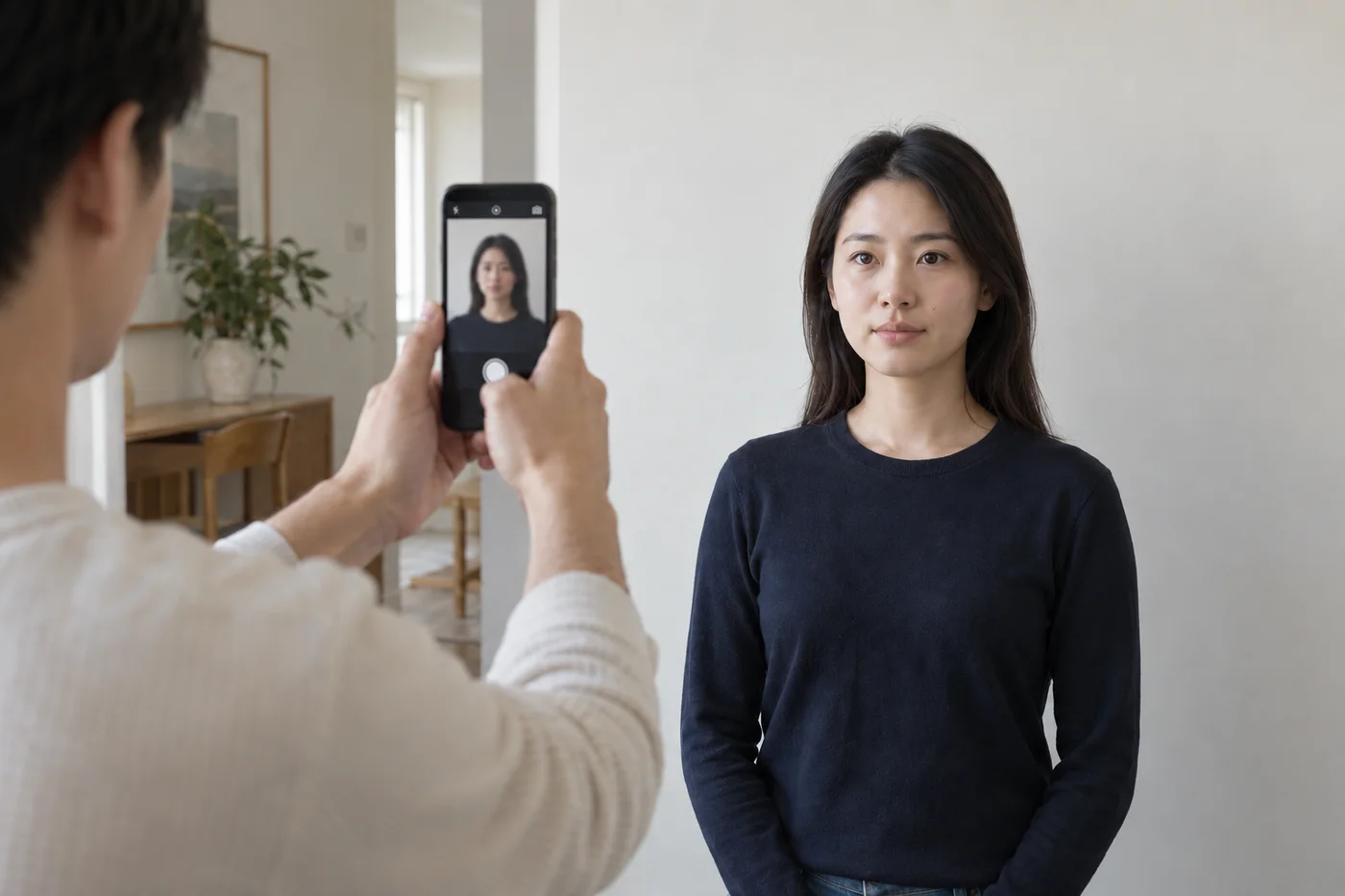
Your document photo checklist
Check your setup before taking the photo, then review the framing, facial detail and original file before uploading.
Read the guide
Why a printed photo looks different from your screen
Check display brightness, printer settings and paper before trying to fix a dark or discolored document-photo print.
Read the guideHow to take a passport photo at home with your phone
Take a clear passport photo with your iPhone or Android phone. Set up the light, position the camera and check the result before uploading.
Read the guideGetting passport photos while you are abroad
Give a local photographer your issuing country’s specifications and check print measurements, markings and provider requirements before leaving.
Read the guide
How many passport photos do you need?
Count the copies for your country and submission route before ordering prints or assuming a digital file replaces them.
Read the guide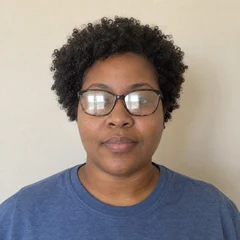
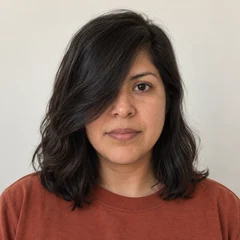
Common document photo mistakes and how to fix them
Spot blur, glare, uneven light and framing problems before submitting. Identify which need a retake and which need a different file or print.
Read the guide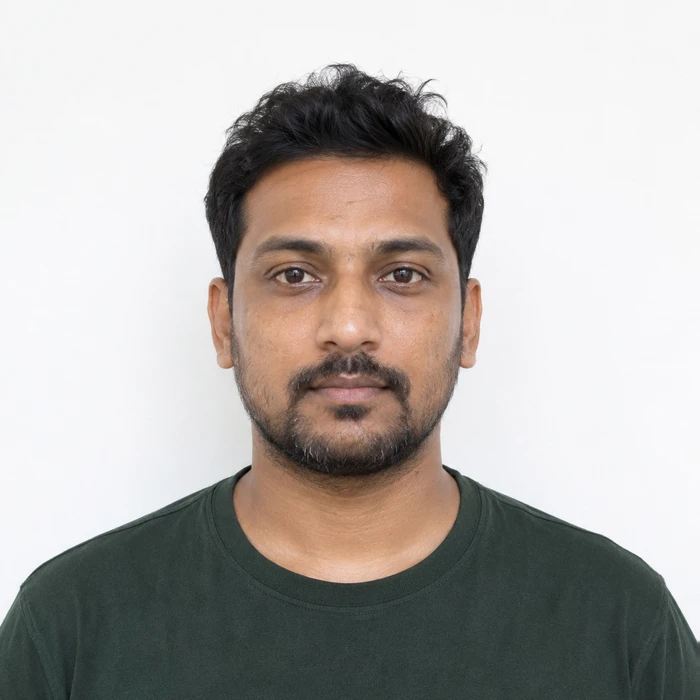
Can you use AI to edit a passport or ID photo?
Distinguish file preparation from generated facial changes and check the editing rules before replacing a background or retouching a portrait.
Read the guideDoes passing a passport photo checker mean approval?
Understand what an automated upload check can tell you, what remains for application review and how to respond to a photo problem.
Read the guideHow to send a document photo without losing quality
Transfer the actual image file instead of a screenshot or compressed chat copy, then compare the received version with the original.
Read the guide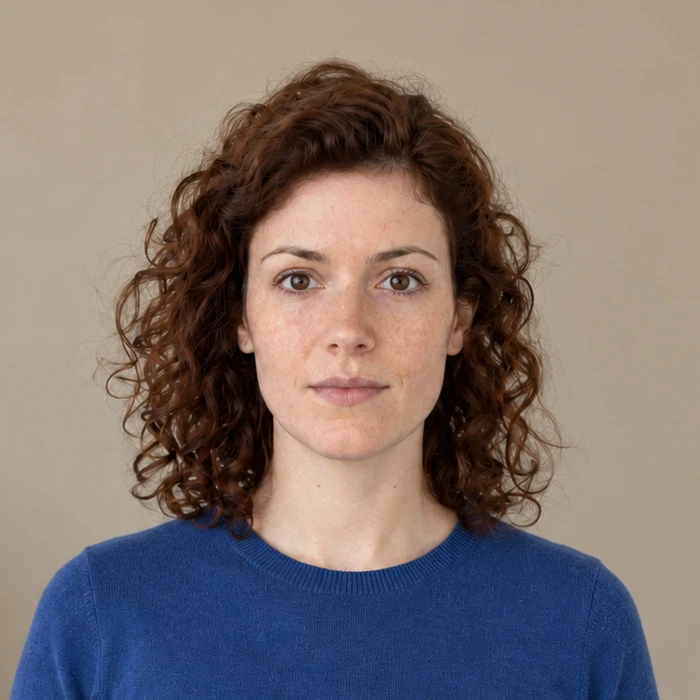
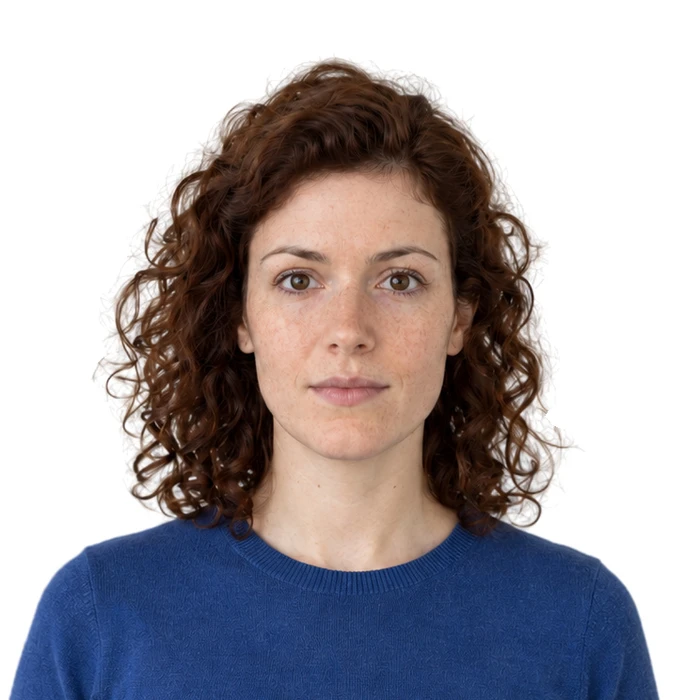
From original photo to prepared result
Compare the same portrait before and after Merodim processing, then see what changed in the crop, background and output file.
Read the guideHow to organize document photo files for later use
Keep your originals, document-specific exports and print sheets easy to find without confusing a saved file with a permanently valid photo.
Read the guidePhoto dimensions, pixels and file size explained
A 2 × 2 inch print, a 600 × 600 pixel image and a 240 kB limit describe different things. Learn which measurements to check.
Read the guide
Prepare your document photo.
Choose your document. Upload a photo. Preview before you pay.