Use the instructions from your own university
Student ID rules are set by the institution. Find the official card-services page through the university website or authenticated student portal. Check whether the same image is used for a physical card, mobile credential or another campus system.
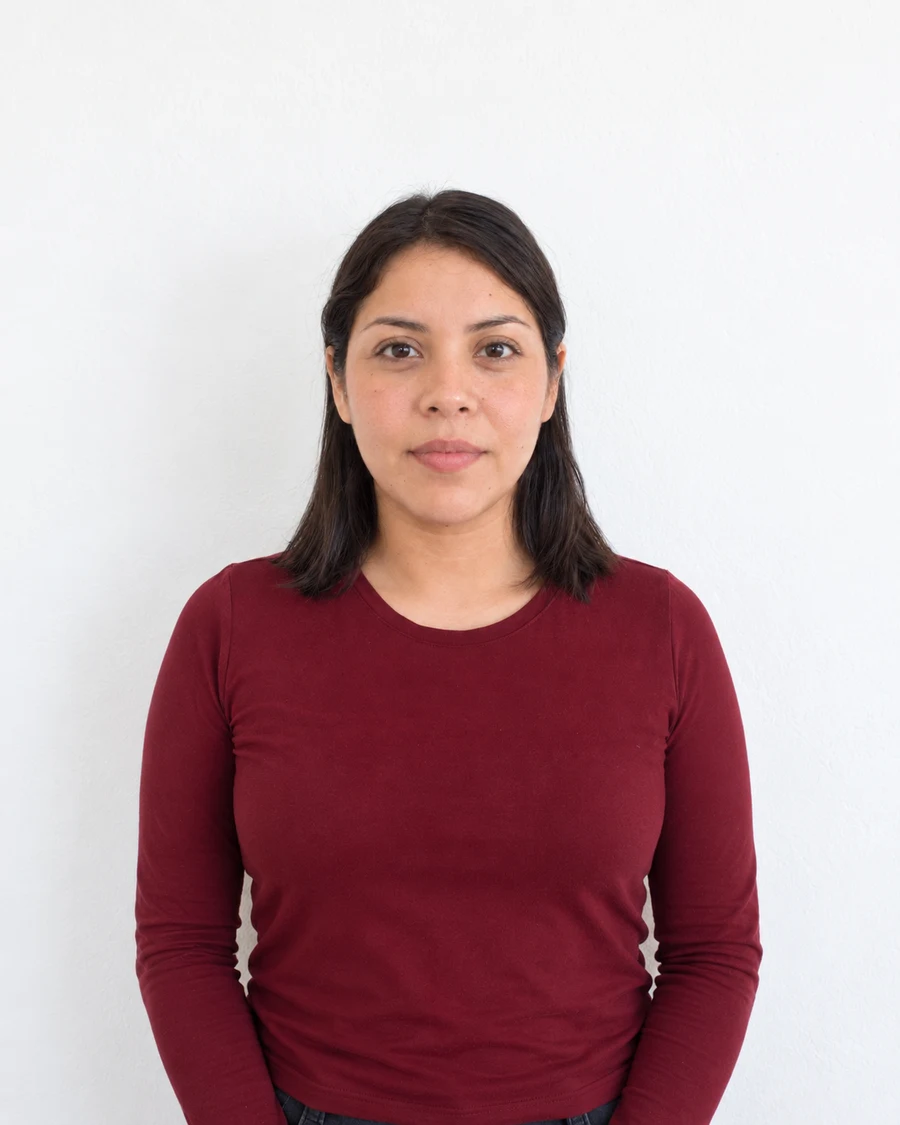
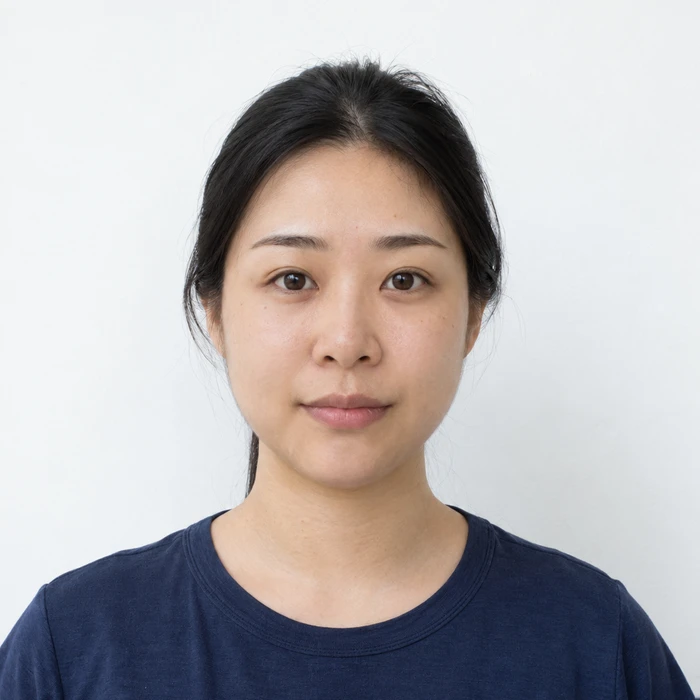
Penn State’s new-student process, for example, asks for a color portrait with a plain neutral background and no filters. It also tells applicants not to upload cropped photos. That instruction matters more than a generic recommendation to prepare a finished passport-size crop.
Keep your portrait separate from proof of identity
A portrait upload and a photograph of an existing identity document serve different purposes. Some universities request both. Penn State lists a valid government-issued ID as a separate submission step alongside the portrait.
Read the label beside each upload field carefully. Do not put an image of your passport into the portrait field or send identity documents to a general photo-preparation service. Use the university’s designated secure process for verification material.
Prepare a recognizable everyday portrait
Use a recent clear photograph that shows your face without filters or distracting effects. Set up even lighting and the background requested by the institution. Leave enough room around your head if its system performs the crop.
Check any local rules about hats, sunglasses, expression and other people in the image. A campus may allow an expression that a passport authority would not, but that flexibility is not permission to ignore its own framing or file requirements.
Wait for approval before assuming the card is ready
Successfully attaching a file is not the same as receiving photo approval. Watch for the university’s confirmation or resubmission message and allow the processing time it states. If a deadline is close, contact card services about an in-person option.
If the upload fails, note the exact error and check the accepted file type, dimensions and byte size. Keep your full original so you can create a compatible copy without taking another photograph solely because of an export setting.
Sources and further reading
Penn State id+ Office · New student photo submission ↗Requirements can change. Check the official instructions for your application before submitting.
Merodim is an independent photo-preparation service, not a government agency. Find your document →