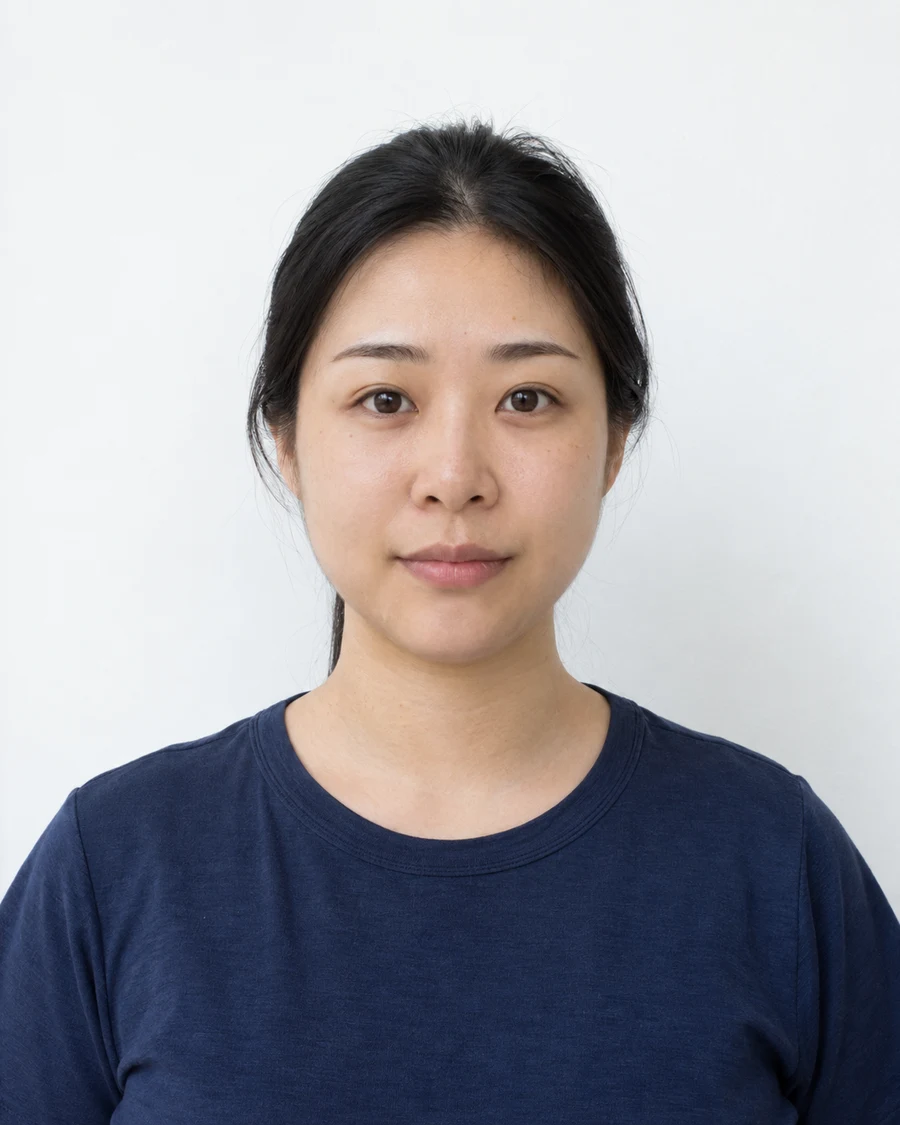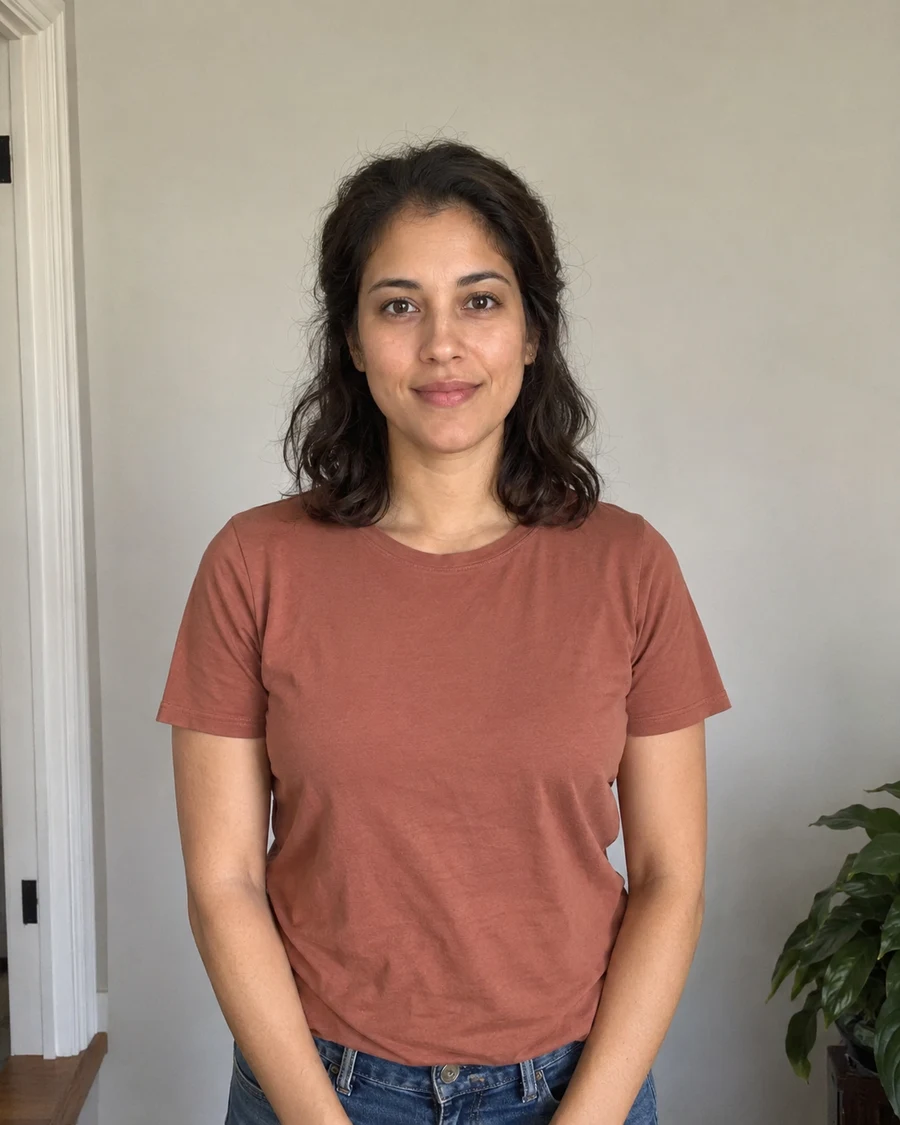
Check that a home capture is accepted
A self-timer can help with positioning, but it does not override the application’s capture rules. Some documents require a commercial photographer or a particular provider. Confirm that you can supply your own original before setting up a phone at home.
For applications that permit it, the advantage of a timer is distance. You can face a stationary camera without extending one arm, twisting a shoulder or bringing the lens unusually close to your face.
Secure the phone at eye level
Use a stable stand or a support that cannot slip. Position the lens at the height of your eyes in your intended seated or standing position. Keep the phone upright and level, then allow enough space around your head and shoulders for the required output.
Use the normal camera mode rather than portrait effects, beauty settings or an ultrawide view. Take a test shot and inspect the result before the real attempt. If using the rear camera makes framing difficult, a helper is more useful than repeatedly guessing where the lens points.
Give yourself enough time to settle
Choose a timer long enough to move into place comfortably. Stand or sit squarely, relax your shoulders and look at the lens rather than a preview displayed beside it. Let your expression settle before the shutter fires.
If the phone takes several frames, inspect them individually for blinking and movement. A burst is a way to choose a complete photograph, not a reason to combine parts of several images. Keep the best unaltered original.
Review before moving the setup
Open the photograph at full size while the camera is still in position. Check focus around the eyes, a level head and enough clear space for the application’s framing. Look for a shadow behind the head and light falling unevenly across the face.
Adjust the physical setup and retake if necessary. Moving the subject or camera is usually easier while everything is still arranged. Save the full original before making a separate, permitted output for a document.
Sources and further reading
New Zealand Passports · Photo requirements ↗HM Passport Office · Digital passport photos ↗Requirements can change. Check the official instructions for your application before submitting.
Merodim is an independent photo-preparation service, not a government agency. Find your document →