Make a person-by-person photo list
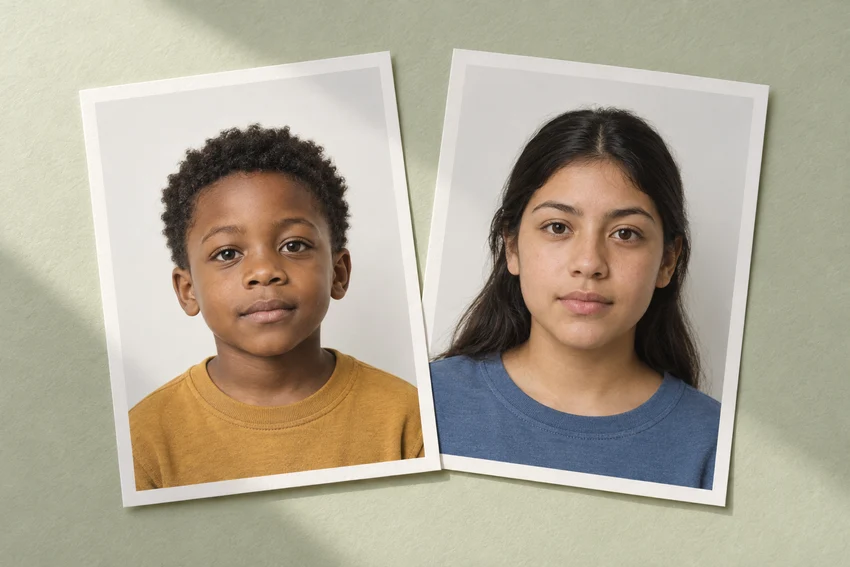
Start with the actual applications, not a single shopping list for passport photos. One person may need a passport renewal, another a visa and a child a first passport. Write the document, submission route, photo age limit and required output beside each name.
That small list prevents a common planning error. Matching outer dimensions do not establish that the same photograph is suitable for every application. Background, expression, capture method and printed-copy requirements may differ.
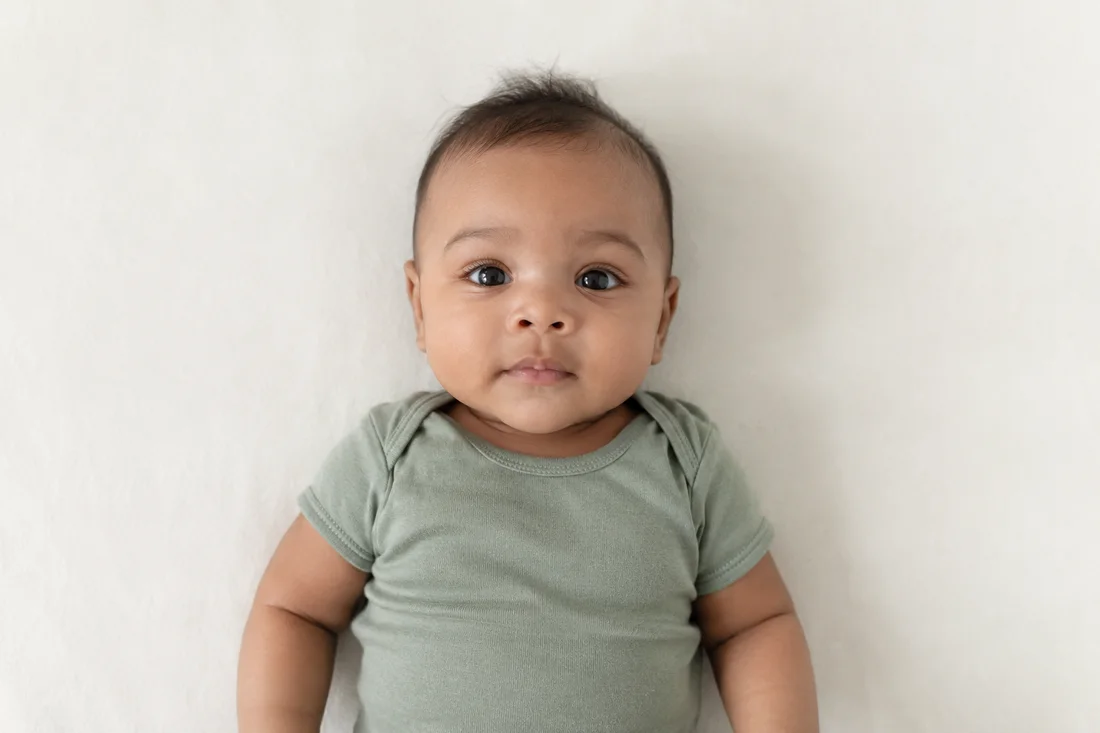
Arrange the session around the youngest person
Prepare the camera and lighting before bringing children into the setup. Photograph whoever has the shortest comfortable window first. Older children and adults can usually wait while the camera height is adjusted for the next person.
Take individual photographs. Cropping each face from a family picture can leave too little detail, an angled pose or someone else’s shoulder in the frame. Each applicant needs an original that can be assessed on its own.
Separate capture dates from application dates
Record when each original was taken. A file downloaded or printed today does not become a newly taken photograph. US and UK passport guidance use different recency windows, so check the relevant rule again if the applications will be submitted months apart.
Set aside any older family photo that only resembles the current applicant. Starting with a fresh, clear original is easier than discovering late in the process that its age cannot be established or no longer meets the limit.
Package each application independently
Use a folder for each person and a subfolder for each document. Give final files descriptive names that include the intended use and capture date. Keep passport numbers and other sensitive identifiers out of filenames that may be shared.
Before submitting, open the selected attachment and check the person, dimensions and version. For prints, keep sets in separate labeled envelopes rather than writing identifiers across the image. Count the copies against each application’s instructions before sealing the package.
Sources and further reading
HM Passport Office · Digital passport photos ↗US Department of State · Passport photo requirements ↗Requirements can change. Check the official instructions for your application before submitting.
Merodim is an independent photo-preparation service, not a government agency. Find your document →