
Your document photo, step by step.
A little preparation makes a better photo. Find what your application needs, set up your shot and check the details before you upload.
Open the photo checklist Start with the three steps below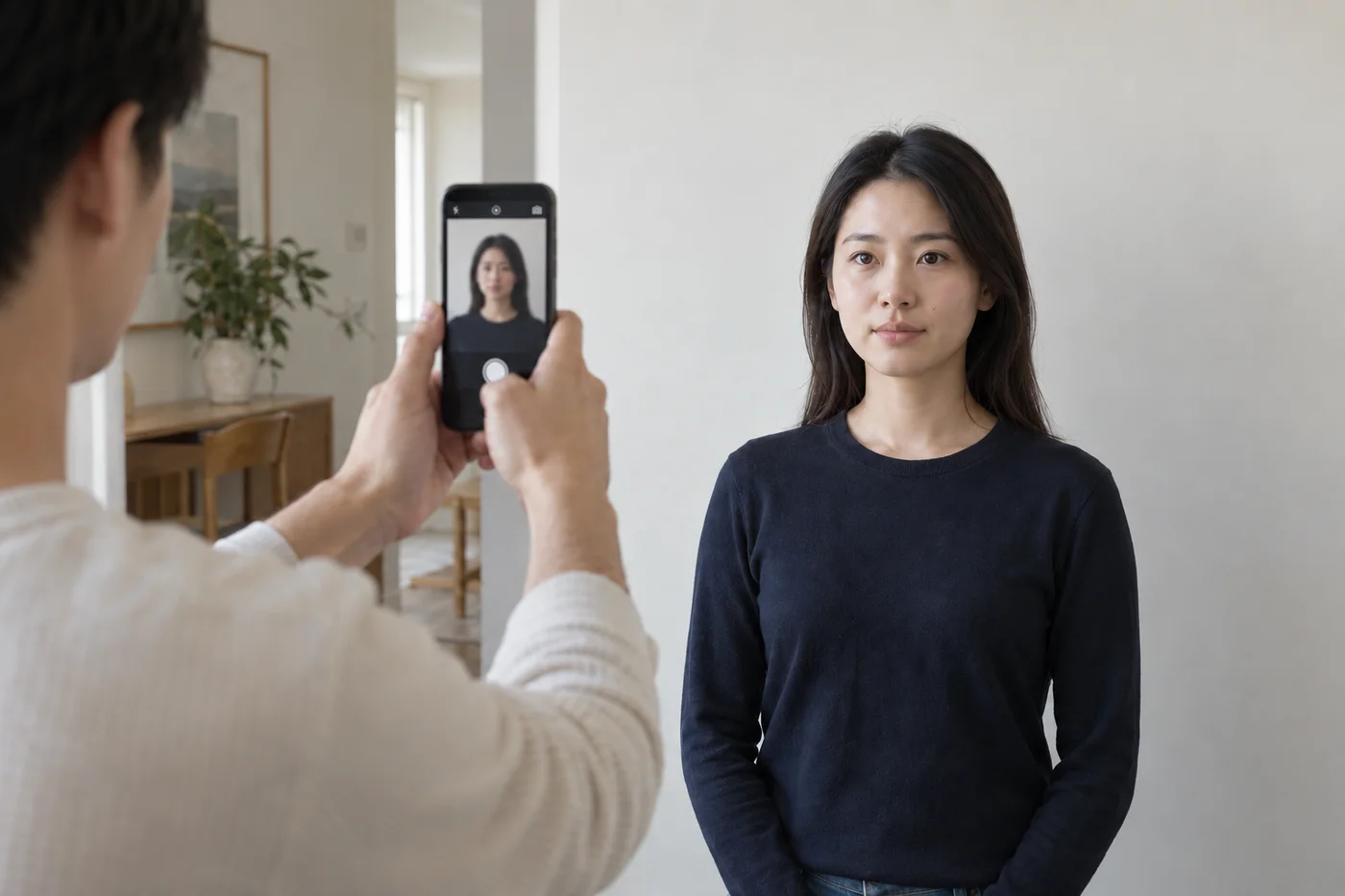
Three checks before you upload.
REQUIREMENTS · CAPTURE · REVIEW- 01Your document
Check what you need.
Find the instructions for your exact application. Confirm the photo size, background and whether you need a digital file or a print.
- 02Your setup
Take a clear original.
Use soft, even light and the background your document requires. Keep the camera at eye level and leave room around your head and shoulders.
- 03Your final check
Review your photo.
Check for blur, glare and shadows. Keep the full-resolution original, then check the dimensions and file-size limit for your application.
Guidance for different photo needs.
All guides & resourcesTaking a baby’s photo
A comfortable setup, with guidance for your baby’s age.
Read the guide Accessible setupsTaking a photo while seated
Camera position, wheelchair supports and document-specific exceptions.
Read the guide Inside the processSee what Merodim changes
Compare an original photo with its prepared result.
Read the guide
Prepare your document photo.
Choose your document. Upload a photo. Preview before you pay.