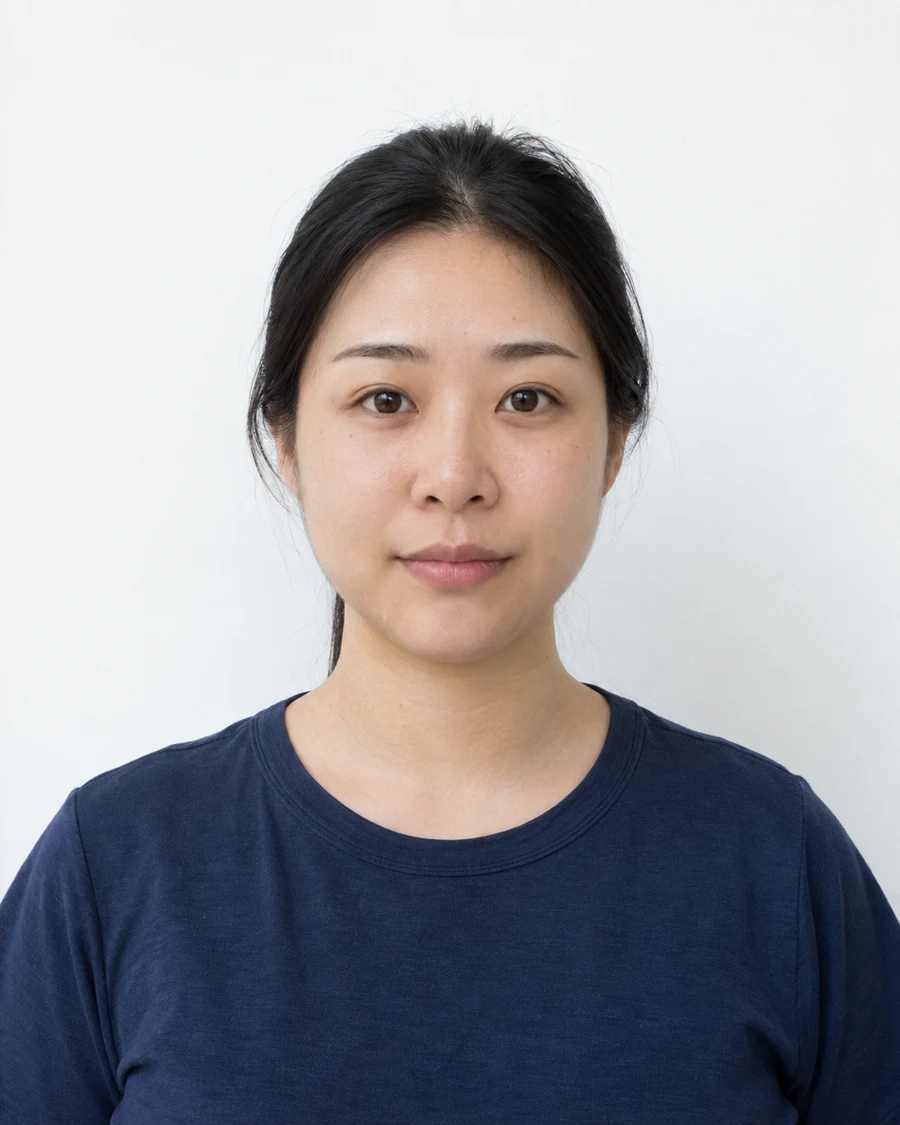
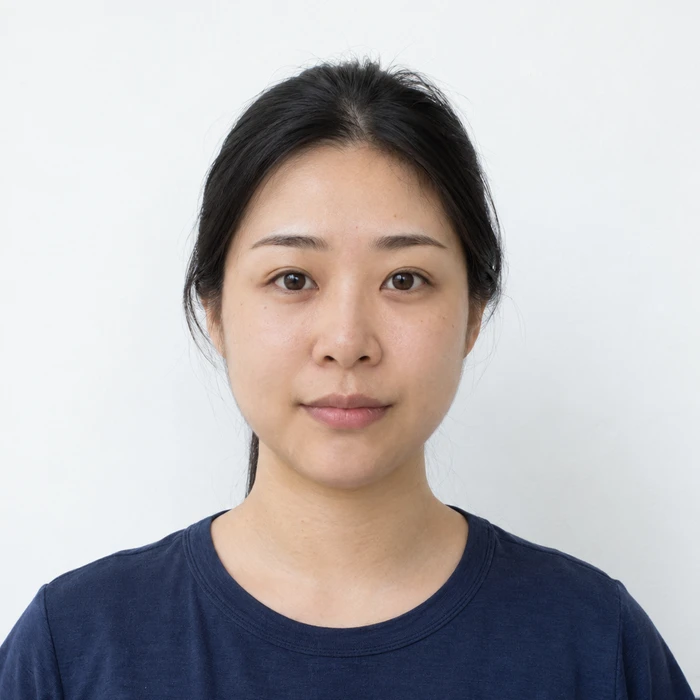
Visa photos follow the rules of the country receiving your visa application. A familiar passport crop may have different dimensions or composition. Confirm the exact visa route and consulate instructions before choosing an output.
02
Keep a single image for the upload
A digital application usually expects one portrait, not a sheet of four photos. Check the format, dimensions and file-size limit for the specific field. Keep the original capture in case the portal asks for a different permitted output.
03
Use a print layout when physical copies are requested
For a paper submission or appointment requiring photos, print a layout at its intended size and measure the finished copy. Check the appointment checklist for how many copies to bring and whether a photographer must provide them.
Keep your features natural.
Photo preparation starts with your own image. Review the framing and facial detail in the free watermarked preview before purchase. Keep the original file and follow the document’s background and editing rules.
The final download is separate from the preview. Choose a standalone image for a supported upload or a layout for local printing. Standard delivered prints are available within the United States.
Use the free tools to inspect properties, resize proportionally or reduce a JPEG’s byte size. The file stays in your browser. These tools provide technical output and do not replace document-specific checks.
Sometimes the dimensions are similar, but the receiving country and application route define the requirements. Check the image age, background, framing, format and submission method before reusing a photo.
Can I prepare the photo with my phone?+
For supported self-supplied routes, start with a clear photo taken by a helper at eye level. Some applications require a photographer or authorized capture. The document guide identifies those routes.
Do I need a printed photo after a digital upload?+
Follow the embassy or consulate appointment instructions. A failed DS-160 photo upload has a specific printed-photo procedure, while other visa routes can require prints separately.
Does the preview guarantee my visa photo will be accepted?+
No. The preview helps you inspect preparation. The receiving authority decides acceptance, and a visa decision involves much more than the photograph. Check the complete application instructions before submitting.