
Guides & resources
Find the requirements for your application, take a better original photo and check your digital file or print before submitting.
More guides

Why Australian passport photo printing needs extra care
Check Australian passport print production, paper weight and face size before choosing a printer or ordering an ordinary photo print.
Read the guide
What goes on the back of a Canadian passport photo?
Check photographer details and guarantor instructions for printed Canadian passport photos and distinguish them from online-renewal uploads.
Read the guidePreparing your photo for an India e-Visa upload
Keep the India e-Visa portrait separate from the passport scan and check JPEG format, square dimensions and upload size before submitting.
Read the guideCan you use the same photo for a passport and a visa?
Compare passport and visa photos by issuing country, application route, image age, dimensions and the actual upload or print instructions.
Read the guideWhat to do when your DS-160 photo upload fails
Troubleshoot a DS-160 photo upload, check the confirmation-page X and understand when consular instructions call for a printed photo.
Read the guidePassport renewal photos for online and mail applications
Choose the correct US renewal photo route and avoid uploading a print crop where an original digital image is required.
Read the guide
How much do passport photos cost?
Compare passport photo prices fairly by separating capture, digital files, print sheets, store prints and home delivery.
Read the guide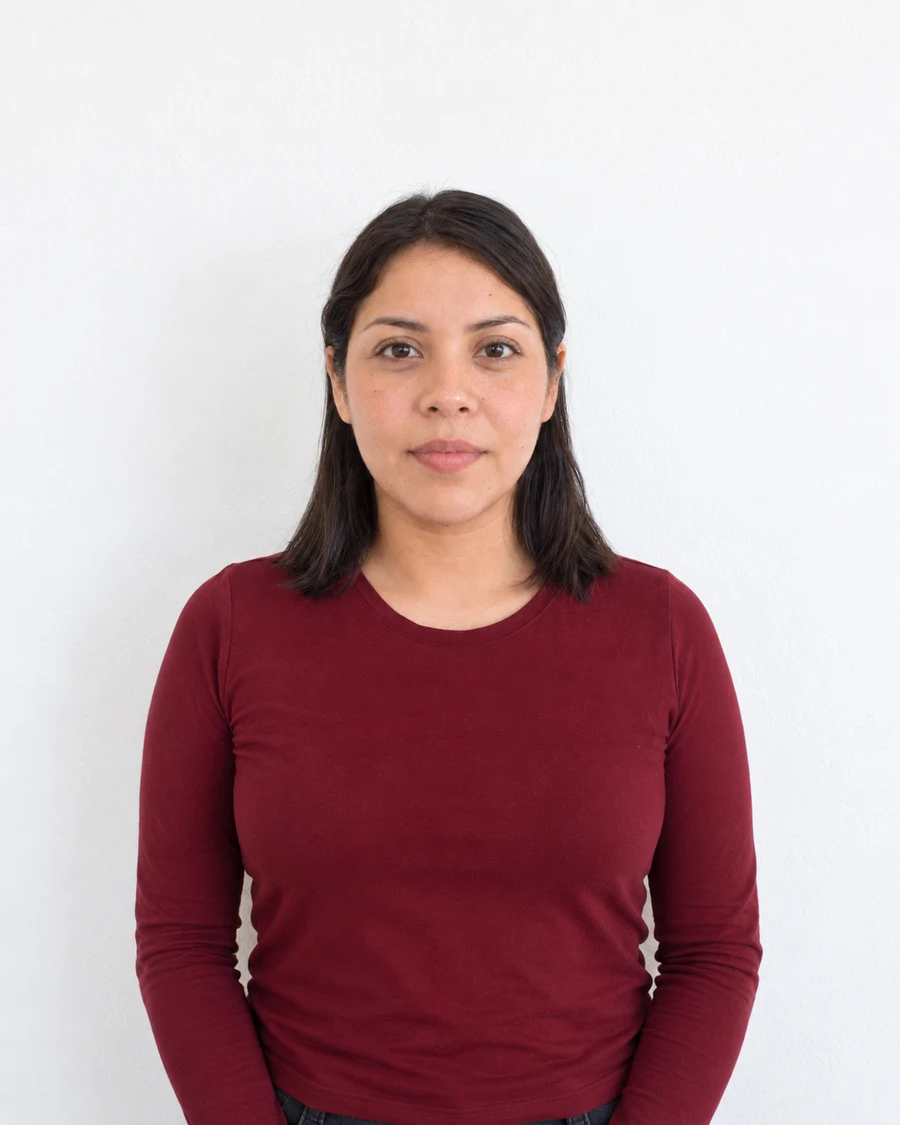
How to choose an online passport photo service
Compare online passport photo services by capture rules, preview accuracy, files, printing and support before paying.
Read the guide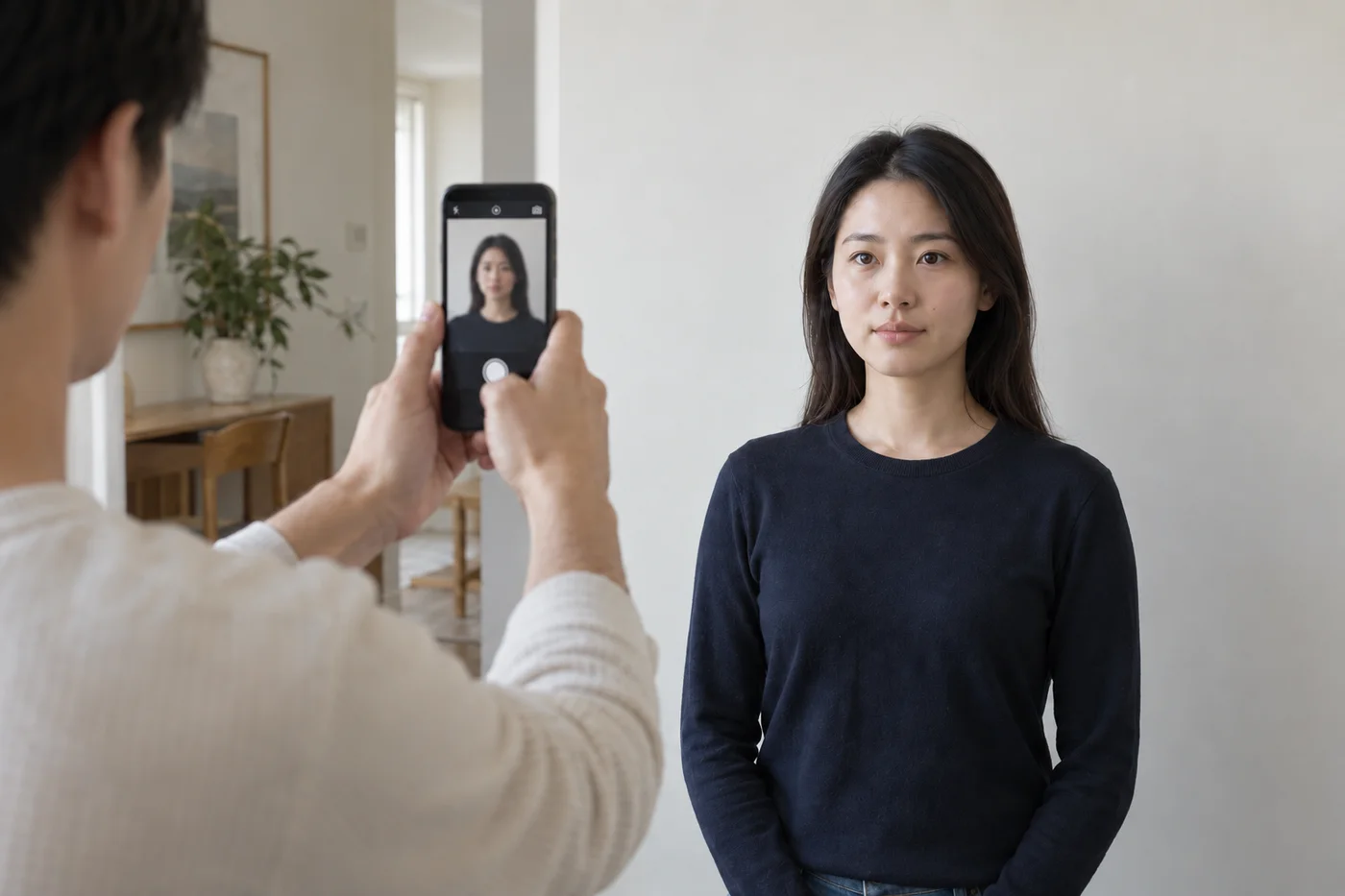
Your document photo checklist
Check your setup before taking the photo, then review the framing, facial detail and original file before uploading.
Read the guide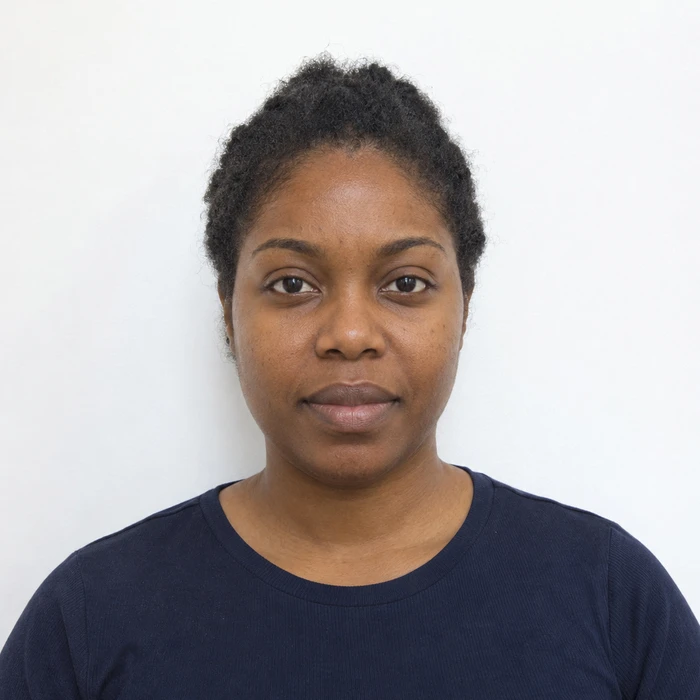
Why a printed photo looks different from your screen
Check display brightness, printer settings and paper before trying to fix a dark or discolored document-photo print.
Read the guide
How to take a passport photo at home with your phone
Take a clear passport photo with your iPhone or Android phone. Set up the light, position the camera and check the result before uploading.
Read the guideGetting passport photos while you are abroad
Give a local photographer your issuing country’s specifications and check print measurements, markings and provider requirements before leaving.
Read the guide
Prepare your document photo.
Choose your document. Upload a photo. Preview before you pay.