Document-specific framing
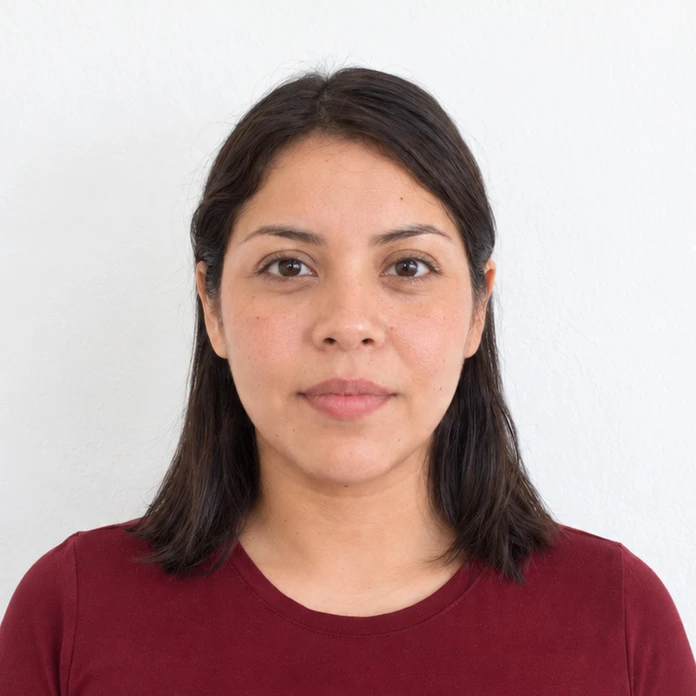
Head size, eye line and crop, matched to your document.
Professional passport, visa and ID photos, prepared from home. Precisely sized for your application. Preview before you pay.
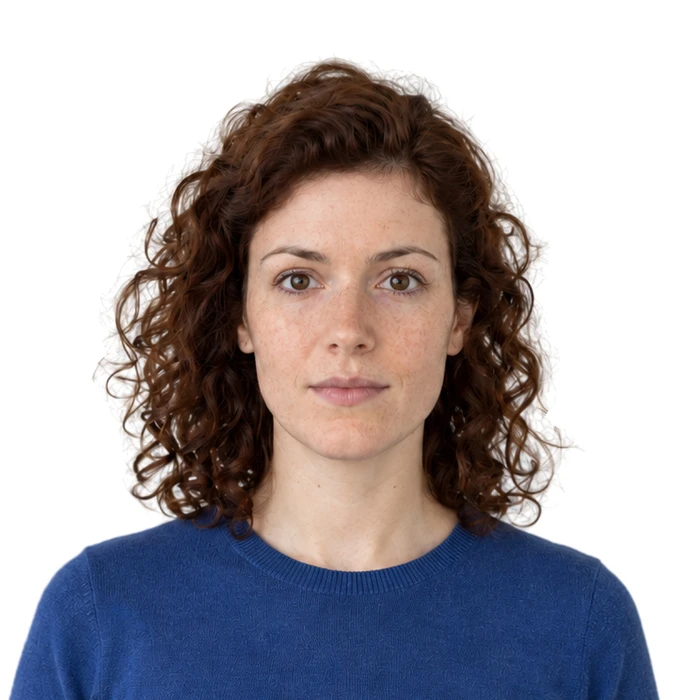
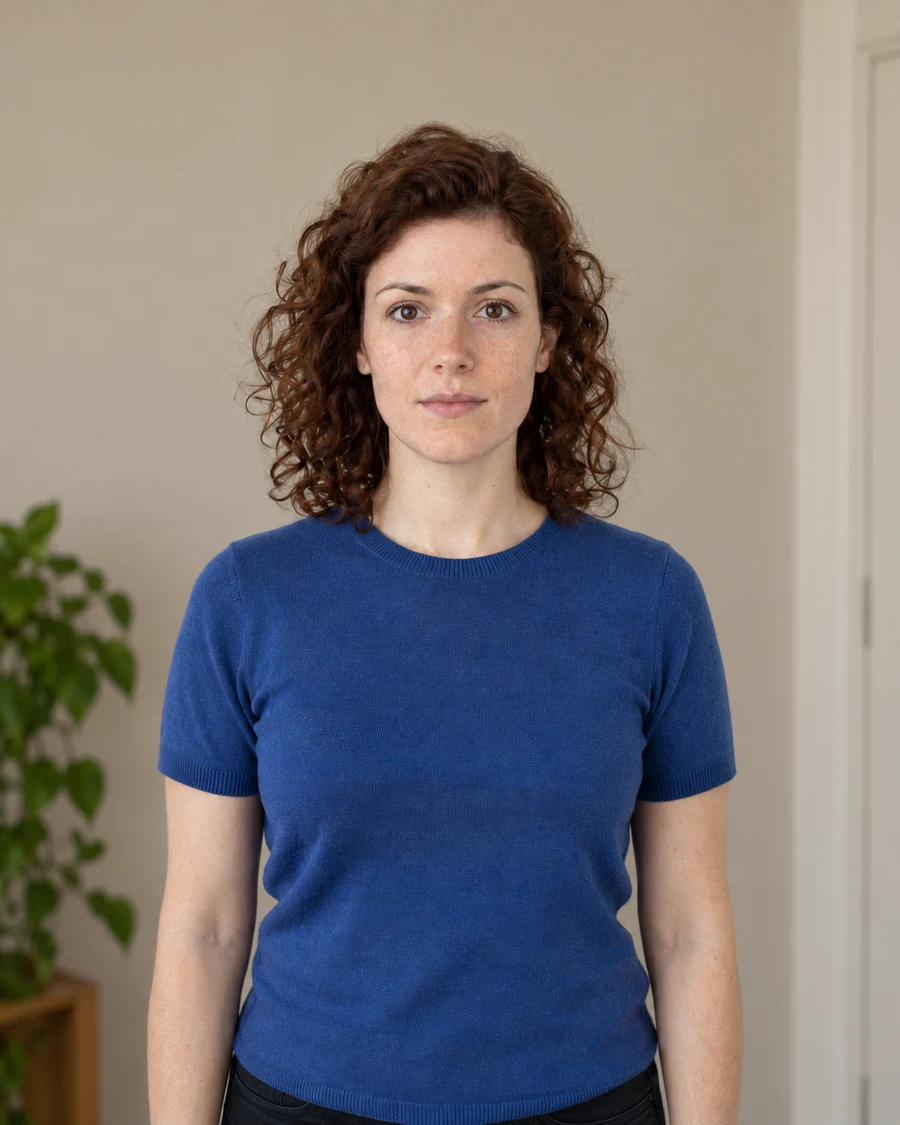
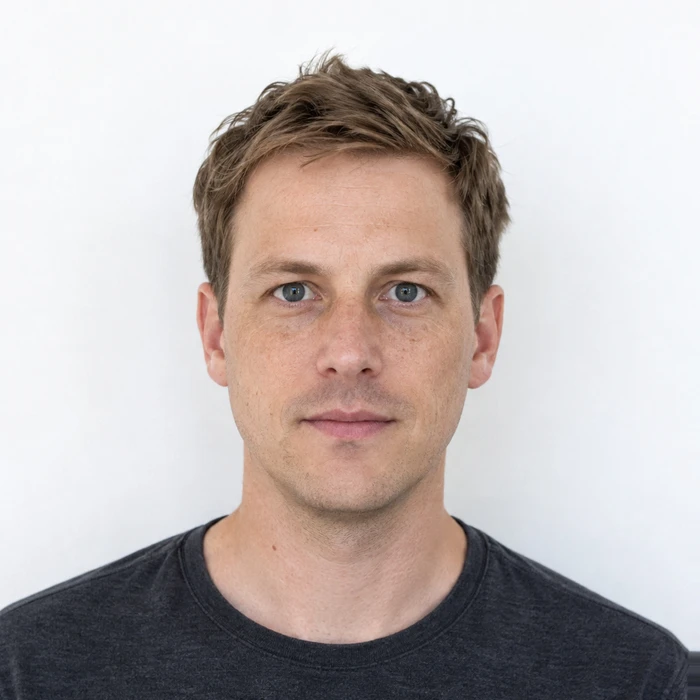
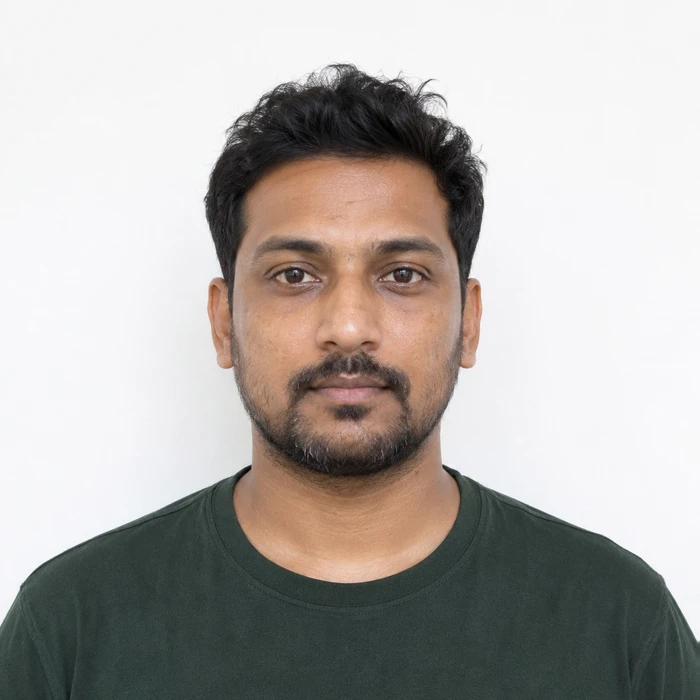
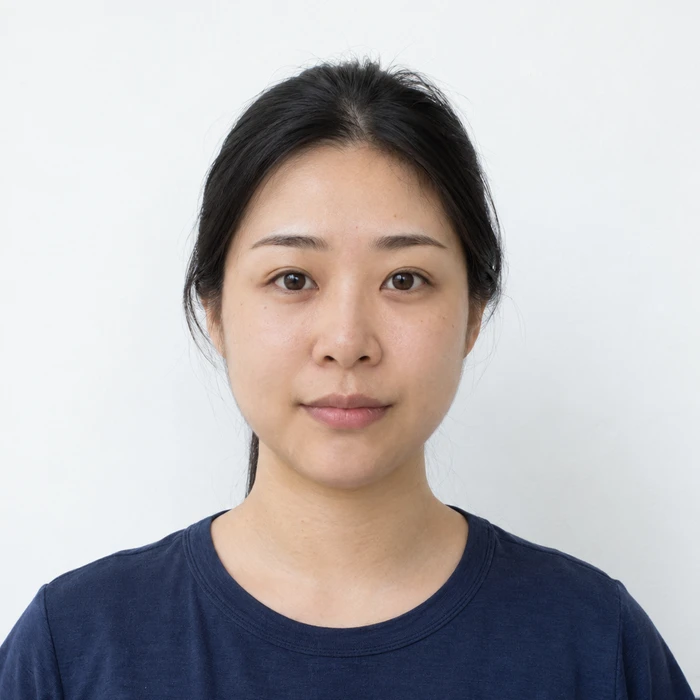
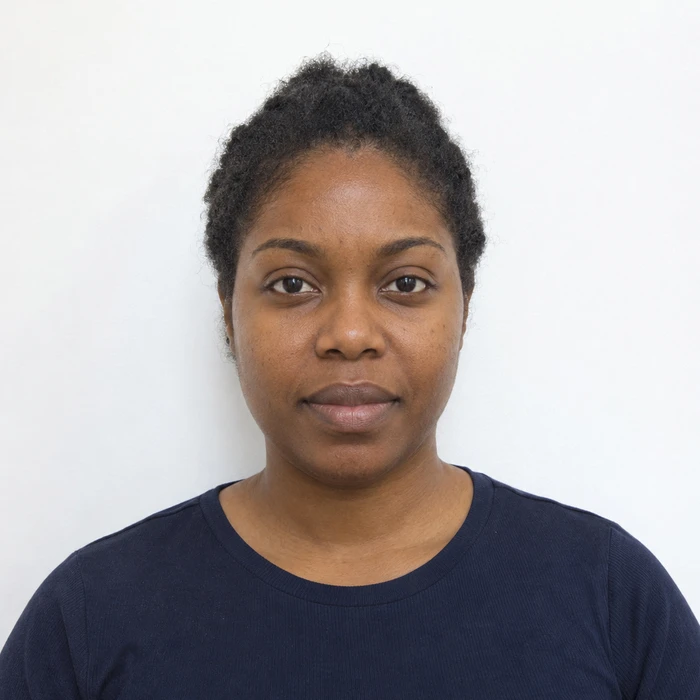
Prepared to fit your document, while preserving your natural features.
Head size, eye line and crop, matched to your document.
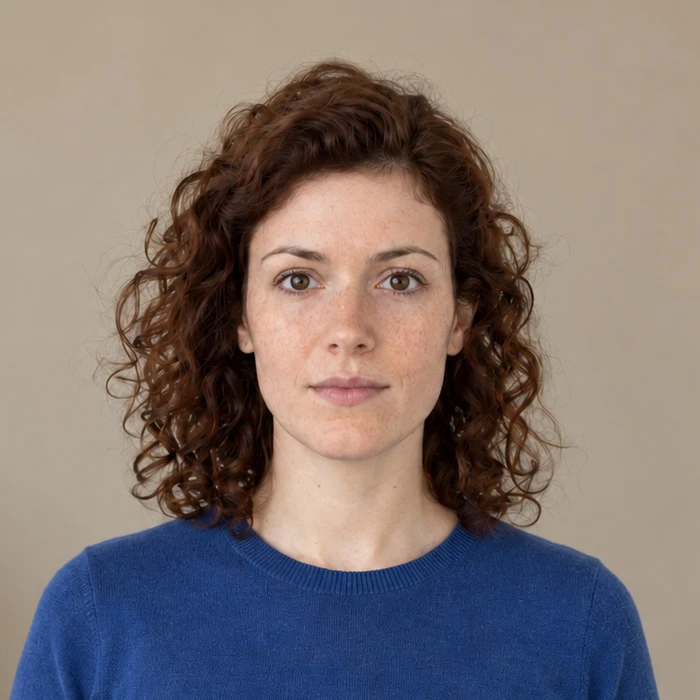
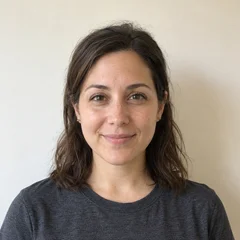
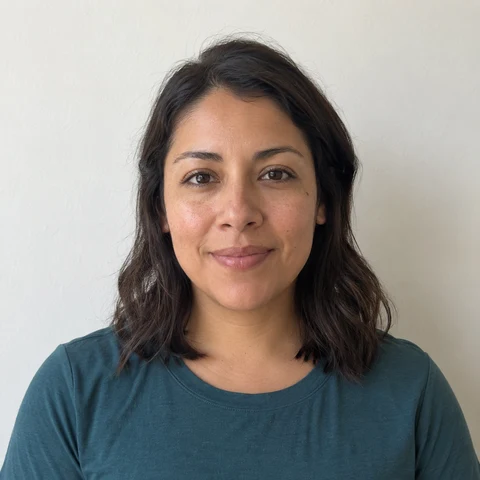
Freckles and skin texture kept intact. No beauty filters or facial reshaping.
Dimensions, format and upload limits for your application.
Get the digital file, print nearby or have four photos delivered.
Preview your photo Free preview. Digital photos from $9.99.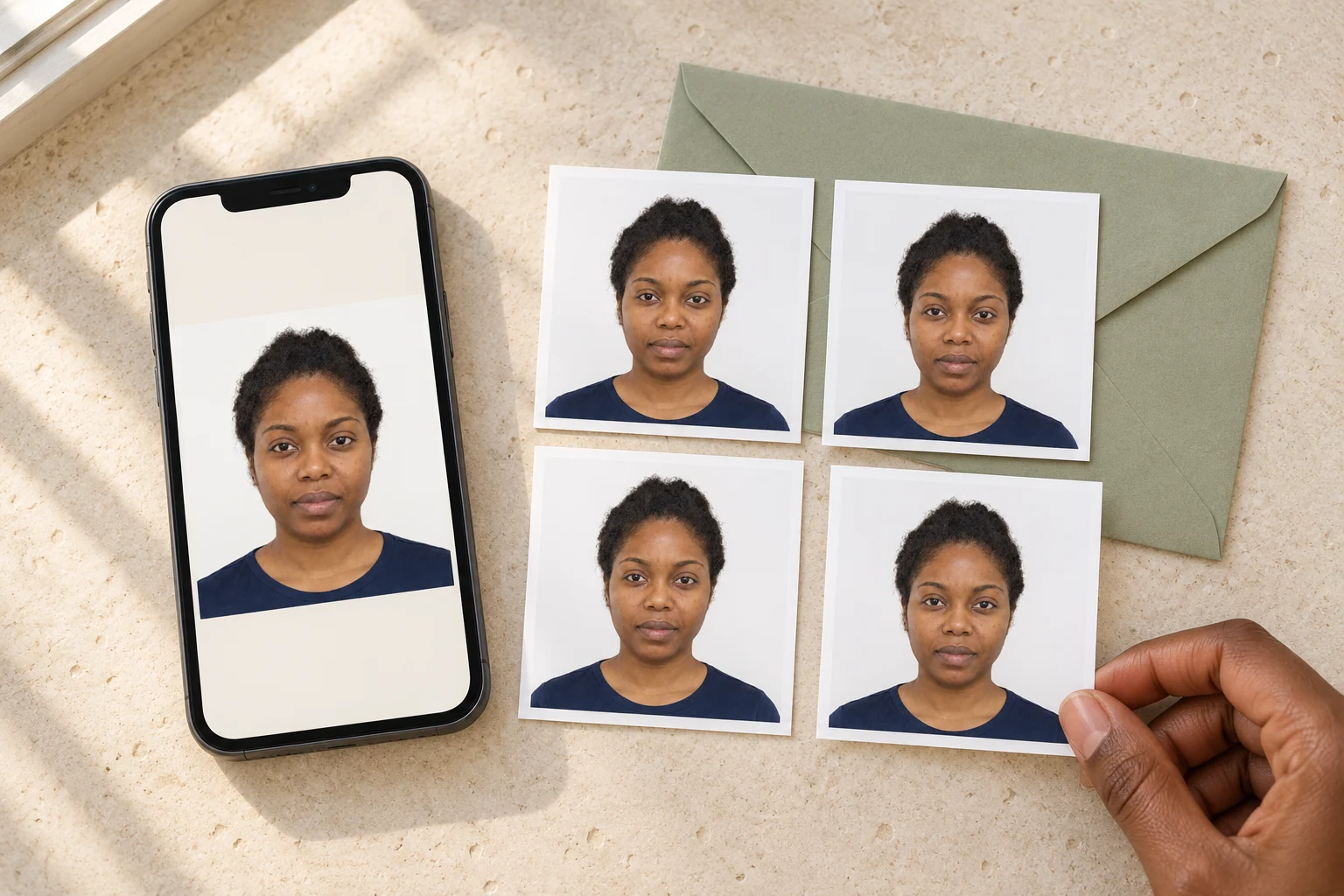
A full-resolution file, sized for your document and ready to attach to your application.
Print-ready sheets for supported formats. Use a photo printer you trust; printing is paid separately.
Four printed photos and your digital file, with free standard USPS shipping within the US. Choose six prints for $2 more.
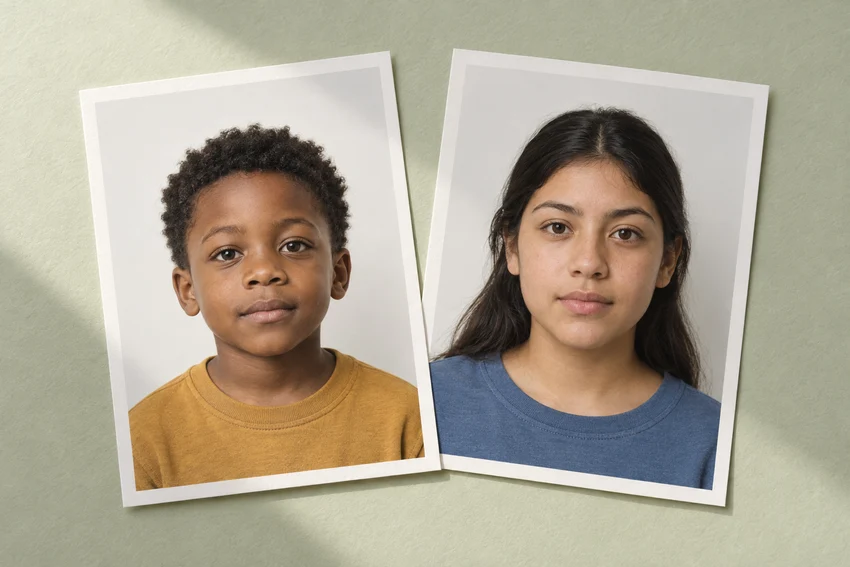
Prepare a separate photo for each family member, with the right format for their document.
Create an account to save your purchased files and download them again, as often as you need.
Repeat downloads included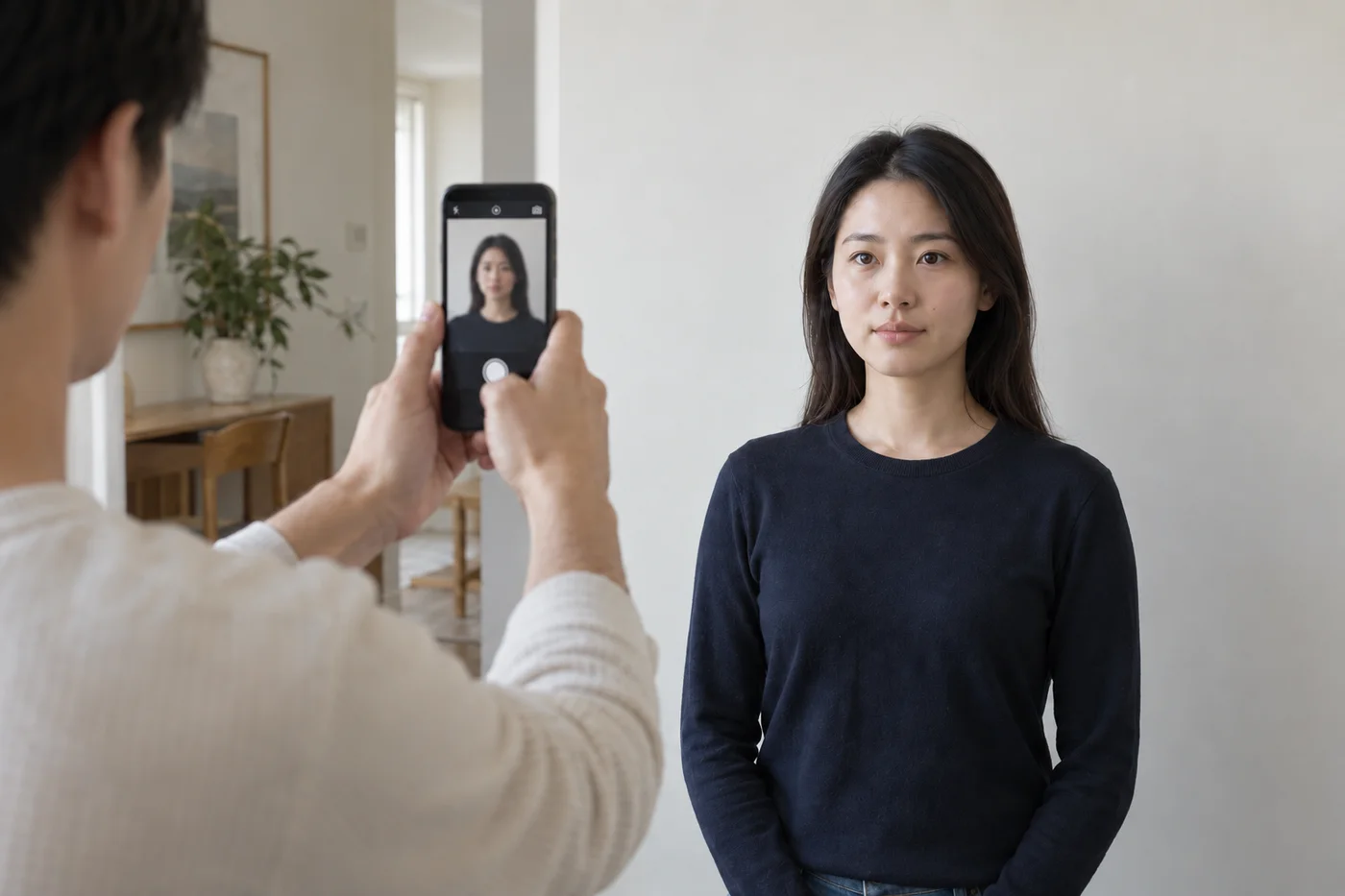 THE AT-HOME PHOTO GUIDE
Find the light, choose a plain background and get your camera in position. Our guides make the details easier.
Spot the details that can mean a retake.
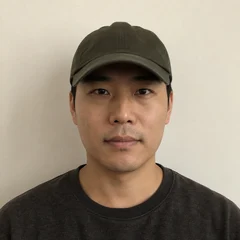 RETAKE THIS PHOTOLeave the fashion hat off.Keep your face clear and avoid brim shadows.
Religious and medical head coverings have different rules. US passports require supporting documentation and a clearly visible face; check your document’s guidance before removing a necessary covering.
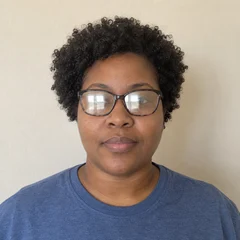 RETAKE THIS PHOTOCheck the glasses rule.Reflections can hide your eyes.
US passport photos generally require glasses to be removed, with a documented medical exception. UK guidance allows necessary glasses when eyes remain fully visible, without glare or shadows. Follow your chosen document’s rule.
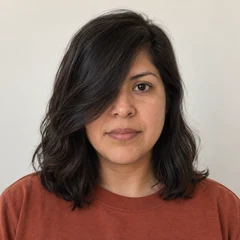 RETAKE THIS PHOTOKeep both eyes visible.Move hair away from your eyes before taking the photo.
A fringe is not automatically a problem. Hair covering your eyes or hiding your face is. Adjust your hair and take another photo; do not edit hair or facial features out of the image.
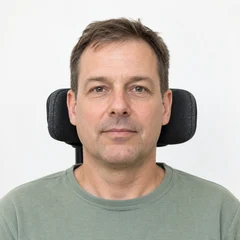 PERMITTED · US PASSPORTSA wheelchair headrest can stay.US passports: include an explanatory note.
The US Department of State allows part of a wheelchair’s head support in the photo. Include a note explaining that this is why the background is not completely white. Other document rules may differ.
More about seated photo requirementsOur guides cover visas, identity and residence cards, selected state licenses and passports. Check the exact document first: some accept a supplied photo, while others require a professional photographer or authorized agency capture.
Choose a digital download, a print-ready sheet for local printing, or physical photos delivered to your address. Print options depend on your document’s requirements. Home delivery is currently offered within the US; local printing is arranged and paid for separately. Always follow your receiving authority’s printing instructions.
Yes. Review a free, watermarked preview to inspect the framing before purchase. No account is required. Your final, full-resolution output is prepared separately after checkout.
Yes. Create a Merodim account to keep your purchased photos together. Return to your account whenever you need another copy of your digital photo or included print sheet, and download it again without paying again. You can still try the free preview without an account.
Merodim prepares your photo for the document and format you select. The receiving authority makes the final acceptance decision. Review your preview and follow the instructions for your application. If you need help with a photo, contact us with your order reference and any photo-specific feedback.
Choose your document. Upload a photo. Preview before you pay.