
How to prepare your photo
Choose your document, review a free preview and download the final format for your application.
Select your document
Search by country, document or photo size. Each profile explains its dimensions, background and submission route, with a direct link to the source. If a photographer or special code is required, we’ll tell you before you upload.
Find your documentUpload an original photo
Upload a clear, recent photograph of one person. Our preview service detects the face and suggests framing for the selected format. The background stays original for official-document previews; general size tools let you try different backgrounds.
Prepare your photo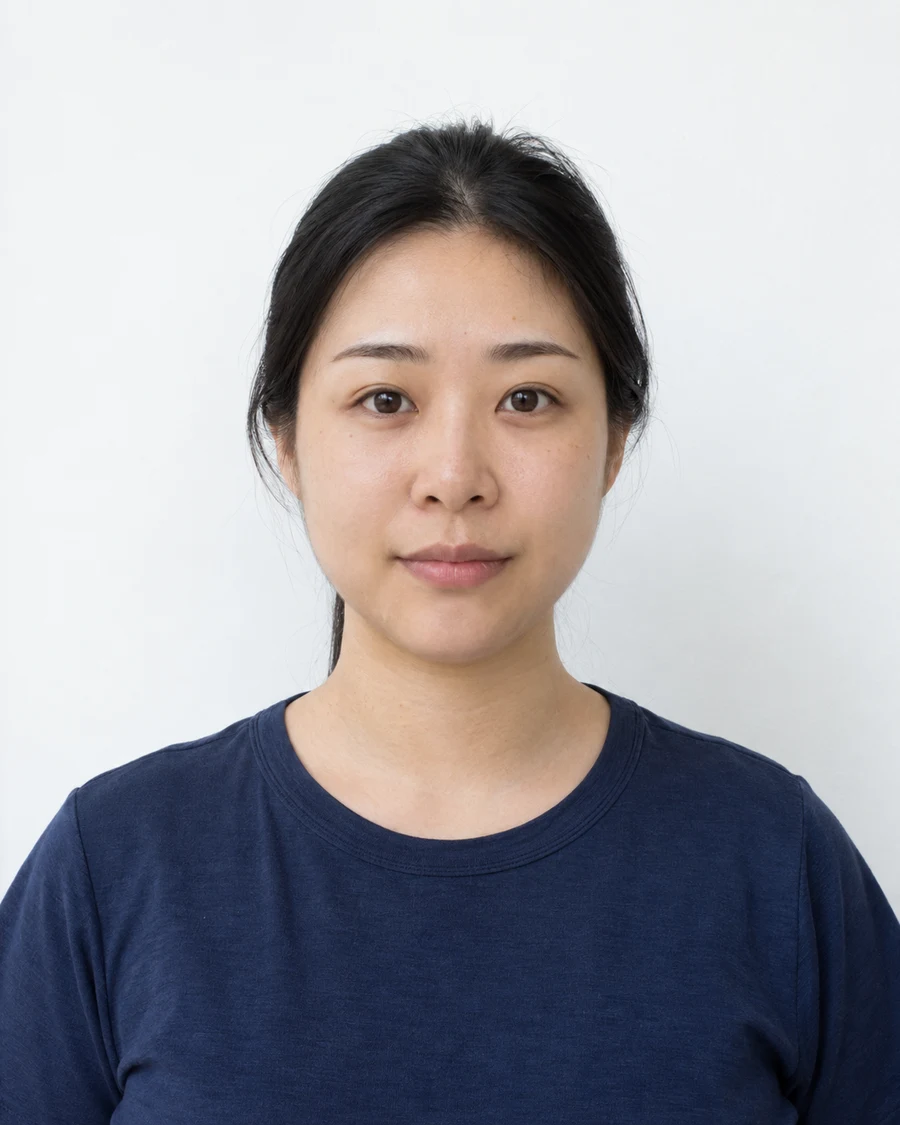
Review the preview
Compare the preview with your original. Change the photo or format if needed. The preview is approximate, small and watermarked, so it cannot be submitted as a final application photo. The authority always makes the acceptance decision.
Try your preview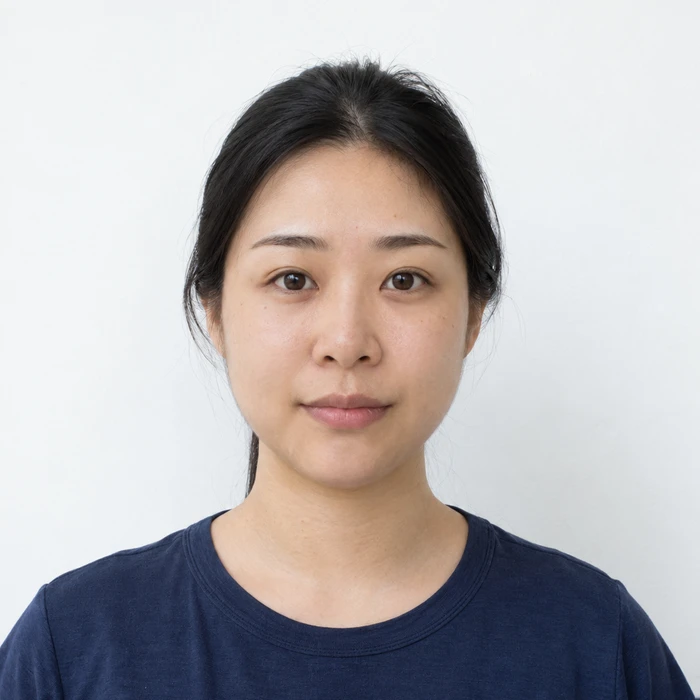
Download the final format
Once you’re happy with the preview, complete your purchase. Your photo is prepared for the selected format, with a digital download and print-ready output where applicable. Follow your application’s official instructions when submitting.
See what’s included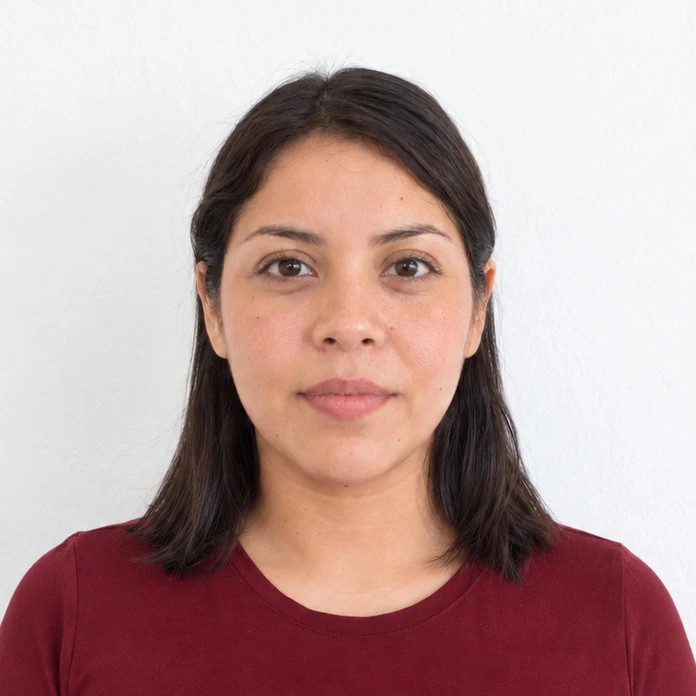
Prepare your document photo.
Choose your document. Upload a photo. Preview before you pay.