
Guides & resources
Find the requirements for your application, take a better original photo and check your digital file or print before submitting.
More guides
Should you upload your photo as a PDF or an image?
Distinguish a portrait upload from supporting-document uploads and print sheets so the right file goes into the right part of the application.
Read the guide
How to take a baby’s passport photo
Set up a comfortable photo, check the rules for your baby’s age and choose a clear frame for the application.
Read the guideWhat to check when your document photo will not upload
Work through file type, dimensions, size and portal errors in order so you can fix the actual upload problem without degrading your photo.
Read the guideWhy your photo uploads sideways and how to fix it
Check the saved image orientation, create an upright export and avoid accidentally mirroring your face while correcting a rotated upload.
Read the guideHow to prepare a 600 × 600 pixel photo
Prepare a square 600 × 600 image while keeping the face correctly framed, and check whether that size actually fits your application.
Read the guideHow to resize a photo without stretching your face
Learn when to crop and when to resize, with a worked example that keeps facial proportions intact.
Read the guide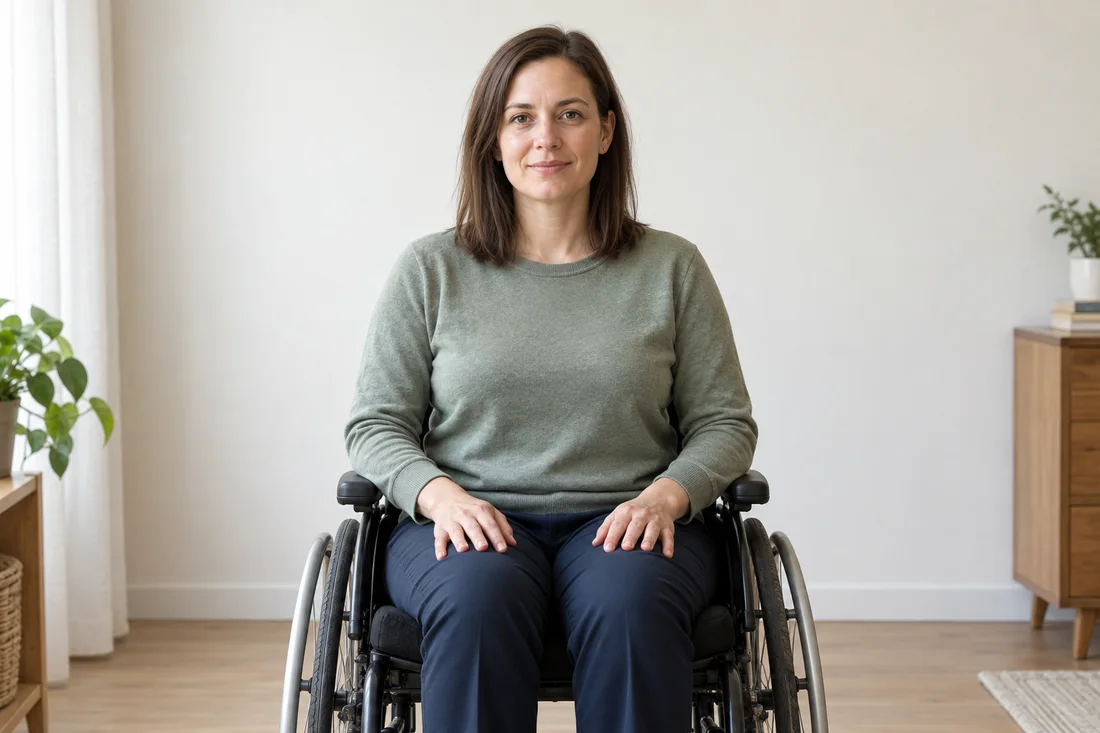
Taking a document photo while seated or using a wheelchair
Position the camera for a comfortable seated photo, keep necessary supports in place and check the exceptions for your document.
Read the guide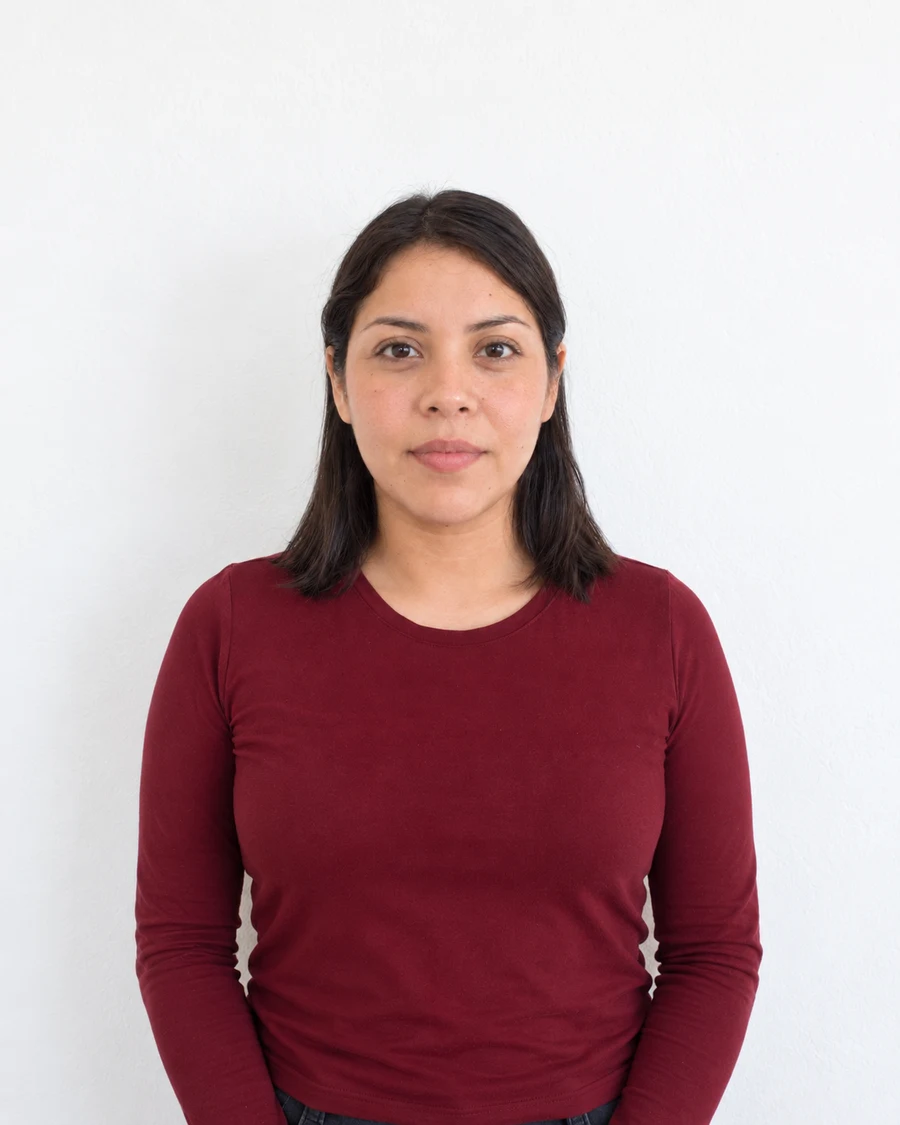
How to crop a document photo without cutting off your head
Set the required shape, leave enough room around the head and check whether your application wants you or the portal to do the cropping.
Read the guideShould your document photo be JPG or PNG?
Choose the file format your application accepts and avoid treating a PNG, JPEG, HEIC file and PDF as interchangeable uploads.
Read the guideHow to reduce a photo’s file size without losing useful detail
Bring an application photo under its upload limit by checking format, pixel dimensions and compression in the right order.
Read the guideWhy a screenshot is a poor substitute for your photo file
A saved preview can lose resolution, change the crop or include a watermark. Learn how to find the actual image you need to upload.
Read the guideHow to find the right photo requirements
Find the instructions for your exact application, distinguish uploads from prints, and understand the labels in Merodim’s document library.
Read the guide
Prepare your document photo.
Choose your document. Upload a photo. Preview before you pay.