Check the color before setting up
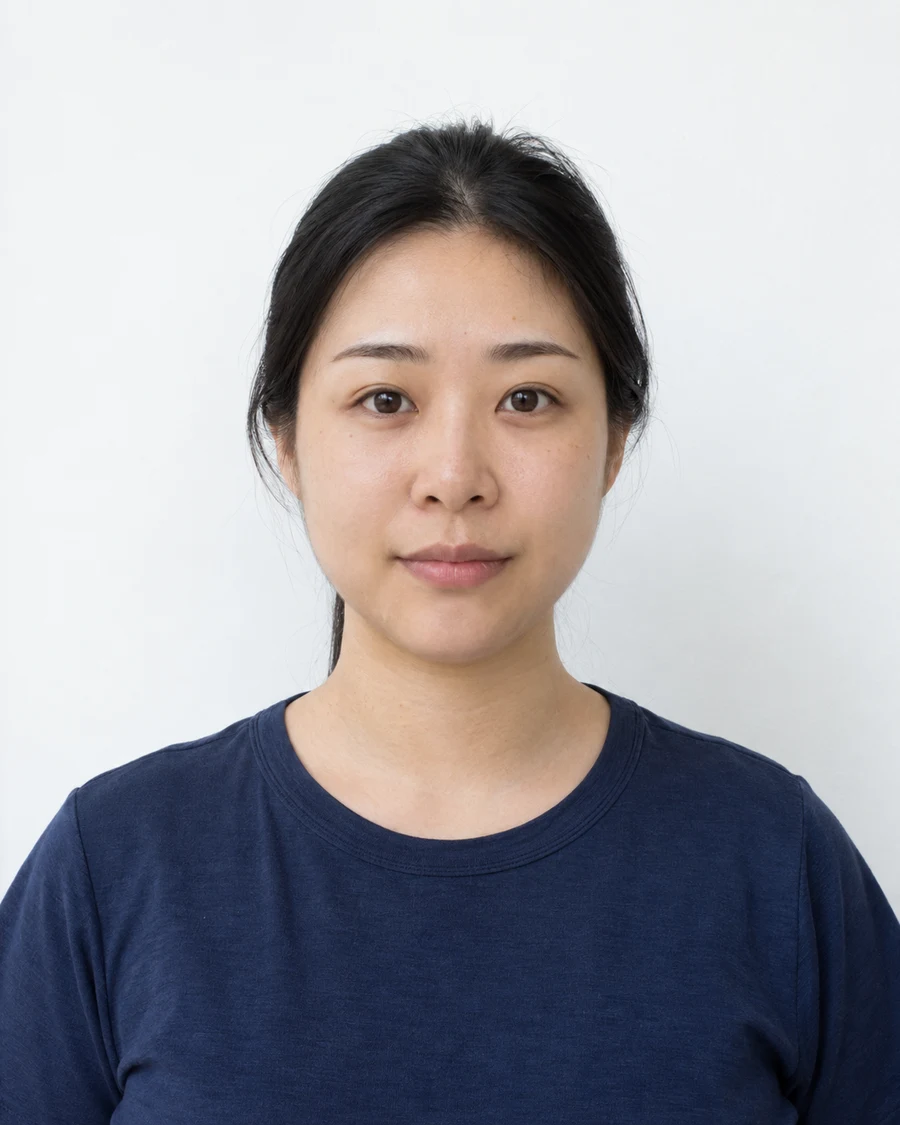
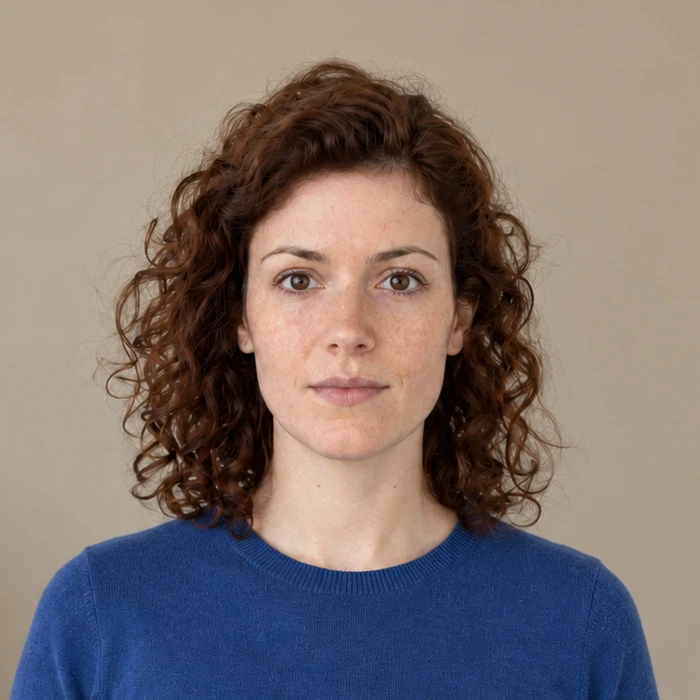
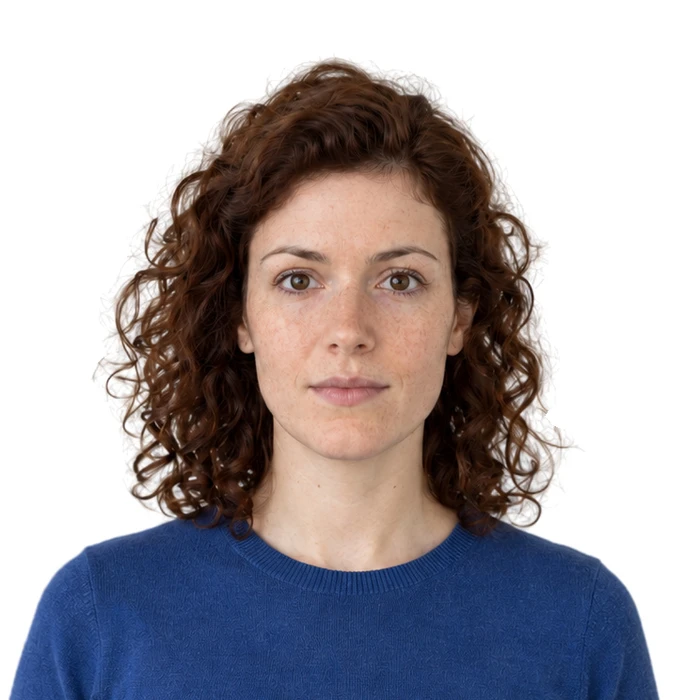
A plain background still needs to be the right color. US passport guidance calls for white or off-white; French identity-photo guidance calls for a light background and excludes white. A wall suitable for one document can be unsuitable for another.
Use the instructions for the exact document and place of application. A broad label such as “visa photo” is not enough to choose a background.
Look at the background in the photograph
Judge the captured image, not just the wall in front of you. Texture, a doorframe or a shadow can become noticeable in the photo even when the room looks plain. Colored lighting can also change the apparent background color.
Move away from the wall and use even light. Check around the head and shoulders for dark patches, then make sure no objects or other people remain in the frame.
Check the editing rules before replacing it
The State Department requires an original, unedited US passport photo. A digitally replaced background does not follow that published requirement, even if the image passes an upload check. We recommend taking the original against the required background.
Where Merodim offers replacement, it is a separate option with a disclosure and an original version to compare. For a US passport photo that is not accepted after replacement, the free digital recreation uses a new original taken against the correct background.
Know when to take another photo
A background tool cannot remove a shadow that falls across your face without changing the face itself. It also cannot recover a blurred eye or hair that was outside the frame. Adjust the light or framing and take a new photograph when those are the problem.
Sources and further reading
US Department of State · Passport photos ↗Service Public · French identity photographs ↗Requirements can change. Check the official instructions for your application before submitting.
Merodim is an independent photo-preparation service, not a government agency. Find your document →