
Guides & resources
Find the requirements for your application, take a better original photo and check your digital file or print before submitting.
More guides
Photo requirements for US federal applications
A visa photo upload does not follow the same process as a USCIS identity photo. Start with the agency, form and purpose of the photograph.
Read the guideReligious and medical head coverings in passport photos
Check permitted coverings, face visibility and supporting statements before taking a passport photograph in a head covering.
Read the guide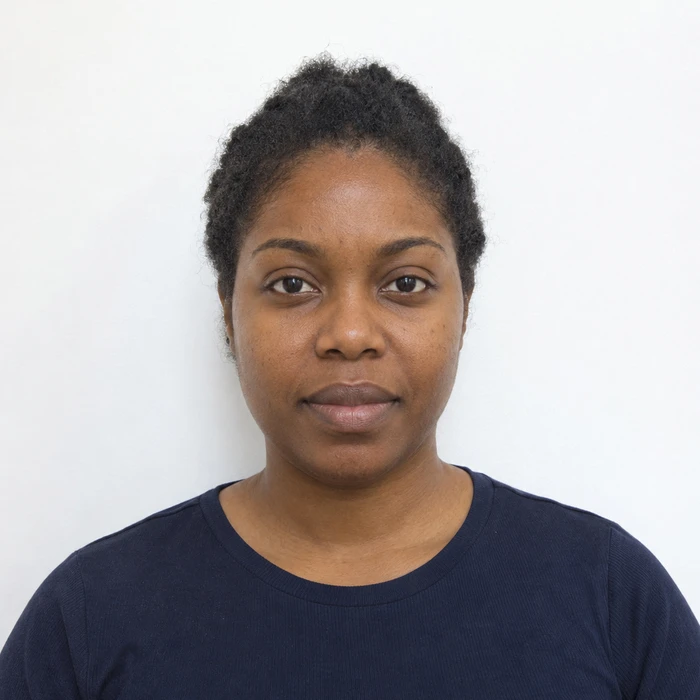
Can you wear earrings and piercings in a passport photo?
Check whether jewelry hides part of your face or catches the light, and decide what to adjust before taking your photograph.
Read the guideWhen a photo delays your application
What official figures tell us about photo-related delays, how a request for a new photo differs from a denial, and what to do if you receive one.
Read the guide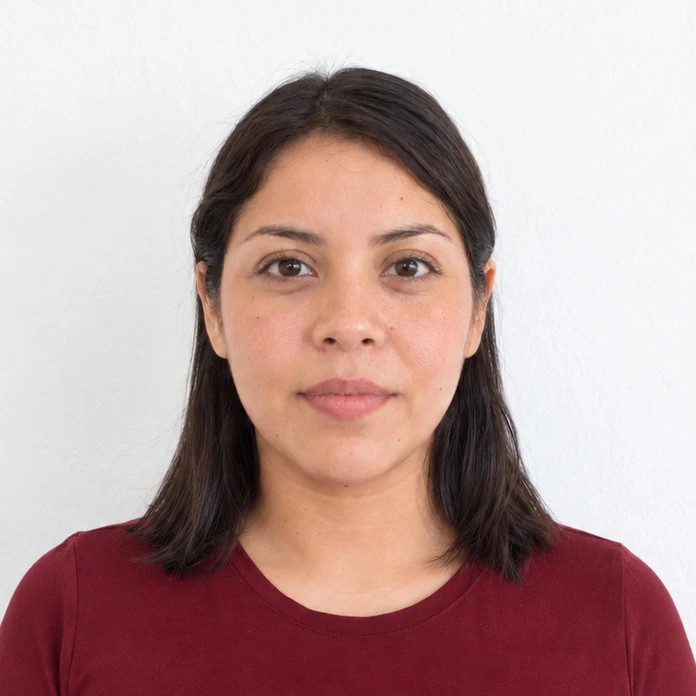
Can you smile in a passport photo?
Understand a neutral expression and get a relaxed, forward-facing photo without forcing a smile or an exaggerated serious look.
Read the guide
How to keep hair clear in a passport photo
Work with bangs, curls and long hair while keeping your eyes and face visible, without changing your hairstyle digitally.
Read the guide
Can you wear glasses in a passport photo?
Glasses rules differ by country. Check whether they must come off and how medical exceptions differ from everyday prescription use.
Read the guide
How Merodim prepares your document photo
See how Merodim frames your photo, handles the background and prepares the output, with a preview to review before you buy.
Read the guide
What to wear for a passport or ID photo
Choose clothing that keeps the focus on your face, separates your shoulders from the background and suits your application’s rules.
Read the guide
Can you use a selfie as a passport photo?
Why an arm’s-length selfie changes facial proportions and how to set up a phone photo with enough distance and a level camera.
Read the guide
Prepare your document photo.
Choose your document. Upload a photo. Preview before you pay.