
Choose a suitable original
Use a recent color photo taken in even light, with your face toward the camera and your full head visible. A plain white or off-white wall is the best starting point.
Start with a photo from your phone. Preview the framing for your US passport, then choose a digital download, a print sheet or photos delivered to your door.
Free preview · Final download $9.99 · No subscription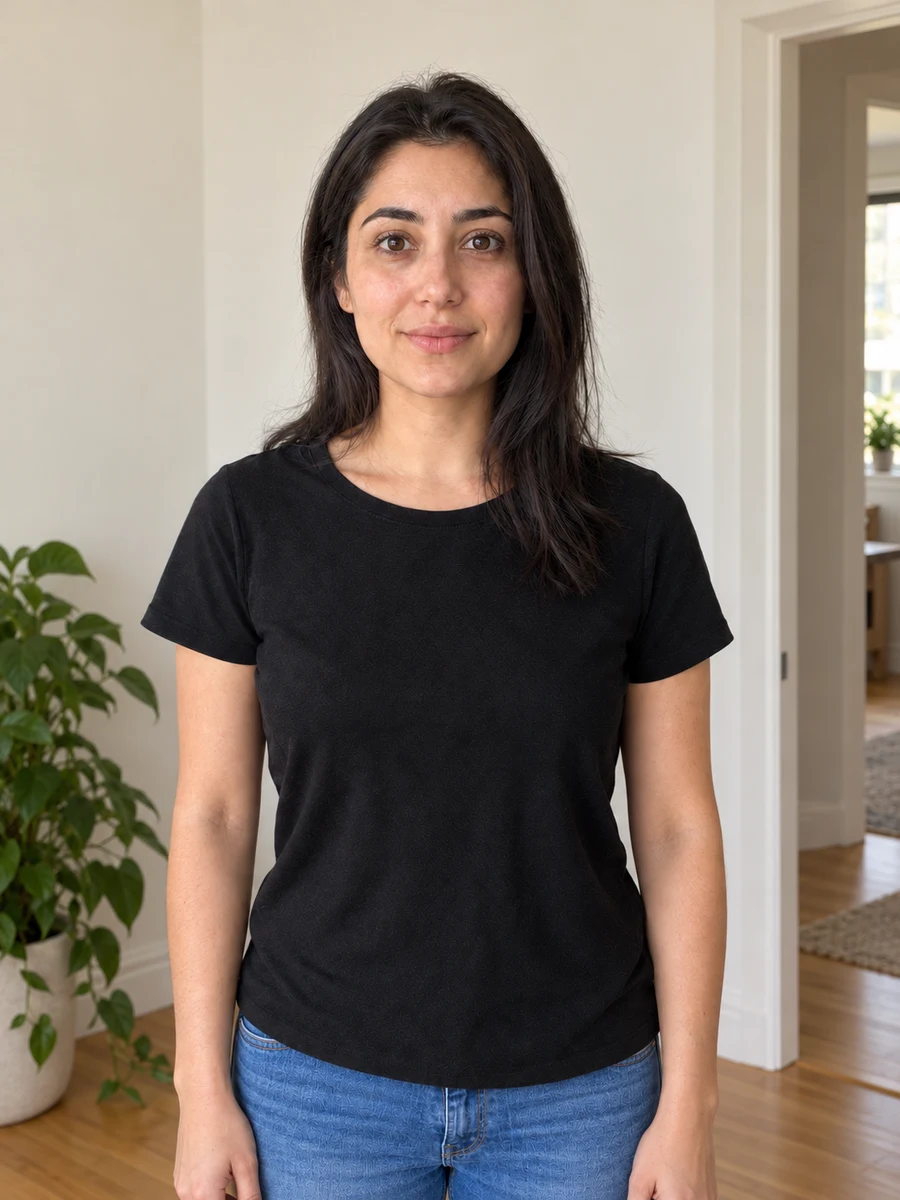
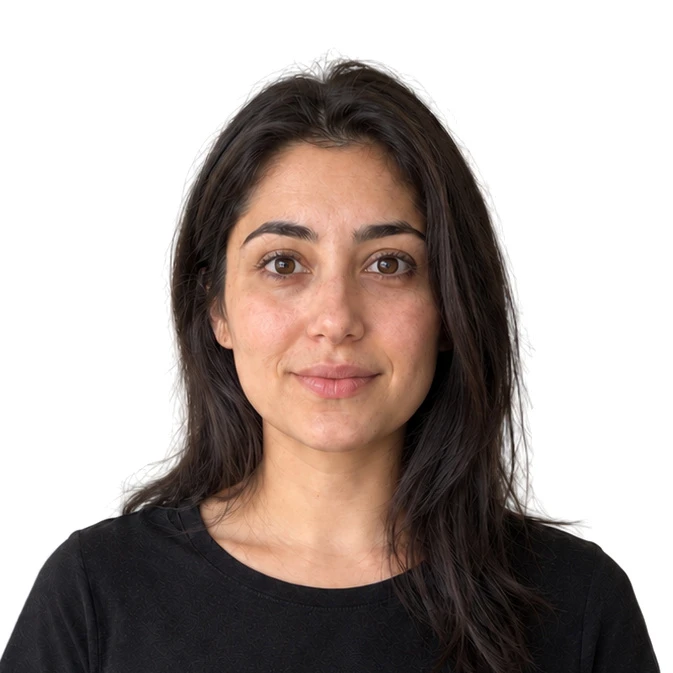
Use a recent color photo taken in even light, with your face toward the camera and your full head visible. A plain white or off-white wall is the best starting point.
Upload your image and inspect the crop before paying. Check the hair, ears and shoulders as well as the face. If the original needs a retake, start again with a better photo.
Buy the final digital file, download a sheet for local printing or order physical prints. Use My photos to return to purchased files and download another layout.
For a paper US passport application, the printed photo is 2 × 2 inches. Passport books, passport cards and children’s applications use this print format. A digital file can be used to produce the print; it does not replace the print when your application asks for one.
Renewing online is a different process. Follow the portal’s digital-photo instructions, rather than uploading a scan or a photo of a printed sheet.
Photo preparation should preserve your likeness. Merodim frames your photo without beauty filters or face reshaping. A blurred face, a hidden eye or an unsuitable pose calls for a new original, not a cosmetic repair.
The State Department asks for an original, unedited photo. Use a suitable original background for US passports; digital background replacement does not follow that published guidance. A preview or an upload check is not an acceptance decision.
Requirements checked October 8, 2026 against the US Department of State photo guidance. Read our photo preparation and acceptance terms.
A full-resolution file for your application.
Start a free previewDigital photo + print-ready sheet. Pay your chosen printer separately.
Start a free previewDigital file + four prints. Free standard USPS shipping within the US.
Start a free previewThe free preview shows the proposed preparation. The purchased file is a separate, full-resolution export without the preview watermark. Keep that standalone file for its intended use, and use a print layout when you need physical copies.
Create an account to return to your purchased photos. You can download again and choose different supported sheet layouts without buying the same photo twice.
See 4 × 6 and A4 print optionsIf you only need to inspect dimensions, export a JPEG or reduce file size, our browser tools are free. They leave the original on your device and give you the copy to download directly.
The watermarked preview is free. A final digital file and print-ready download cost $9.99. Four physical prints with a digital file cost $19.99, including standard USPS shipping within the United States.
Yes. Ask someone to photograph you at eye level, stand in even light and leave space around your head and shoulders. Upload the original camera file rather than a screenshot or a copy compressed by a messaging app.
Yes. Choose the US passport card or US baby passport document in the preview flow. Review the guidance for children before taking the photo, especially for babies who cannot sit unsupported.
Not necessarily. Dimensions alone do not establish suitability. Check the specific application’s framing, background, file and submission rules in our document library before preparing a photo.