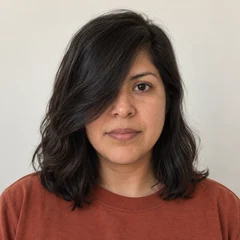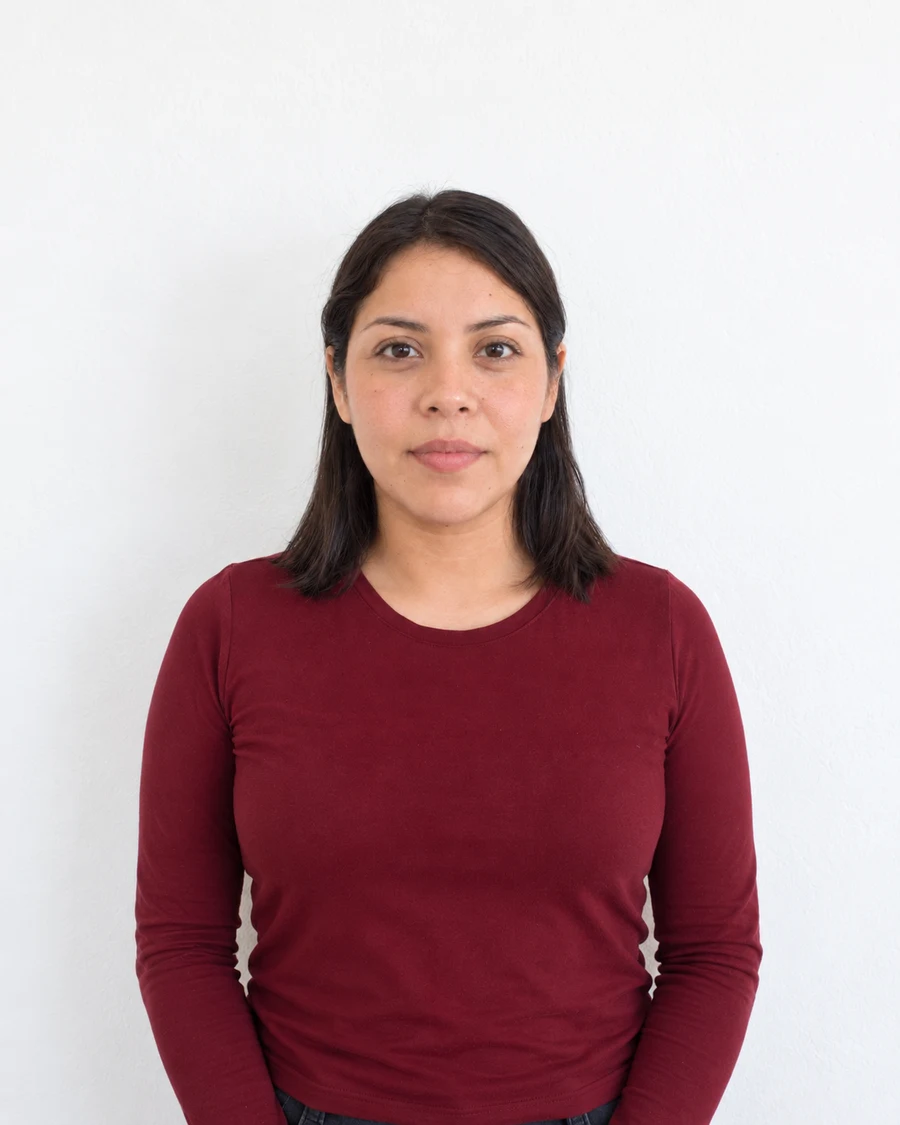
Check who is supposed to crop the photo
Some applications ask for a finished crop, while others want a wider original. UK online passport guidance tells people using their own device not to crop the image because the application handles it. The US online renewal process also provides an in-application positioning and cropping step.
Read that instruction before preparing a tightly framed file. Once hair, shoulders or the top of the head have been removed, the portal cannot recover them from the remaining image. Keep the camera original even if you prepare a separate crop for another document.
Set the required shape before adjusting the face
A square and a tall rectangle leave different amounts of space around the same head. Select the intended aspect ratio first, then move the crop boundary while keeping the face centred. Do not stretch the picture to force it into the shape.
Imagine placing a square window over a taller portrait. You can choose what the window includes, but the person inside it should keep the same proportions. If no position fits the full required area, use a wider original rather than trying to repair missing edges.
Measure the head using the document’s guidance
The outside photo size and the size of the head within it are separate measurements. Use the authority’s diagram and landmarks. A photo can be exactly the right width and height while placing the face too close to the camera or too low in the frame.
Check the top of the head, the chin and the position of the eyes. Do not treat a decorative overlay in a photo tool as a universal standard. Each document may use a different measurement range, and a tool’s suggested crop still needs visual review.
Retake when the original has no spare space
If the camera cut off part of the head, enlarging the canvas cannot recover the photographed detail. Generating missing hair or shoulders changes the image rather than reframing it. Take a wider original with a level camera and enough space around the subject.
After exporting an allowed crop, reopen it and inspect the edges at normal viewing size. Keep the wider source for any later adjustment. For a print, measure the physical output as well, because a correctly prepared crop can still be resized incorrectly by the printer.
Sources and further reading
HM Passport Office · Digital passport photos ↗US Department of State · Uploading a digital renewal photo ↗Requirements can change. Check the official instructions for your application before submitting.
Merodim is an independent photo-preparation service, not a government agency. Find your document →