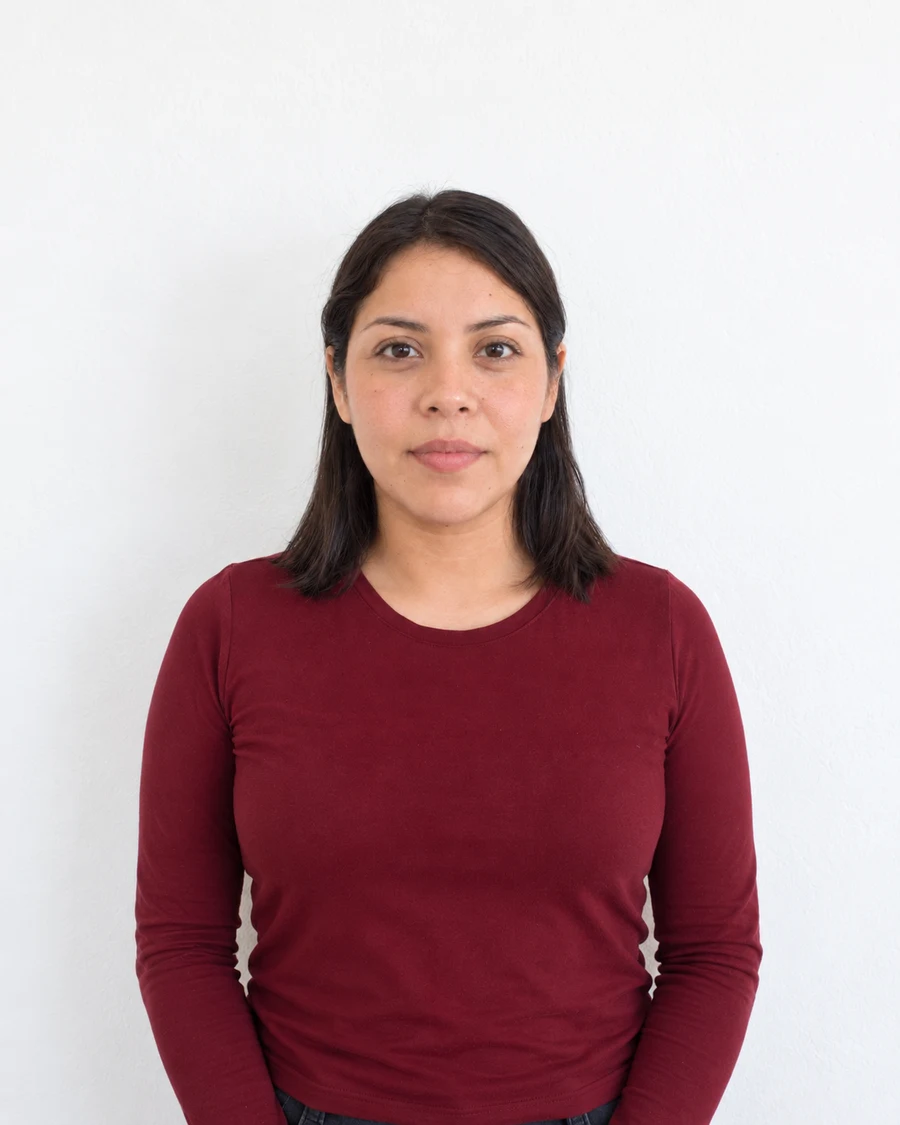
Confirm that 600 × 600 is the requested output
A 600 × 600 image is a square containing 600 pixels on each side. It is not a universal passport size. US visa guidance includes a square range from 600 × 600 to 1200 × 1200, while the Diversity Visa entry photo instructions specify 600 × 600. Other application routes can require a different shape or a wider original.
Read the form’s photo instructions before preparing the file. Search results for a popular size can lead you to a technically valid image that is still wrong for your application. Keep a note of the required format and byte limit alongside the dimensions.
Choose the frame from a clear original
Begin with the highest-quality camera file you have. Where a prepared square is required, choose a square crop that leaves the correct space around the head and positions the eyes appropriately for that document. Do not stretch a tall photograph into a square.
If the top of the head or the required shoulder area is already missing, retake the photo with more space. Adding generated edges is not the same as a photograph that captured the required area. A good crop should select real image content from a suitable original.
Resize once and check the saved dimensions
Resize the selected square proportionally to 600 pixels on each side. Export in the required format, then inspect the saved file’s properties. The dimensions of the original, the editor canvas and the downloaded output can differ, so verify the copy you intend to submit.
Keep the source separate from the finished upload file. Give the output a clear name that includes the format if useful for your own organization. Do not place dimensions or labels visibly onto the portrait itself.
Check more than the pixel count
A 600 × 600 file can still be blurred, over-compressed, incorrectly framed or saved in the wrong format. View the whole face at normal size and enlarge it enough to inspect the eyes and hair. Look for obvious blocks or a loss of detail caused by repeated JPEG saves.
For a printed application, pixel dimensions alone do not set the physical output size. Check the print layout and measure the finished photo. For an online form, review the uploaded preview and keep the final confirmation so you know which file was submitted.
Sources and further reading
US Department of State · Digital visa image requirements ↗US Department of State · Visa photo requirements ↗Requirements can change. Check the official instructions for your application before submitting.
Merodim is an independent photo-preparation service, not a government agency. Find your document →