A print measurement does not define an upload file
The official photograph sheet describes the printed portrait. The OCI FAQ separately gives JPEG/JPG and a 200 KB maximum for photograph and signature images. Check the current portal’s pixel fields and your mission’s document checklist before exporting either file.
Prepare a portrait rather than a document scan
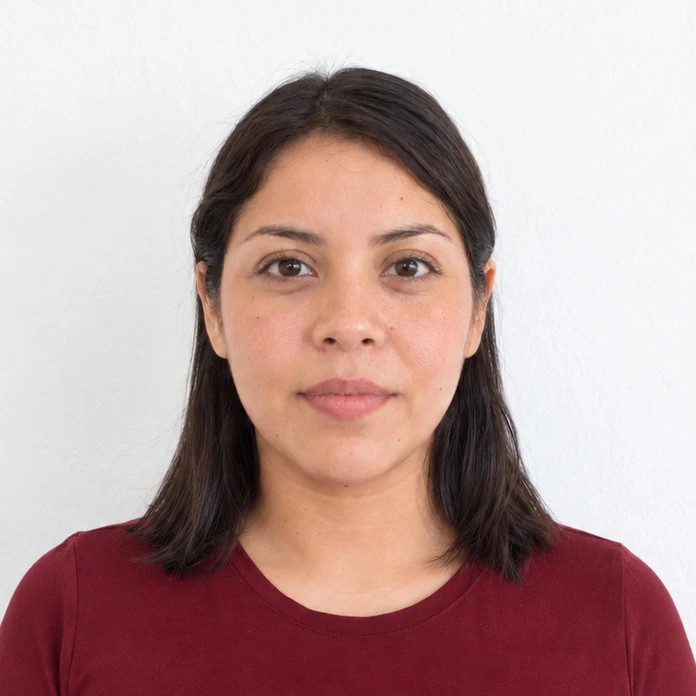
The photo sheet calls for a centred, full-face view with even lighting. Use a camera original with enough space for framing. A portrait copied from another identity document carries that document’s crop and print artefacts with it.
Keep signature and portrait copies distinct
Merodim tip: save each attachment with a clear filename and check it in the portal preview. Do not force a signature into the portrait’s square shape merely because both are image uploads.
Problems and practical fixes.
Use the issue you can see to choose your next step.
- The e-Visa export is reused unchanged
- Check the OCI fields independently. Two Indian government applications can have different file limits.
- The portrait is compressed repeatedly
- Return to the original and make one new delivery copy, then inspect facial detail at full size.
- Print and upload versions get mixed up
- Label the versions by destination and verify the selected file before submitting.
Check the instructions for your application.
Reviewed October 3, 2026. Requirements above are attributed to the issuing authority; Merodim tips are practical preparation advice.
Government of India · OCI photograph specifications ↗Government of India · OCI FAQs ↗