Recommended dimensions and accepted formats
ICA publishes 400 × 514 pixels as its recommended online dimensions and lists five accepted formats with an 8 MB maximum. A format accepted by ICA is not necessarily accepted by every preparation tool; check each upload step separately.
Resizing is not the same as changing appearance
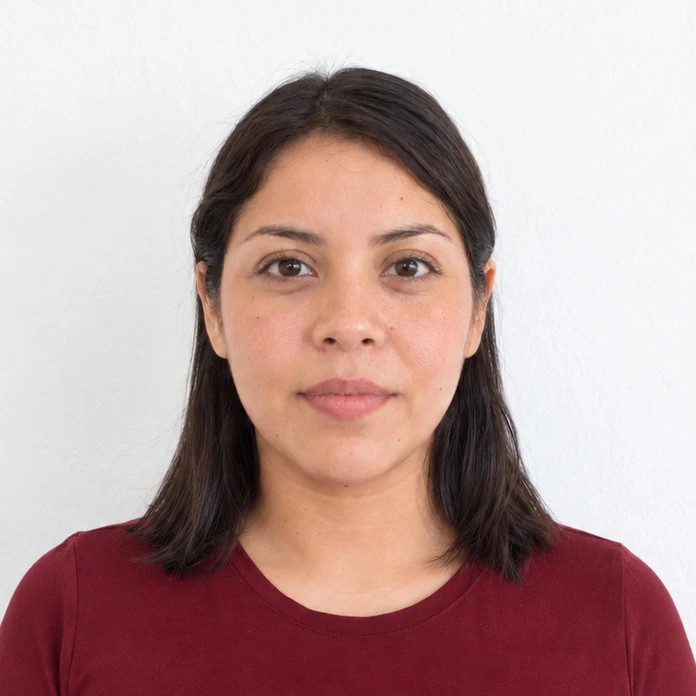
ICA distinguishes resizing from alteration or enhancement. Keep facial features and skin detail faithful to the original. Its guidance recommends asking someone to take a phone photo rather than relying on a close selfie.
Check the version you are submitting
Merodim tip: compare your final file beside the original at a comfortable zoom. Look for accidental smoothing from the camera app before focusing on export settings. Keep your original so you can restart without repeated compression.
Problems and practical fixes.
Use the issue you can see to choose your next step.
- The camera has beautification enabled
- Turn it off and take a fresh picture. Export settings cannot recover details that the camera already removed.
- A large phone file exceeds the upload limit
- Make a delivery copy from the original and inspect its properties before submitting.
- An old profile picture is convenient
- Plan a new capture for this application rather than recycling an image prepared for another purpose.
Check the instructions for your application.
Reviewed October 3, 2026. Requirements above are attributed to the issuing authority; Merodim tips are practical preparation advice.
Singapore ICA · Photo guidelines and upload limits ↗