Choose print only for the paper route
The printed-photo instructions apply to a paper form. Keep the two photos separate and loose when posting; check whether one needs countersigning. For an online application, use the digital guidance instead.
Avoid treating a finished portrait as a larger snapshot
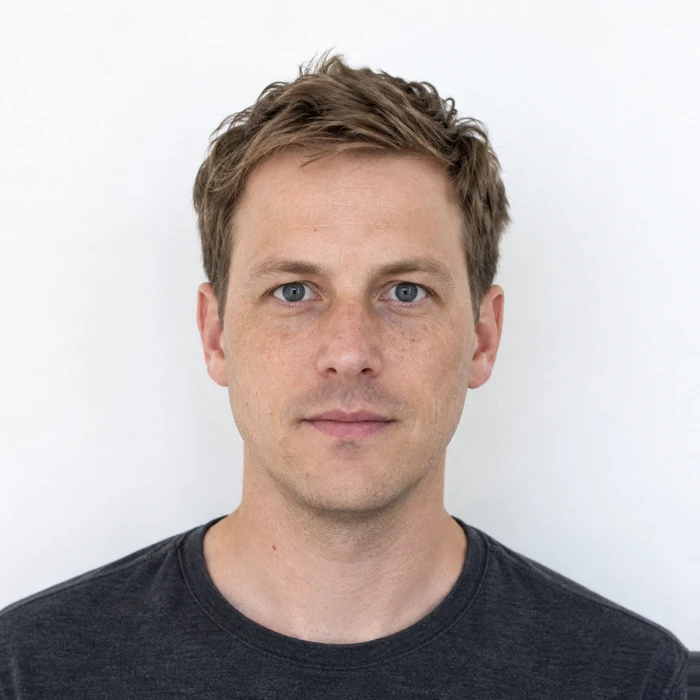
The required head size is measured inside the finished print. A head-and-shoulders image can have the correct outer dimensions while leaving too much background. Inspect both measurements before submitting.
Order the intended format
Merodim tip: tell your printer the finished photo dimensions, rather than requesting a generic “passport photo.” A printer outside the UK may otherwise choose its local passport format. Keep a clean, unmarked spare set.
Problems and practical fixes.
Use the issue you can see to choose your next step.
- The printer adds a decorative border
- Use a photo-print layout without a border around each finished portrait. Measure the cut photo, not the paper sheet.
- The photo was accepted for an earlier passport
- Check the date of the new capture. Do not select an old photo simply because your appearance seems unchanged.
- Only a code is available
- A retrieval code is not a physical photograph. Confirm that your chosen service supplies the output needed for your application.
Check the instructions for your application.
Reviewed October 3, 2026. Requirements above are attributed to the issuing authority; Merodim tips are practical preparation advice.
HM Passport Office · Printed photos ↗