A minimum size is not a crop instruction
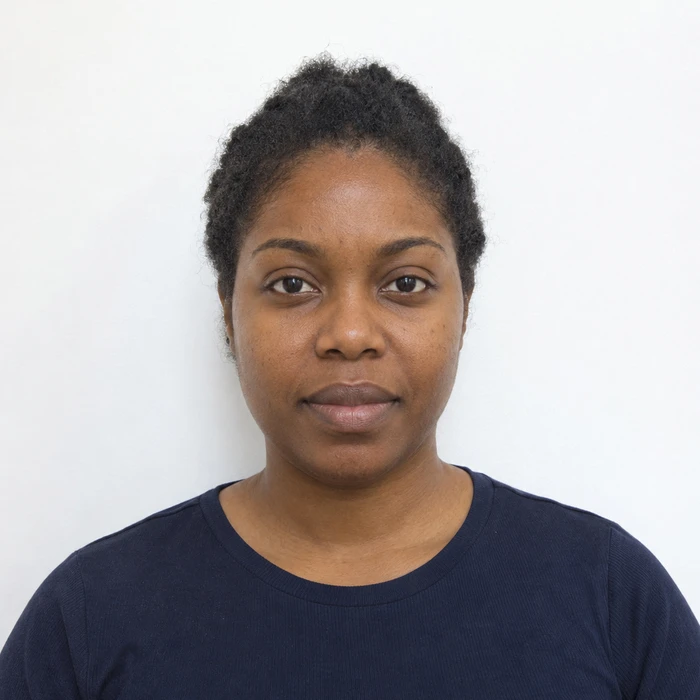
The pixel dimensions are lower limits. HM Passport Office tells own-device applicants to include their upper body and leave cropping to its service. Do not submit a tight Merodim preview as the application image.
A digital file and a photo code are different
A booth or shop may supply a code that retrieves its image. Merodim does not issue an HM Passport Office photo code. Use the application’s own-device route when following this guide.
Keep the camera original easy to find
Merodim tip: put the untouched photo in a clearly named folder before beginning the application. Keep previews and edited experiments elsewhere so you do not upload the wrong version.
Problems and practical fixes.
Use the issue you can see to choose your next step.
- A tight crop leaves no shoulder room
- Return to the uncropped camera photo rather than extending the edges digitally.
- The file is unexpectedly tiny
- Use the original saved image instead of a messenger download. Check file properties before uploading.
- A plain wall looks patchy
- Change the lighting and take another original. Smoothing the wall in an editor changes the photograph.
Check the instructions for your application.
Reviewed October 3, 2026. Requirements above are attributed to the issuing authority; Merodim tips are practical preparation advice.
HM Passport Office · Digital photos ↗