Paper application or online renewal?
This guide covers the printed photo for a paper application. Online renewal has its own upload process; a 2 × 2 inch print sheet is not the file to upload. Choose the route before ordering an output.
Check the person as well as the dimensions
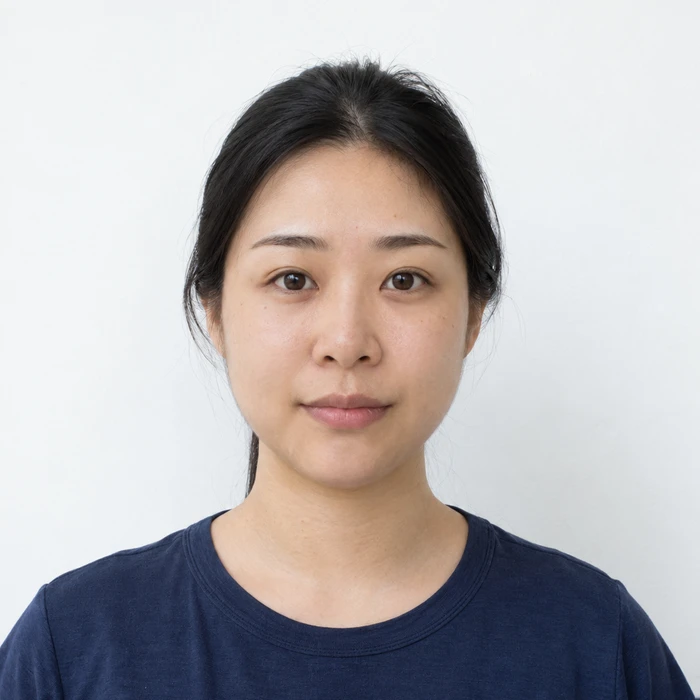
Remove glasses unless a documented medical exception applies. Religious and medical head coverings have separate documentation requirements. The official examples explain child and disability exceptions; use those examples when a standard pose is difficult.
Check the final print at actual size
Merodim tip: print one sheet first, with automatic scaling disabled. Measure a single finished photo and check the face at close range before cutting the remaining copies. A correct page size does not prove the individual portraits printed at the intended scale.
Problems and practical fixes.
Use the issue you can see to choose your next step.
- The sheet prints smaller than expected
- Check whether the printer applied “fit to page” or added margins. Reprint from the original print file at actual size.
- The face looks soft or grainy
- Go back to the camera original. A screenshot or compressed message attachment gives the processor less detail to work with.
- The background is unsuitable
- Retake against a suitable wall. Merodim recommends the original-background route; optional replacement is an edited version, not evidence of compliance.
Check the instructions for your application.
Reviewed October 3, 2026. Requirements above are attributed to the issuing authority; Merodim tips are practical preparation advice.
US Department of State · Paper application photos ↗US Department of State · Online renewal uploads ↗