Use the e-Visa instructions for this application
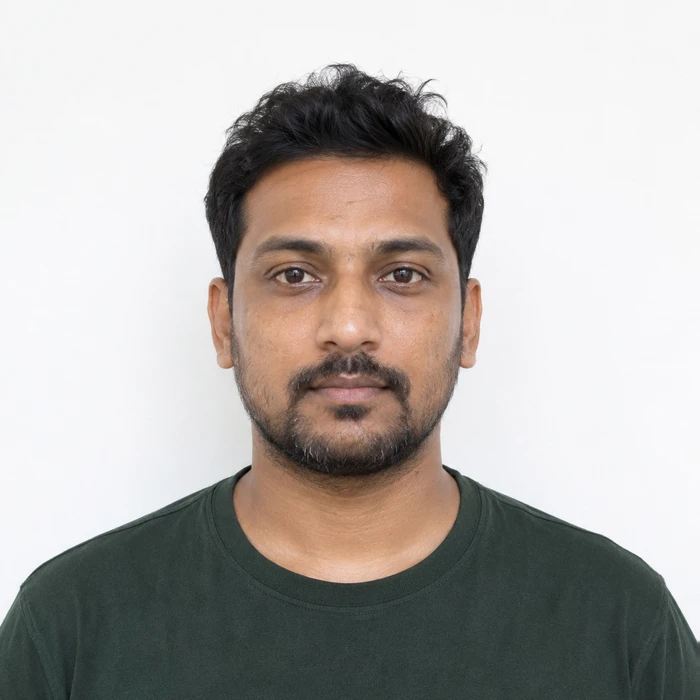
The e-Visa page gives the square shape and file limits. Its sample application specifies a 350-pixel minimum per side. Check the live upload field too: instructions for a regular visa form are not interchangeable with the e-Visa route.
Keep the portrait separate from the passport scan
The official sample form says not to crop a passport-page image to make the portrait. A scanned identity document can contain print patterns, glare and old imagery that a fresh capture avoids.
Export a clean delivery copy
Merodim tip: name the finished files by purpose, such as portrait and passport-bio-page. Open each before uploading. This simple check helps prevent sending a document scan to the photo field.
Problems and practical fixes.
Use the issue you can see to choose your next step.
- The portrait was saved as PDF
- Use the format requested for the portrait field. Do not reuse the passport-document upload settings.
- A border makes the image look square
- Crop the actual photo to the required shape; avoid padding a non-square picture with decorative margins.
- The file is below the minimum size
- Return to a higher-quality original. Enlarging a low-detail thumbnail only creates a larger low-detail image.
Check the instructions for your application.
Reviewed October 3, 2026. Requirements above are attributed to the issuing authority; Merodim tips are practical preparation advice.
Government of India · e-Visa photo instructions ↗Government of India · Sample e-Visa application ↗