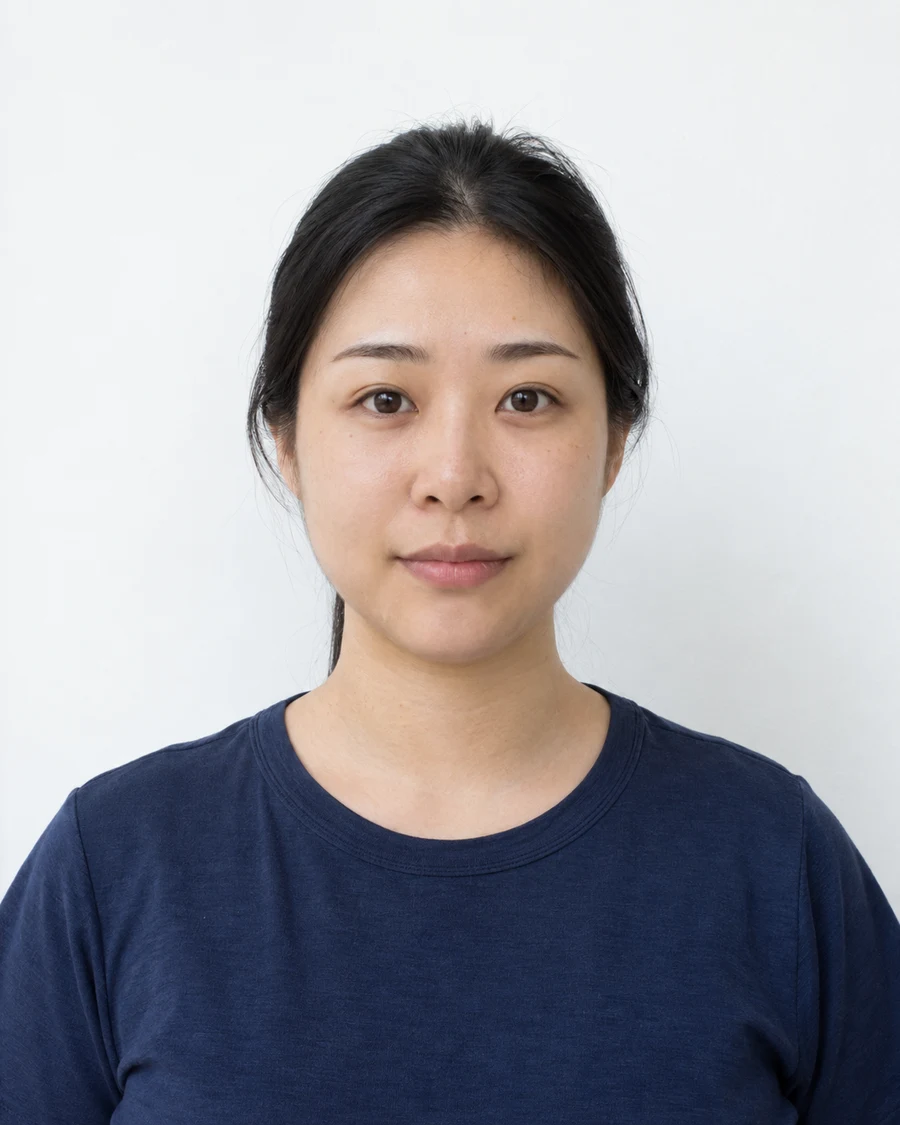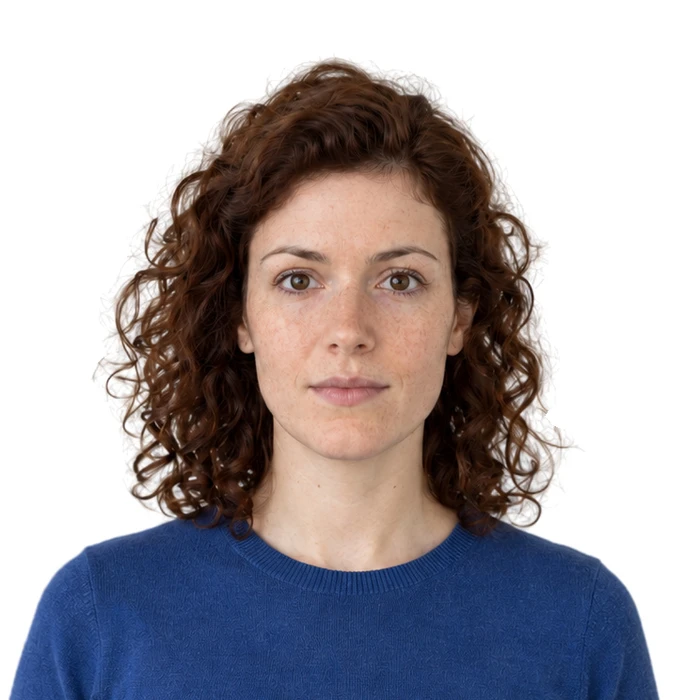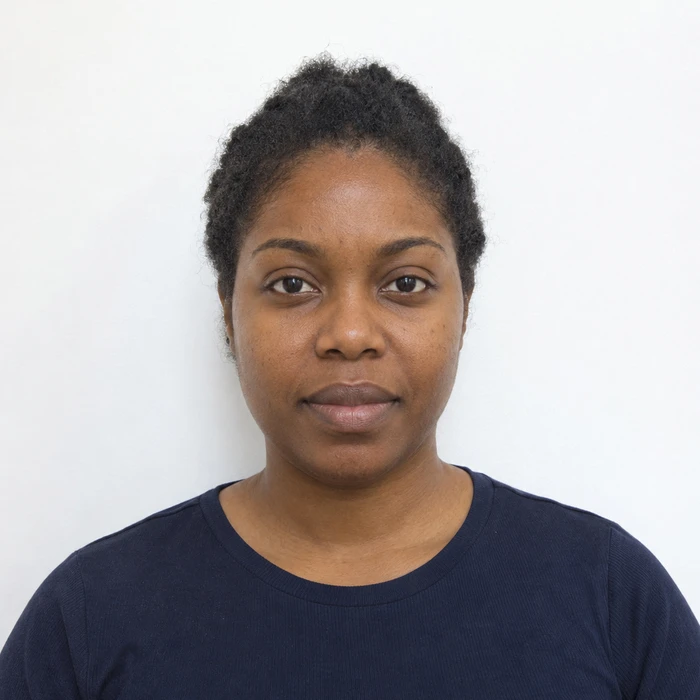
Start with the light on your face
If skin looks unusually orange, blue or grey, inspect the room before editing the picture. A warm ceiling lamp mixed with daylight can light different parts of the face in different colors. Move to one consistent, even light source and take another photograph.
Use a plain background and avoid direct light that creates bright patches on the forehead or deep shadows around the eyes. The aim is a clear record of your appearance, not a stylized portrait with dramatic contrast.
Turn off effects that change the face
Check the camera for beauty, skin-smoothing, portrait-lighting and filter settings. A mode may be selected from an earlier photograph without being obvious in the current preview. Compare the saved image with the ordinary camera view.
Australian passport guidance specifically calls for natural skin tone and prohibits retouching features such as moles and scars. Other authorities also restrict alterations. Keeping those details is part of preserving identity, even when a more polished-looking portrait might be tempting.
Do not judge color from one unusual display setting
A screen set to a very warm or very bright appearance can make an ordinary photograph look wrong. Inspect the image on a normally adjusted display before deciding the file needs a correction. Avoid compensating for a screen setting by changing the actual face color.
Screens and printers reproduce color differently. A perfect visual match between them is not a realistic acceptance test. Look instead for obvious casts, clipped bright areas and lost facial detail, then compare the file with the original capture.
Retake rather than paint a better complexion
If the original has severe mixed lighting, a new capture in better light is often the clearest solution. Do not selectively lighten skin, erase marks or reshape facial features to make a photo look more professional. Check which adjustments, if any, the particular authority permits.
Save the camera original alongside the intended output. If a prepared copy looks different around the skin, hairline or eyes, pause and compare both at the same scale. A smaller file should still show the same person and natural detail.
Sources and further reading
Australian Passport Office · Passport photos ↗Adobe · Color management across screens and printers ↗Requirements can change. Check the official instructions for your application before submitting.
Merodim is an independent photo-preparation service, not a government agency. Find your document →