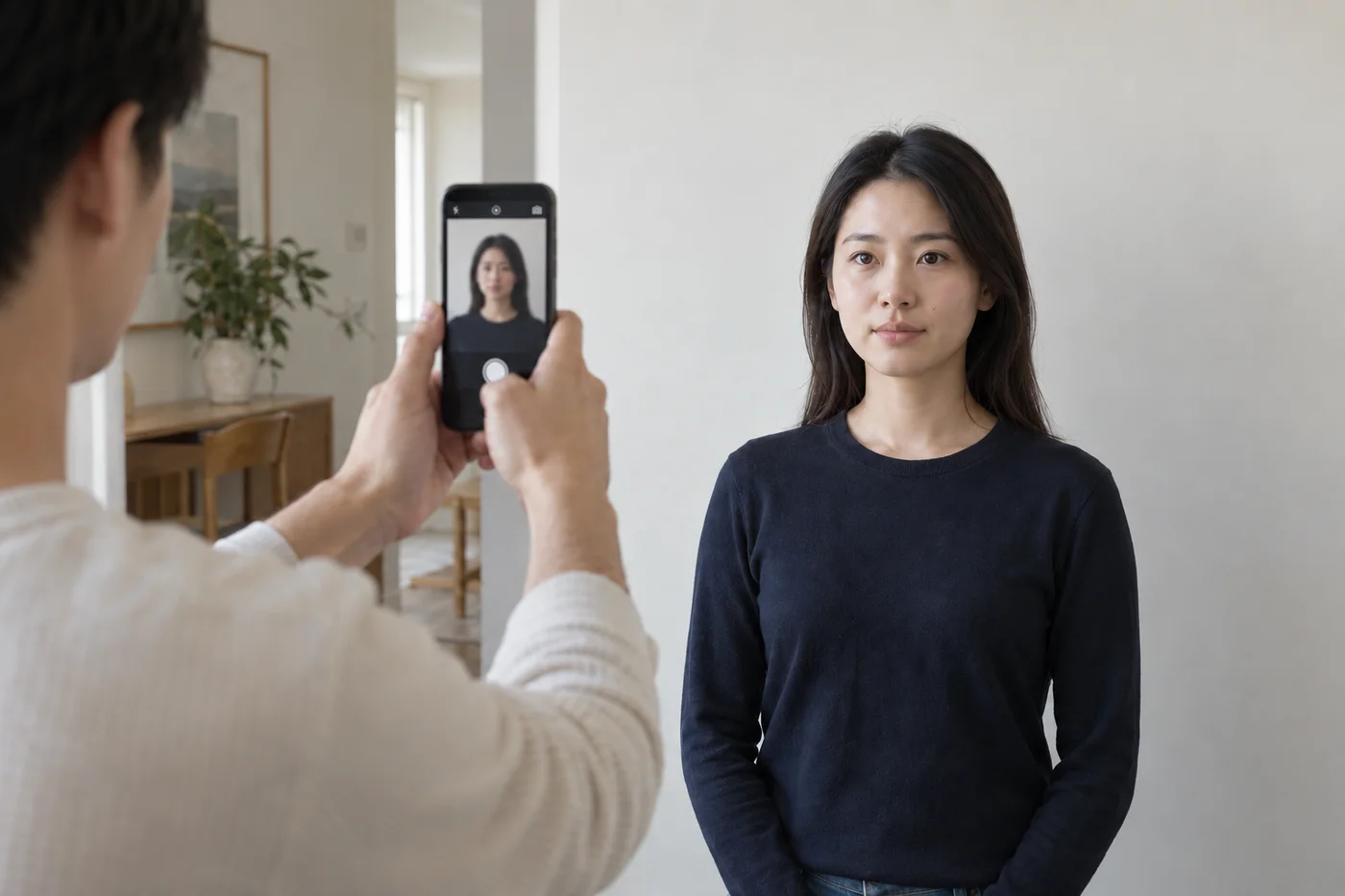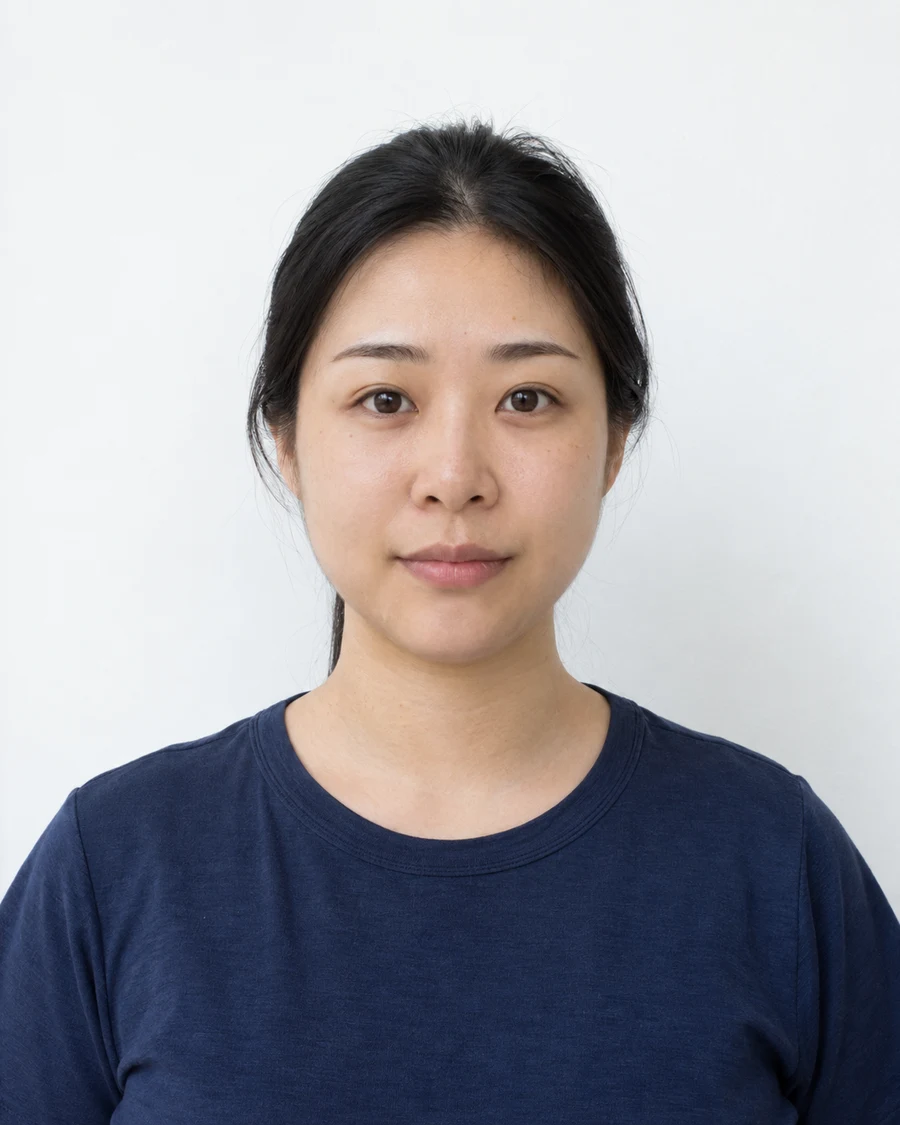
Blur and glare can hide in a thumbnail
Open the original and zoom in on the eyes. Soft edges may indicate missed focus or movement; reflections may hide details that looked clear on the phone’s small preview.
For blur, steady the camera and take another frame in better light. For glare, check the document’s glasses rules before adjusting your setup. Removing reflections digitally can change eye detail.
A plain wall can still cast a shadow
Look for a dark patch behind the head and compare the light on both sides of the face. A suitable background color does not compensate for uneven illumination.
Move farther from the wall or reposition the light, then take a new photograph. Avoid trying to brighten only part of the face with editing tools.
Clear eyes matter more than a tidy hairstyle
Hair crossing an eye can obscure facial detail. Move it aside before taking the photo. Read the specific rules for glasses, hats and religious or medical head coverings; exceptions may require an explanation or supporting evidence.
Check the expression as well. A photograph chosen because you like the smile may not meet the expression rules for that document.
The right rectangle can contain the wrong crop
Check the head size and position, not only the width and height of the image. Compare against the authority’s illustrated examples. A tightly cropped face may leave too little room, while a distant face may be too small within an otherwise correct file.
Use a wider original if the crop has lost required detail. For a printing problem, measure the finished copy. Automatic scaling can change a correctly prepared layout.
Check the file you actually attach
Confirm the photo is recent enough, the file is in an accepted format and the attachment is the final image rather than a print sheet or watermarked preview. A portal accepting the file does not necessarily mean it has checked every visual requirement.
Keep facial features and skin detail unchanged. If a beauty filter or retouching effect was saved into the only copy, take a fresh photo with those settings turned off.
Sources and further reading
US Department of State · Passport photos ↗HM Passport Office · Digital photos ↗Requirements can change. Check the official instructions for your application before submitting.
Merodim is an independent photo-preparation service, not a government agency. Find your document →