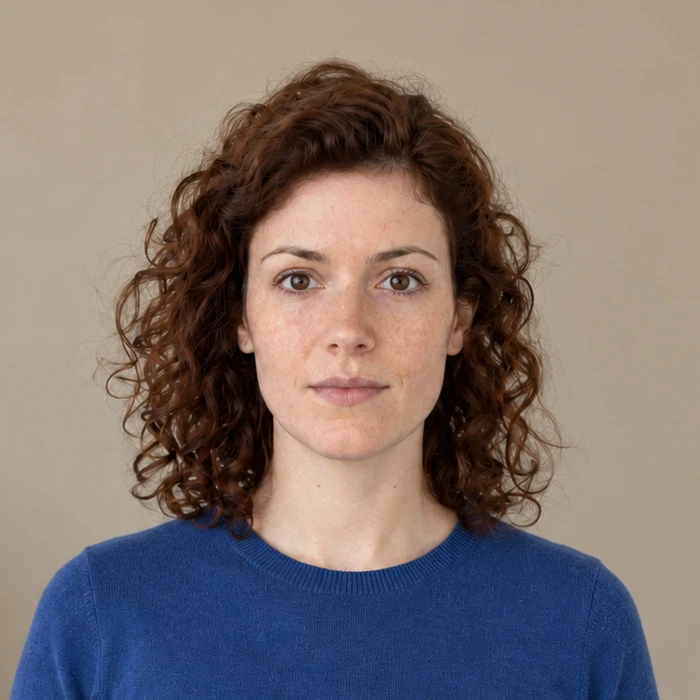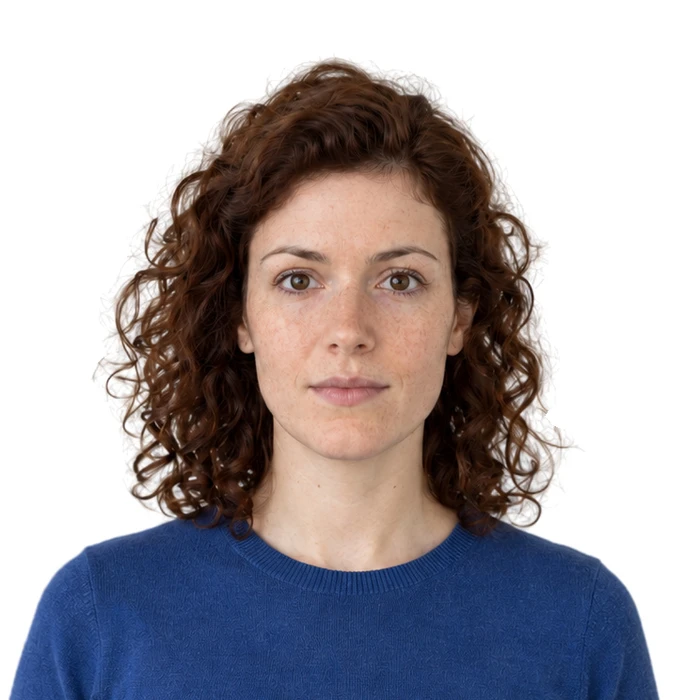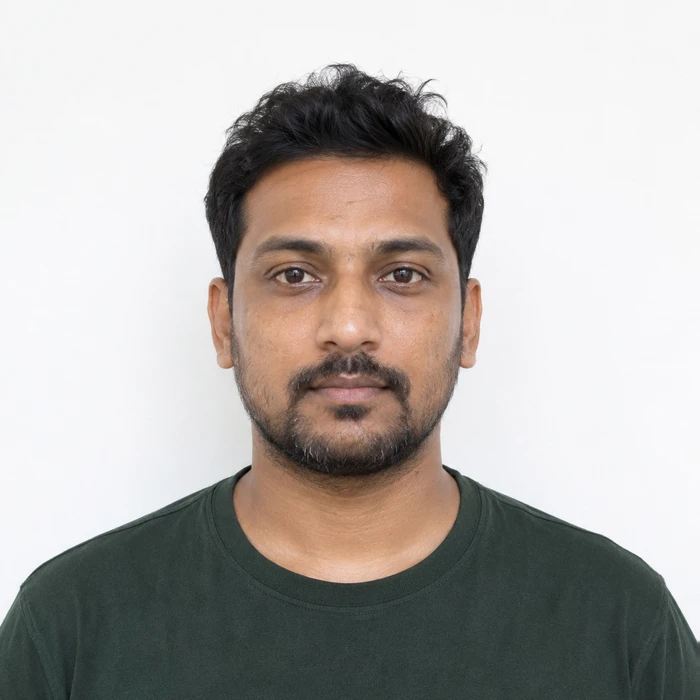
Ask what changed, not only which tool was used
AI is a broad label. A tool might estimate a crop, compress a file, replace a background or generate a different face. Those actions have different effects on the photograph. Read the authority’s editing rules and identify exactly what the tool will change.
US passport guidance rejects digital changes and filters, while New Zealand also warns against AI modifications to appearance. A professional-looking result is not enough to establish suitability. The particular document’s rules still govern the output.
Keep identity details intact
Do not generate new eyes, smooth away scars, reshape a jaw or add missing hair. These operations change the record of the person photographed. Combining a preferred expression with another capture also creates a composite rather than one original photograph.
Compare any prepared result with the source at the same scale. Check the eyes, skin texture, hairline and outline of the face. If natural detail disappears, return to the original and investigate the preparation rather than accepting the more polished version.
Treat background replacement as a separate decision
Removing a background can leave the face unchanged while still violating a rule about digital alteration. That is why preserving likeness and following the background requirements are separate questions. Do not assume an invisible-looking edit is permitted.
For a US passport photo, use the required real background and lighting for the original capture. Passing an online check does not override the State Department’s published restrictions. For another document, read its own instructions before choosing replacement.
Use a new capture when the problem is in the capture
Blur, a covered eye, an angled head or a hard facial shadow usually calls for another photograph. Generating missing detail may make the image attractive while weakening its value as an accurate identity record. A brief retake can be simpler than trying to repair an unsuitable source.
Keep the untouched file and prepare only the outputs your submission route allows. Where an application provides its own crop, supply the original it requests. Merodim’s preview is a preparation aid; the receiving authority decides whether the submitted photograph is acceptable.
Sources and further reading
US Department of State · Passport photo requirements ↗New Zealand Passports · Photo requirements ↗Requirements can change. Check the official instructions for your application before submitting.
Merodim is an independent photo-preparation service, not a government agency. Find your document →