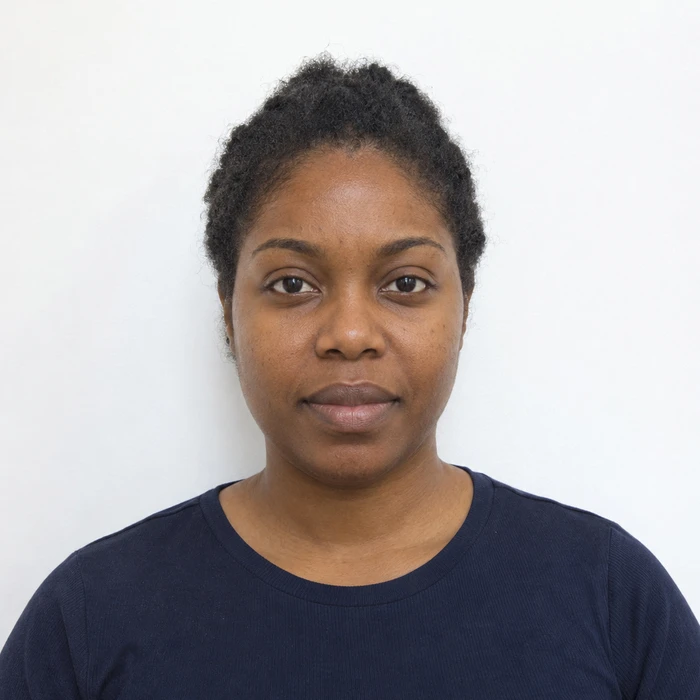
Use the requirements for your application method
A UK online passport application uses a digital photo, while a paper application uses printed photographs. A booth or shop may also provide a code that retrieves a digital photo. Ask which output you will receive before paying for a session.
If you start with prints and then decide to apply online, do not assume that photographing those prints is a suitable way to obtain the digital image. Keep the original digital capture when the provider can supply it.
Check the digital file rather than its print dimensions
GOV.UK currently specifies a digital photo at least 600 pixels wide and 750 pixels tall, with a file from 50 KB to 10 MB. An online application can use a photo taken by another person or retrieve one using a participating provider’s photo code.
For a photo taken on your own device, GOV.UK asks you to include the head, shoulders and upper body without cropping it yourself. The application handles the crop. If you have a provider’s photo code, enter it in the relevant field rather than uploading a screenshot of the receipt.
For paper applications, check the finished photographs
The UK printed-photo specification calls for photographs 35 mm wide by 45 mm high, with head height from 29 to 34 mm. Use the paper-application instructions for the required copies and any countersignature step.
Keep the original digital file separate from a print layout. A sheet is useful for producing physical copies, but its whole-page dimensions do not describe the final cut photograph. Measure a print after it leaves the printer.
Do not treat every 35 × 45 photo as interchangeable
The same outer size is used by several countries, but their framing, capture and submission requirements can differ. Tell a photographer or online tool that you need a UK passport photo, not only a 35 × 45 rectangle.
Choose an output after confirming your route. For a home digital capture, keep the original uncropped image. Merodim’s separate UK printed and digital guides link to the official instructions so you can compare the file you have with the application you are making.
Ask for the deliverable you can actually use
If you use a shop or booth, say whether you are applying online or on paper. Before leaving, check that a promised code is readable and belongs to the intended photo. If you were promised a digital file, confirm that you can access the file itself rather than only an image on a receipt.
If you use a home photo for an online application, transfer the camera file to the application device and inspect it there. Do not convert it into a print sheet first. If you switch to paper later, prepare the printed output separately and follow the paper application’s copy and certification instructions.
Sources and further reading
HM Passport Office digital passport photos ↗HM Passport Office printed passport photos ↗Requirements can change. Check the official instructions for your application before submitting.
Merodim is an independent photo-preparation service, not a government agency. Find your document →