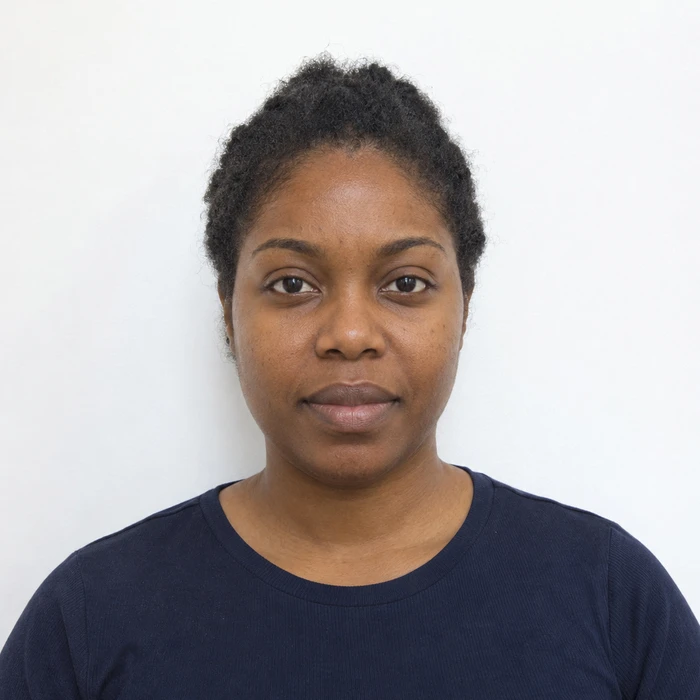
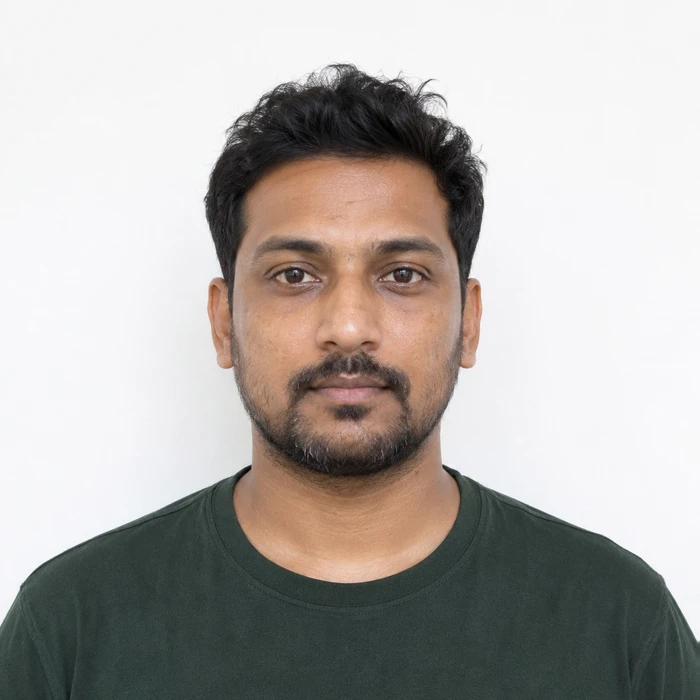
Tell the studio which application you are making
Canadian passport photographs for an in-person or mail application are more than a correctly sized portrait. The official guidance requires a commercial photographer and specific information on one print. Tell the studio that the photos are for a Canadian passport, rather than asking for ordinary passport-size copies.
Bring the official instructions on your phone or on paper. If you are outside Canada, ask the studio to confirm it can supply the required format and photographer information before the session begins.
Check the photographer information on one print
On the back of one photo, the photographer must clearly write or stamp the date the photograph was taken and the studio’s name and complete address. A studio stamp is a practical way to supply the details, but the official instruction allows clear writing as well.
Check the information while you are still at the studio. If a date or address is incomplete, ask the photographer to correct it. Do not invent a business address or add photographer details to a home-made image.
A guarantor’s role depends on the application
Where a guarantor is required, the guidance also calls for a certification of the applicant’s likeness and the guarantor’s signature on one photo. Adult passport renewals do not need a guarantor. Read the instructions for the applicant’s actual form rather than borrowing another person’s checklist.
Leave space for any required certification. Keep the photos protected while obtaining the signature so pressure, adhesive or handling does not mark the portrait side. If you are unsure whether a guarantor is required, resolve it before assembling the application.
Keep digital renewal separate from printed-photo paperwork
Canada now also describes a digital-photo route for online renewals. That route still requires an in-person commercial photographer, but its submission requirements differ from the back of a physical print. It should not be treated as permission to create a self-taken passport portrait.
Ask for the files and prints that match your intended route. Keep the receipt and the original digital copy supplied by the photographer. Merodim’s Canadian guide helps you identify these requirements; it does not replace the photographer requirement.
Check the studio’s output before leaving
Ask the studio to show you the portrait side and the back of the required print. Confirm that the applicant is the right person and that the studio details are readable. A helpful practical check is to compare the capture date with your receipt while the provider can still resolve a mistake.
For a digital renewal file, ask how the studio will supply it and how to preserve its original quality. Email delivery, a download link and a printed receipt serve different purposes. Keep the actual image file, not a screenshot of a message displaying it. This avoids another visit simply to obtain the correct electronic output.
Sources and further reading
Government of Canada passport photo requirements ↗Requirements can change. Check the official instructions for your application before submitting.
Merodim is an independent photo-preparation service, not a government agency. Find your document →