Start with the application you are submitting
An online passport photo service can prepare a file or print sheet from a picture you already have. That is useful when your application allows it, but it is a different service from applying for a passport. First identify the country, the document and whether you are renewing online, applying on paper or attending an appointment.
Write down what you need to leave with. A digital upload, two cut prints and a photographer-issued code are different deliverables. A service that supplies one may not supply the others. Ask about the exact application rather than buying a generic passport-size image.
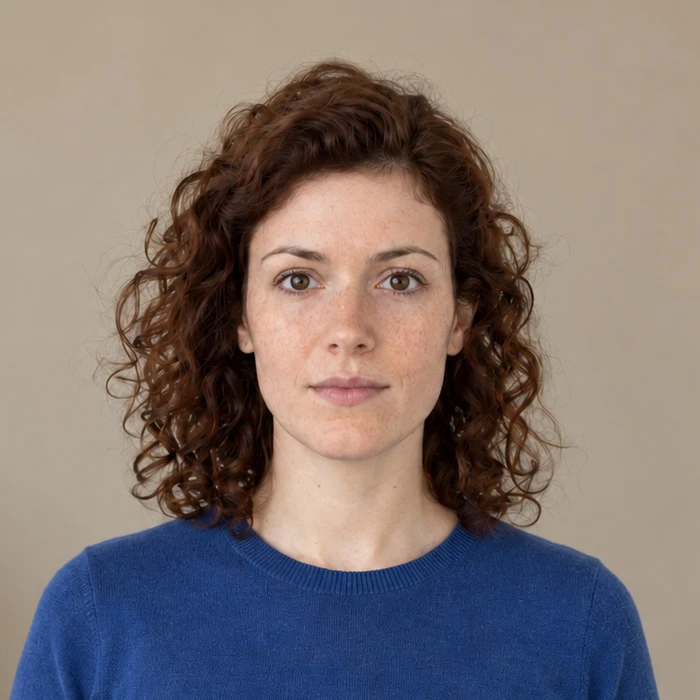
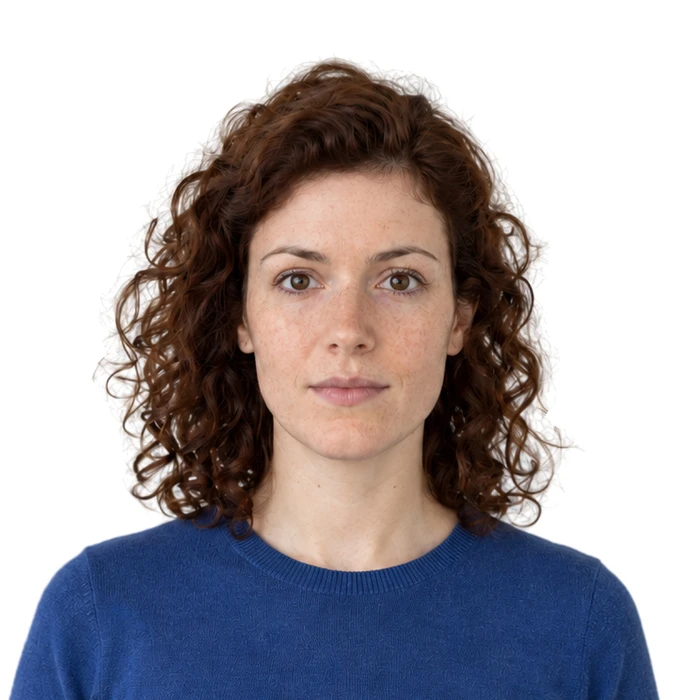
Compare a preview with your original
A useful preview lets you see whether the crop includes your whole head and whether your facial features remain recognizable and sharp. Look at both eyes, the outline of the ears and the meeting point between hair and background. Zoom in once before deciding.
A small preview cannot show every detail of the final file. Avoid judging only by how white the background looks or how attractive the sample portrait is. Ask which corrections the service makes and whether you can retain an original-background version.
Check what is included in the price
Compare the same basket of outputs. A digital-only price is not directly comparable with a store visit that includes capture and printed copies. Find out whether printable sheets, extra downloads, shipping and additional copies cost more.
| You need | Check this |
|---|---|
| A digital upload | The file format and dimensions match your portal |
| Local photo prints | A correctly scaled print sheet is included |
| Delivered copies | Print quantity, shipping region and dispatch terms |
| Help with a problem | The contact route and actual refund terms |
Choose the appropriate preparation route
Keep a copy of the source photo and read the editing rules for your document. The US online-renewal route calls for an original digital photograph and handles positioning within its application. A prepared square print crop should not be substituted automatically.
Merodim offers a free watermarked preview before purchase. Use the document guide to choose the route, then compare the image and the output options. Merodim prepares photos and does not issue passports or submit your government application.
Ask these questions when comparing two services
If one service says free and another gives a price, find out where the free offer ends. It may cover a preview, a crop or a low-resolution image while charging for the submission file. Check whether the free result is watermarked and whether its terms allow the use you need. A free utility can still be useful without being the complete purchase.
If an acceptance promise matters to you, read what the remedy actually is. A refund, a free retake and application-fee reimbursement are different policies. Check how you report a problem, what evidence is requested and which costs are included. A promise from the photo provider does not bind the authority reviewing your application.
Sources and further reading
US Department of State online renewal photo uploads ↗Merodim photo preparation pricing ↗Requirements can change. Check the official instructions for your application before submitting.
Merodim is an independent photo-preparation service, not a government agency. Find your document →