Use the print sheet, not the preview
A print sheet places one or more portraits on a specified paper size. A digital application file usually contains a single portrait, while the watermarked preview is for reviewing the result before purchase. Check which file you have before ordering prints.
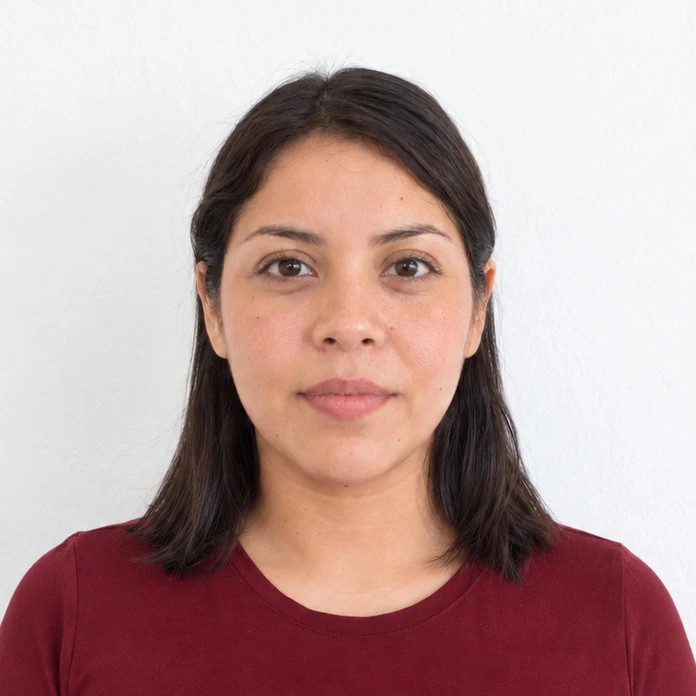
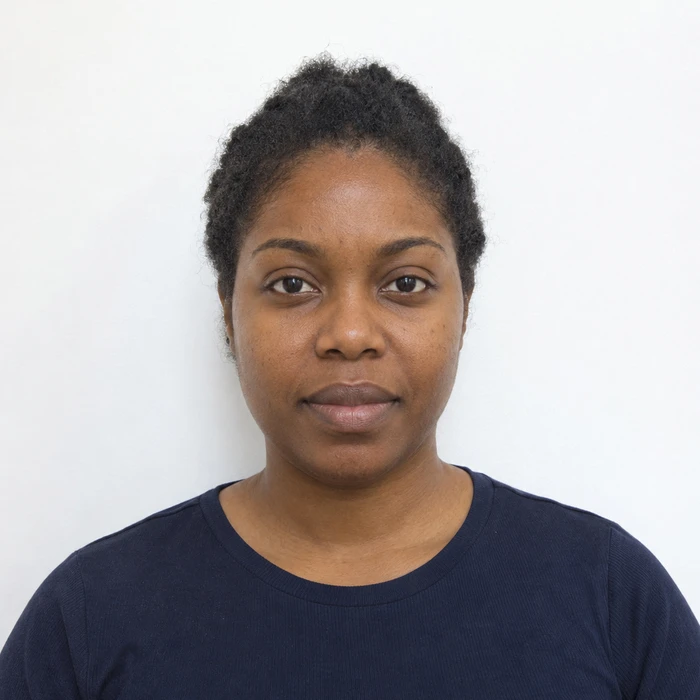
Make sure the portrait was prepared for your document. A printer can reproduce a crop accurately, but it cannot tell you whether the face inside it is the right size.
Match the paper and print at actual size
Select the paper size the sheet was made for, then use actual size or 100% scale. Turn off fit-to-page. Check borderless settings too. Some printers enlarge an image slightly to avoid leaving an unprinted edge.
For a photo service, inspect its order preview. All portrait rectangles should remain intact. If the service zooms in to fill the paper, adjust the order before paying rather than assuming the final print will match your file.
Measure one copy before cutting the rest
Use a ruler to check the width and height of one printed portrait. Then check the head measurement in the document’s instructions. A photo can have the correct outer dimensions while the face inside it is too large or too small.
For example, UK paper passport applications need two identical 35 × 45 mm photos. The linked print guidance includes a head-size illustration as well as the outer dimensions. Inspect the print for blur, visible dots and damaged detail around the eyes.
Find the source of a printing problem
If the portrait and face are both proportionally too small, check scaling and margins. If the outer size is right but the face is wrong, revisit the crop. If the file is sharp but the print is not, check the paper, quality settings or printing service.
Use the paper and finish specified for the application. Keep the required copies clean and unmarked, and follow the attachment instructions. Spare copies on a sheet do not change how many the authority asks you to submit.
Sources and further reading
HM Passport Office · Digital photos ↗HM Passport Office · Printed photos ↗Requirements can change. Check the official instructions for your application before submitting.
Merodim is an independent photo-preparation service, not a government agency. Find your document →