Upload the full sheet rather than the single portrait
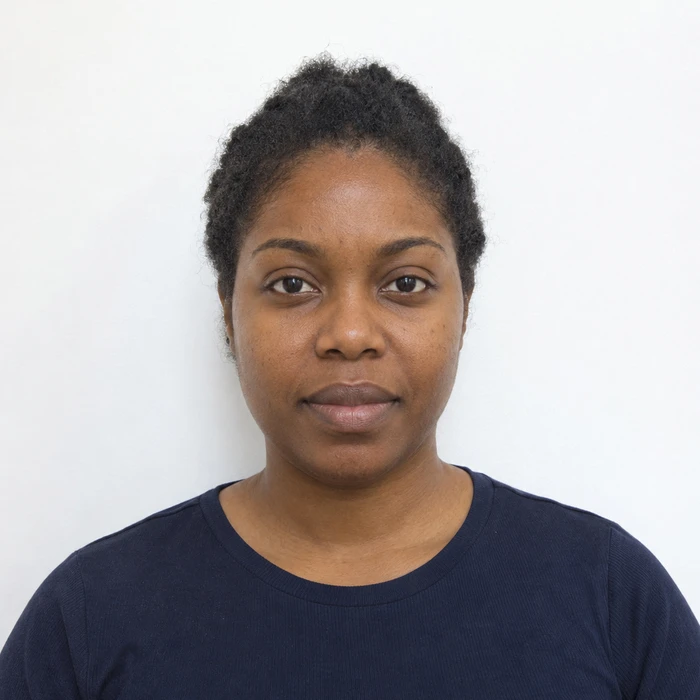
A square portrait file and a 4 × 6 inch print sheet are different outputs. The portrait is one photograph. The sheet is a larger layout with smaller photographs placed at specific physical sizes. Sending a single square portrait to a 4 × 6 print product may enlarge or crop it to fill that paper.
Open the file before ordering. A prepared sheet should visibly contain the separate photos and any intended space between them. Choose the print product that matches the sheet dimensions. Walgreens lists 4 × 6 prints among its standard print sizes, but confirm the selected product in your own order.
The sheet size controls the small photo size
For example, four 2 × 2 inch photographs can be arranged on a 4 × 6 inch sheet. If you print that same layout on a larger sheet without preserving the original scale, the individual photographs grow too. The faces may look sharp while the physical dimensions are wrong.
Check the entire sheet in the order preview. Do not zoom in to make the small portraits fill the screen. If the preview offers fit and fill choices, compare the visible edges and spacing rather than assuming the default preserves the layout.
Keep cutting space separate from the photograph
A print sheet may include white space outside each finished photo. That space helps you cut the photos to size; it is not necessarily a border that should remain on the finished image. Use a ruler and the intended crop boundaries rather than cutting by eye around the face.
Avoid cutting down a wrongly enlarged portrait until the outside measures correctly. That changes the relationship between the head and the photograph. If the printed sheet is at the wrong scale, correct the print settings and reprint the sheet.
Measure one copy before preparing the set
Measure both the width and the height of one finished photograph. Then compare the framing with your application’s instructions. Check for clipped hair, a shifted crop or an unwanted border introduced during printing.
Inspect the paper surface and facial detail as well. Print quantity does not establish suitability, and a retailer’s standard photo-print service is different from having a passport photograph taken and checked in store. Keep the digital file so you can correct a printing problem without repeatedly photographing the print.
Sources and further reading
Walgreens Photo · Prints and enlargements ↗US Department of State · Passport photo requirements ↗Requirements can change. Check the official instructions for your application before submitting.
Merodim is an independent photo-preparation service, not a government agency. Find your document →