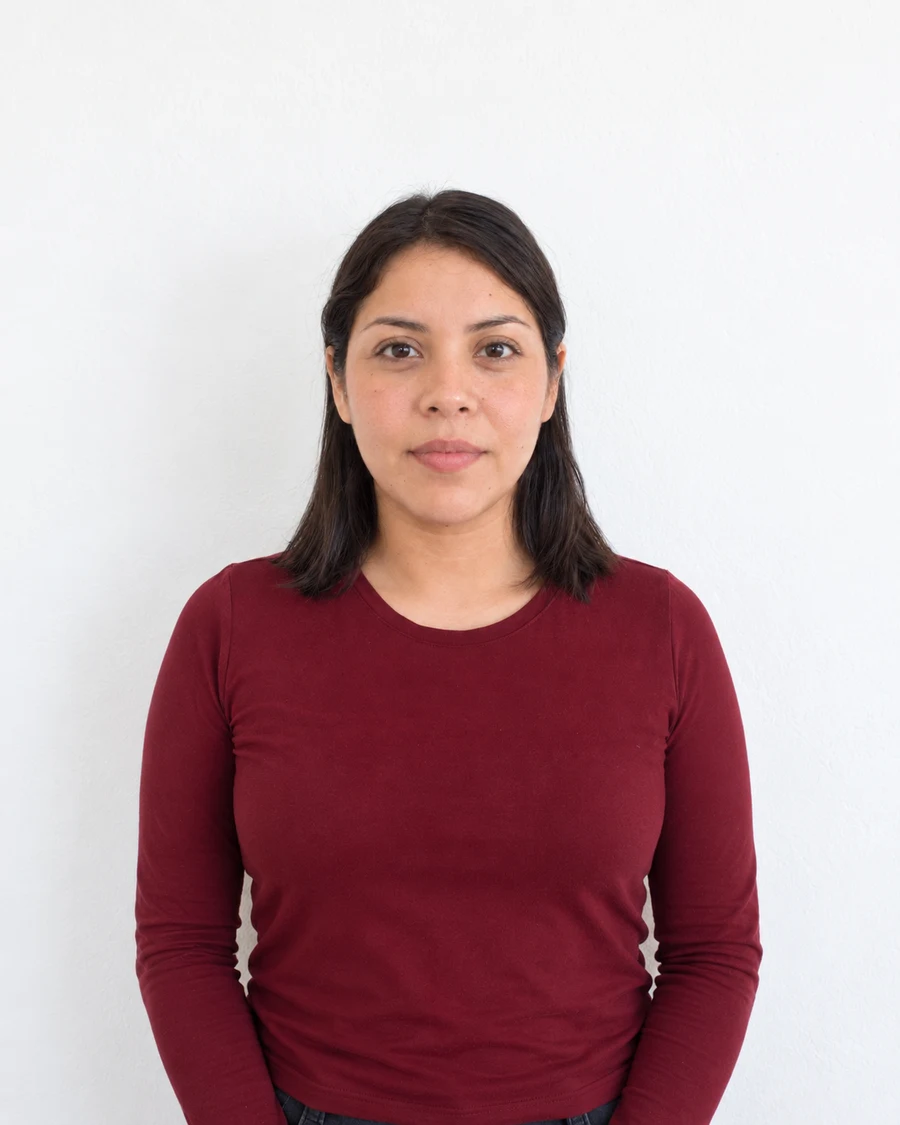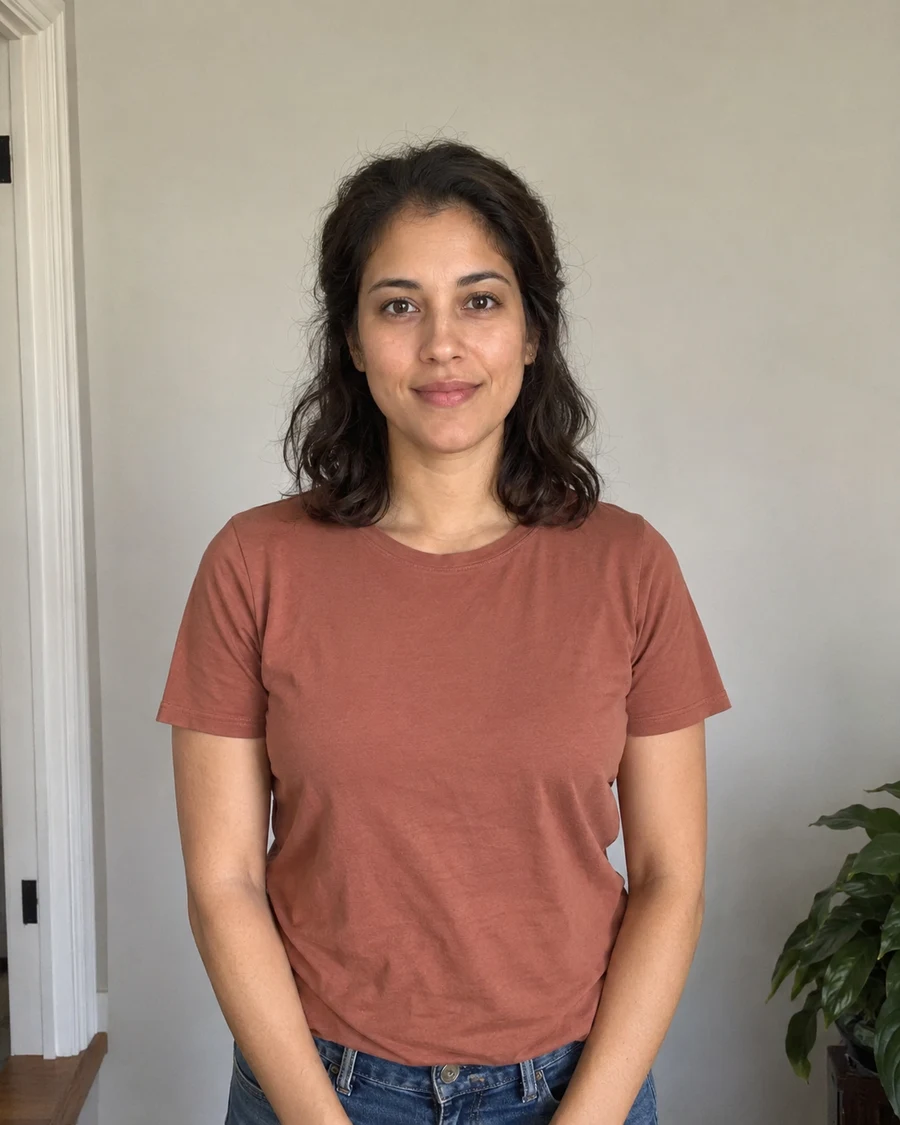
A phone photo and a selfie are different things
A phone can take a useful document photo. Holding it at arm’s length introduces a different problem. Your nose is closer to the lens than your ears, and that difference becomes more noticeable at short distances. A flattering social photo is not necessarily a faithful front-facing record of your proportions.
New Zealand’s passport guidance explicitly rejects selfies and asks for someone else to take the photo from around 1.5 metres away. Other applications have their own capture instructions. Check those before deciding whether a photograph taken alone is an option.
Move the camera back before you think about cropping
Ask a helper to hold the phone at your eye level. Make room for them to move away while keeping your face large enough to see clearly. You can include more of your shoulders and upper body in the original than you expect to see in the finished crop.
Avoid solving a distance problem by switching to an ultra-wide lens. That may fit more into the frame, but it encourages taking the photograph too close. Begin with the main camera and a wider view of the scene. Check the application’s instructions before cropping that original.
Look at the lens rather than your own preview
On a selfie screen it is natural to watch your own face. The lens sits elsewhere, so your gaze may look slightly off-camera. With a helper, ask them to point out the lens before taking the picture. Keep your shoulders facing forward and let your head rest in a comfortable, level position.
Compare several frames at normal viewing size. Look for a raised chin, a tilted head or one shoulder much closer to the camera. Those are setup problems. A tighter crop can hide an extended arm, but it cannot move the camera to a different viewpoint after the photo was taken.
Keep a usable original
Save the actual camera file rather than a screenshot from the camera preview. Review it for focus before dismantling the setup. A photograph that looks clear as a small thumbnail can reveal motion blur when you inspect the eyes and hair.
If the only available image is a close selfie, retaking it usually gives you a better starting point than trying to correct facial proportions in software. Merodim can prepare a suitable original for supported formats. It should not be used to reconstruct the way your face would have looked from a different camera position.
Sources and further reading
New Zealand Passports · Photo requirements ↗Requirements can change. Check the official instructions for your application before submitting.
Merodim is an independent photo-preparation service, not a government agency. Find your document →