Check the limit for your application
Photo-age limits are not universal. US passport guidance asks for a photograph taken within the last six months. UK passport guidance asks for one taken in the last month. Do not carry a familiar six-month rule into an application that gives a shorter period.
Read the instructions for the actual route you will use and plan around when you expect to submit. If a deadline is close, allow time for a retake or new prints. A photo that was suitable when you began gathering documents may be too old by the time the application is ready.
A new download does not reset the age
The date you took the photograph, the date you exported it and the date you printed it can all be different. Only the first tells you how old the photographed appearance is. Renaming a file or creating a fresh copy does not turn an old capture into a recent one.
When you save the original, make a simple note of the capture date. File properties can help, but transfers and exports may change some timestamps. If you no longer know when a picture was taken, a short new session is often easier than trying to reconstruct its history.
Look at appearance as well as the calendar
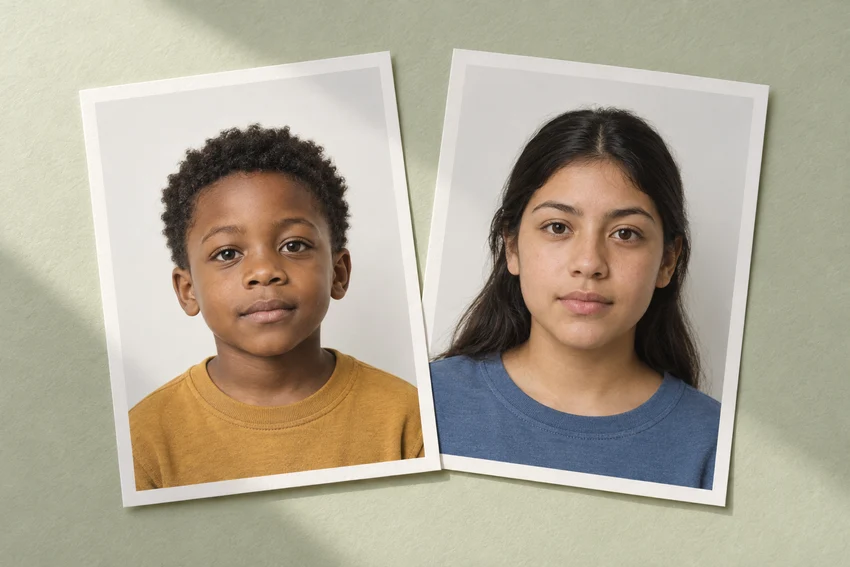
A photograph can fall within a time limit and still be a poor representation of the person today. This is especially worth checking for young children. Compare the intended image with the person rather than assuming that a permitted date range makes every saved photo equally useful.
If your concern is whether a change in appearance affects an existing passport, check the authority’s replacement guidance. That is a separate question from preparing a photograph for a new application. Avoid relying on general comments from a printing service about the validity of the document itself.
Keep the submission plan with the photo
Store the original and the prepared output in a folder named for the application. Add the capture date to your own notes, not as visible text across the photograph. Keep a reminder to recheck the age if the application is postponed.
An account download can make it easier to retrieve a purchased file, but unlimited access does not mean unlimited future suitability. Before reusing any saved photo, review its age, the current appearance and the latest instructions for the next document.
Sources and further reading
US Department of State · Passport photo requirements ↗HM Passport Office · Digital passport photos ↗Requirements can change. Check the official instructions for your application before submitting.
Merodim is an independent photo-preparation service, not a government agency. Find your document →