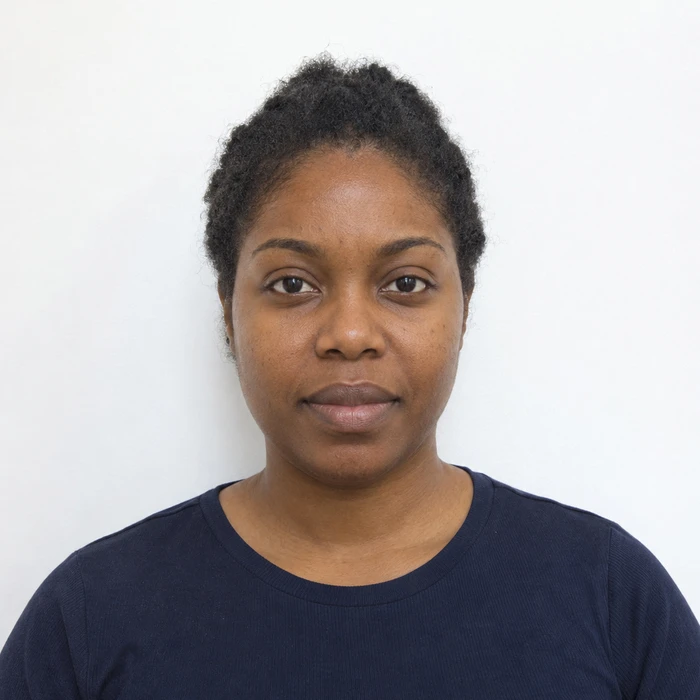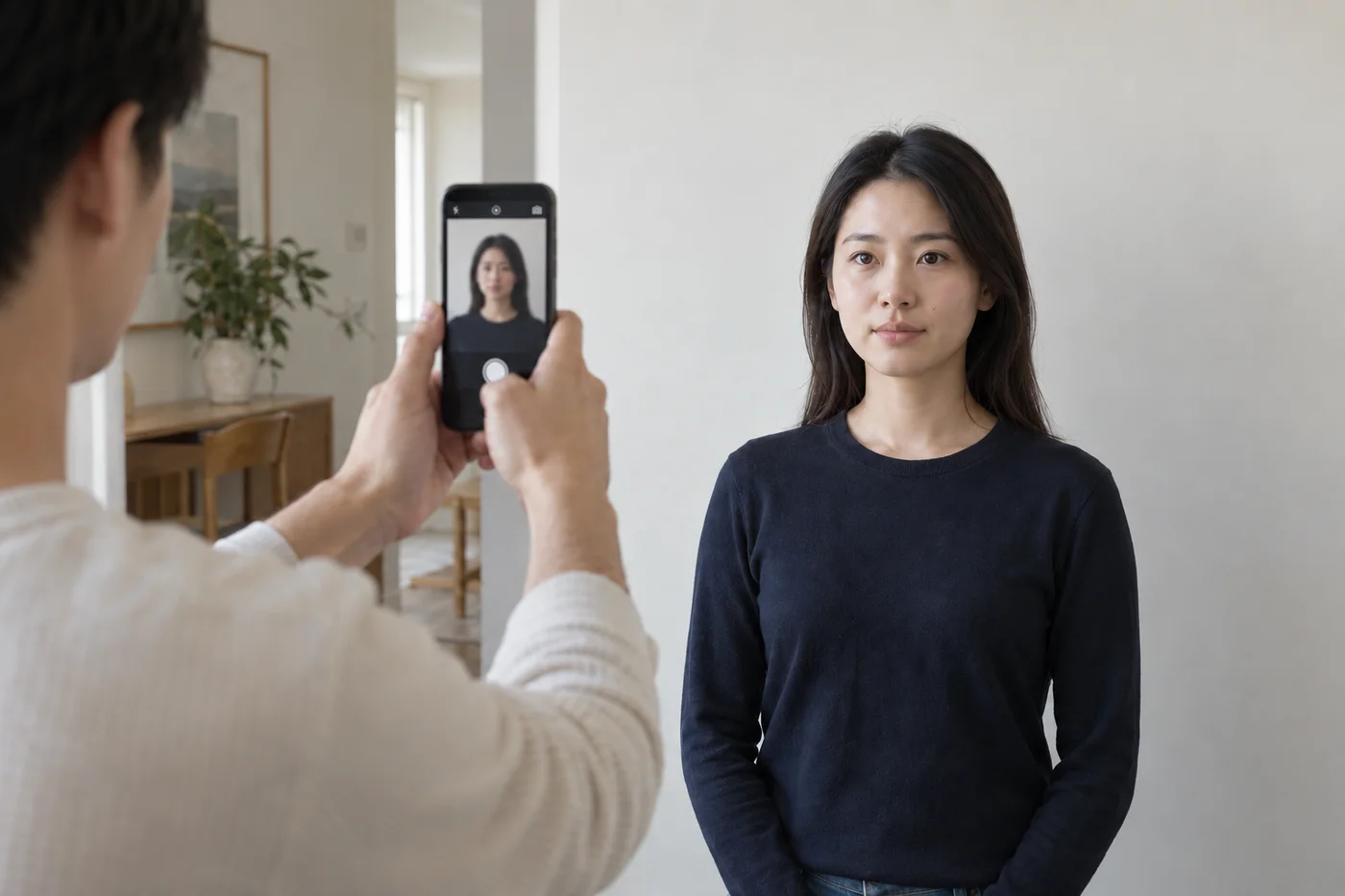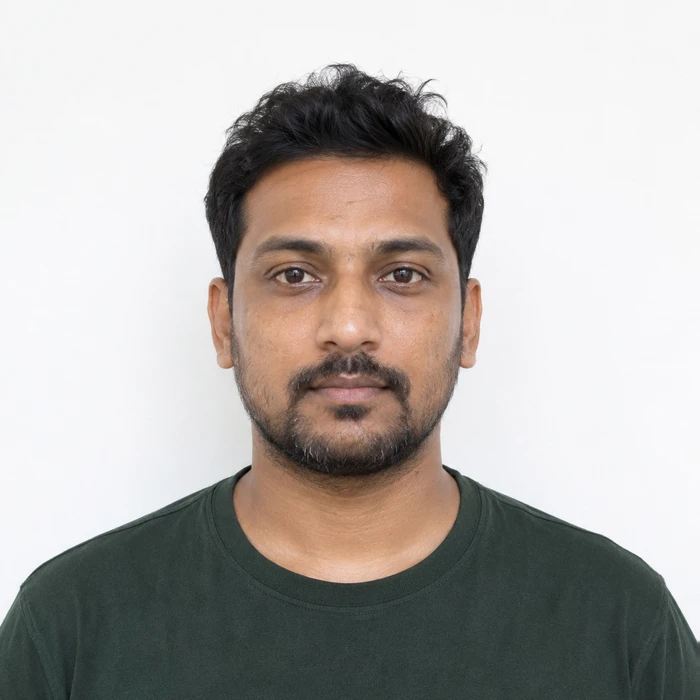
Do not assume a beard requires a special photograph
Begin with your current appearance and the instructions for the document. If those instructions do not tell you to shave, do not invent an extra requirement from a sample photo that happens to show someone without facial hair. New Zealand’s guidance, for example, emphasizes a natural, unaltered appearance.
A new passport application and a question about whether an existing passport still identifies you are separate matters. If your appearance has changed substantially and you are unsure about an existing document, ask its issuing authority. A new photo file by itself does not update the passport you already hold.
Light the beard and the face together
Dark facial hair can merge with a deep shadow beneath the lower lip or chin. Use a trial frame to inspect those areas. Move toward soft, even light and keep the camera level instead of lifting your chin to make the beard look shorter.
The skin around the eyes, cheeks and nose should remain clear. Avoid brightening the whole image so aggressively that those parts lose detail just to make every hair visible. Improve the capture conditions before deciding that the file needs any adjustment.
Leave room for the required head measurement
A beard can make it less obvious where an automatic tool has placed the lower measurement point. Compare the crop with the authority’s framing diagram and examine the actual head position. Do not accept an oversized or undersized face simply because the outside border has the right dimensions.
If you cannot tell how a particular authority wants a measurement applied, ask before trimming the picture tightly. Save a wider original with enough space around the head and shoulders. It gives a photographer or preparation service room to frame the image without reconstructing anything outside the capture.
Do not digitally add or remove facial hair
An old clean-shaven portrait is not a substitute for a fresh image of your current beard, and a generated clean-shaven version is not a photograph of how you looked at the session. Take a new picture if you want the file to show a different current appearance.
Keep the capture date with the original and review the age limit for your application. When you prepare several documents, check each route separately. A useful original may support more than one output, but the face size, photo age and submission requirements still need to be checked for each one.
Sources and further reading
New Zealand Passports · Photo requirements ↗Requirements can change. Check the official instructions for your application before submitting.
Merodim is an independent photo-preparation service, not a government agency. Find your document →