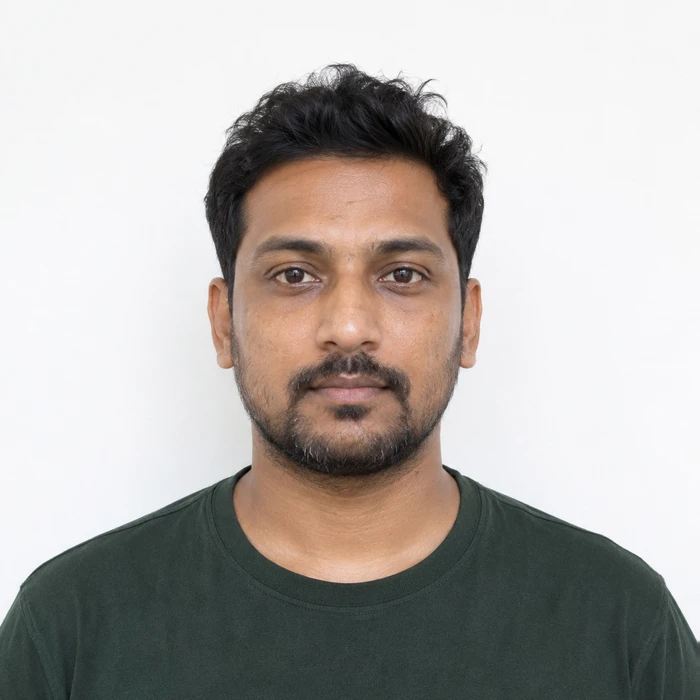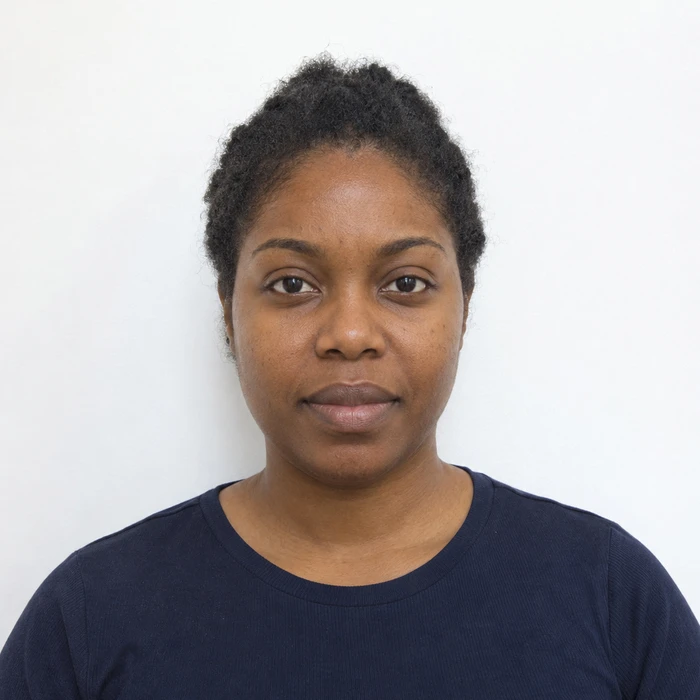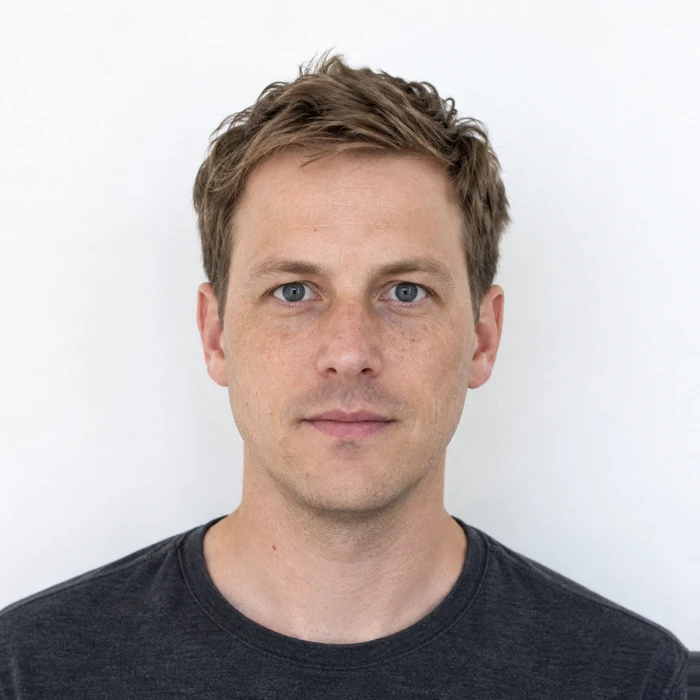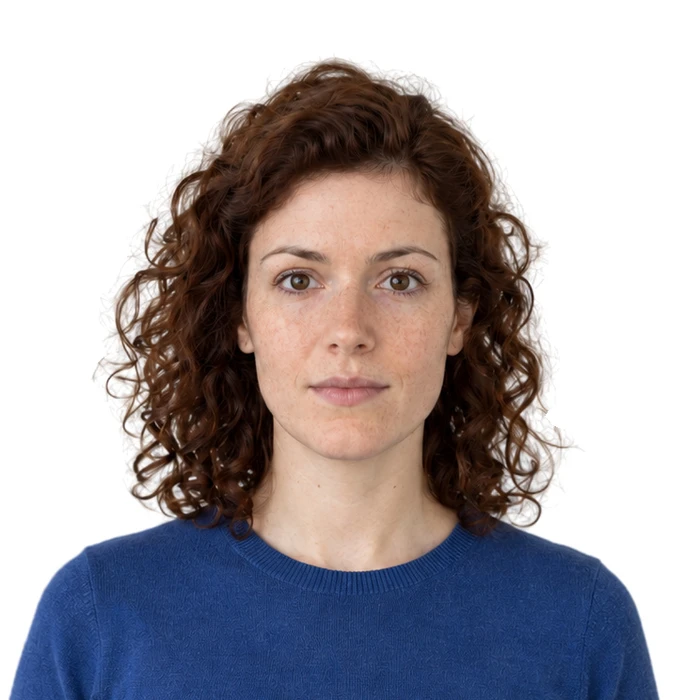
Aim for a recognizable everyday appearance
The useful starting point is how you normally look, not a special makeup routine designed to transform a photograph. Keep the eyes and facial outline easy to see. If you wear makeup, use a trial frame to judge the result in the actual lighting rather than adding products because a beauty tutorial recommends them.
Australian passport guidance illustrates excessive makeup as a problem and prohibits retouching features such as moles, wrinkles or scars. That is a good reason to separate ordinary preparation from changing what the image records. The exact requirements still come from the authority receiving your photograph.
Fix bright light before trying to hide every highlight
A hard light can produce shiny areas on the forehead or cheeks that look much stronger on camera. Move to softer light and retake the trial frame before assuming you need a different makeup product. You may find that the skin reads naturally once the lighting is less harsh.
Inspect the face at ordinary viewing size as well as enlarged. The aim is not to eliminate every variation in skin texture. A photograph with natural detail can be a better record than one that looks unusually smooth or flat.
Check the camera for automatic beauty effects
Makeup applied before the photo and a software filter applied afterward are different things. A camera app may smooth skin, enlarge eyes or change the face shape even if you never open an editor. Use a normal still-photo mode and check the app’s effect controls before taking the final image.
Compare the saved file with what you see in the mirror under the same light. If freckles have disappeared or the face outline looks altered, start again with those effects disabled. Avoid compensating for a filter by applying a second filter in the opposite direction.
Choose the frame for clarity
Select a clear, well-lit frame with the required expression. Do not rank the pictures only by which feels most flattering. Check the eyelids, eyelashes and area around the mouth for shadows or reflections that make details difficult to distinguish.
If you notice a problem while reviewing, retake the photo while your setup is ready. Keep the full original and let the document requirements determine the finished crop. There is no benefit in a beautifully styled picture that depends on digital changes the receiving authority does not permit.
Sources and further reading
Australian Passport Office · Passport photos ↗Requirements can change. Check the official instructions for your application before submitting.
Merodim is an independent photo-preparation service, not a government agency. Find your document →