The document sets the starting point
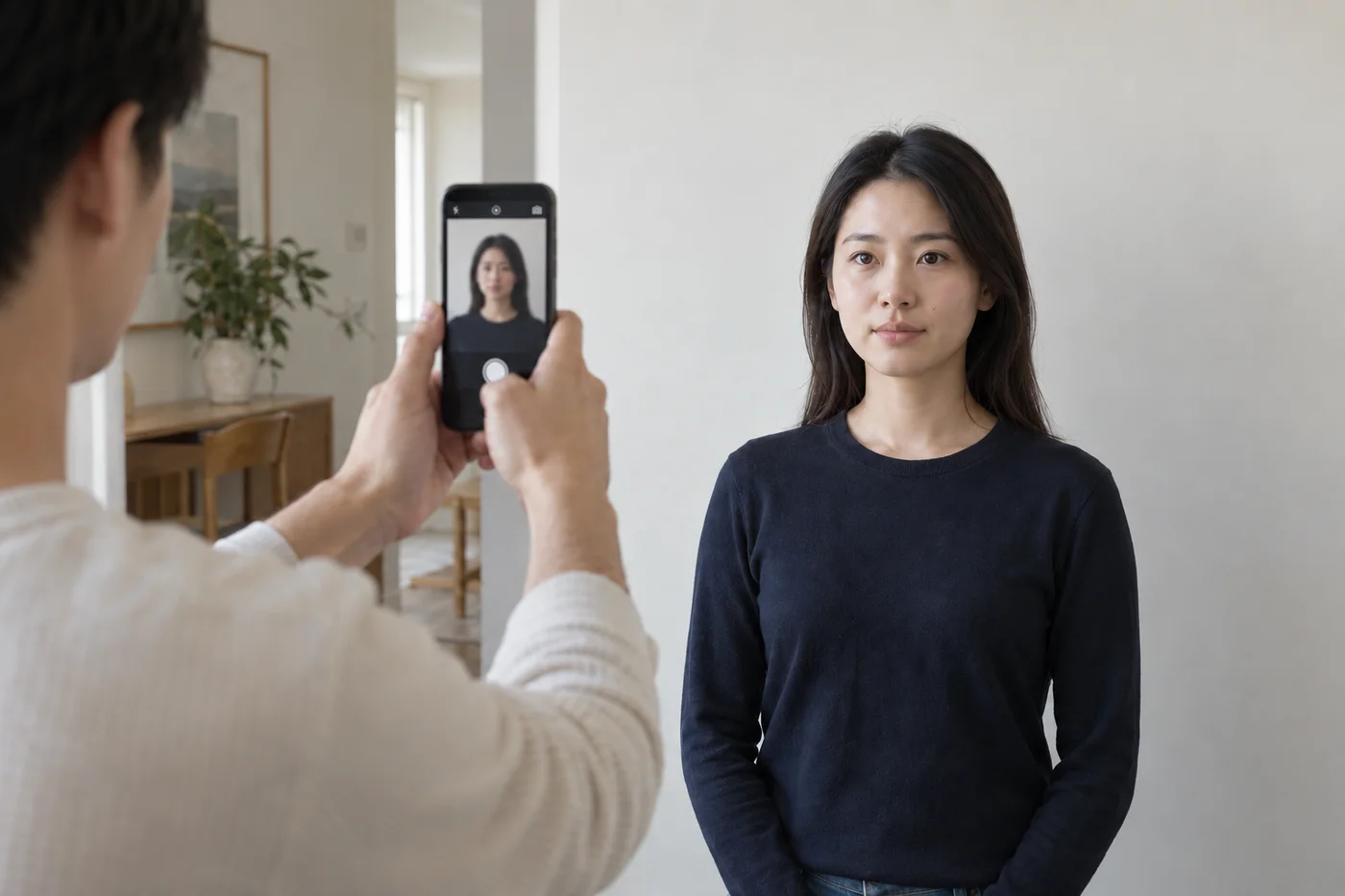
Preparation begins with the application you choose. Its instructions determine the required output and whether you can supply a photo yourself. Some documents use a digital upload, some require prints, and others require a photographer or agency appointment.
Merodim’s document guides link to the issuing authority so you can check the requirement behind the format. A general size tool is useful when you already know the specification, but it cannot establish whether home capture is allowed.
Your original provides the detail
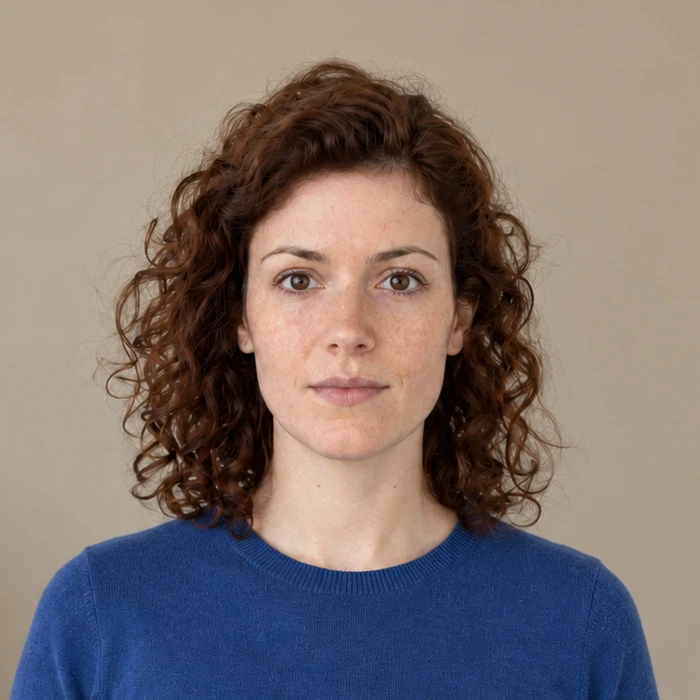
Automatic framing uses the uploaded portrait to suggest where the head and shoulders should sit. Starting with a sharp image and room around the head gives the tool more to work with. It cannot recover detail that is blurred or outside the photograph.
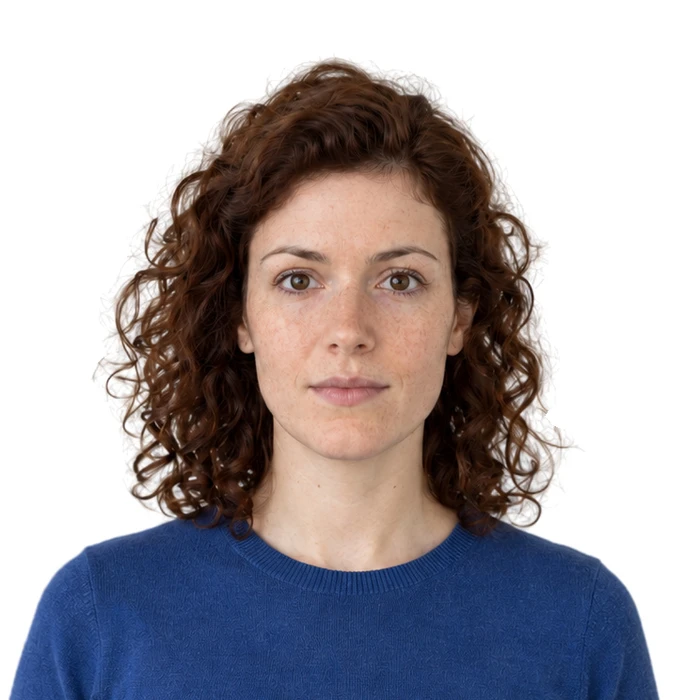
Background handling is a separate choice. We recommend an original taken against the required background. Where replacement is available, review the disclosure and compare it with the original before choosing.
The preview is your chance to inspect the result
Check the framing, hair edges and facial detail against your original. If the photo or document selection is wrong, change it before purchase. A preview should make those decisions easier to see.
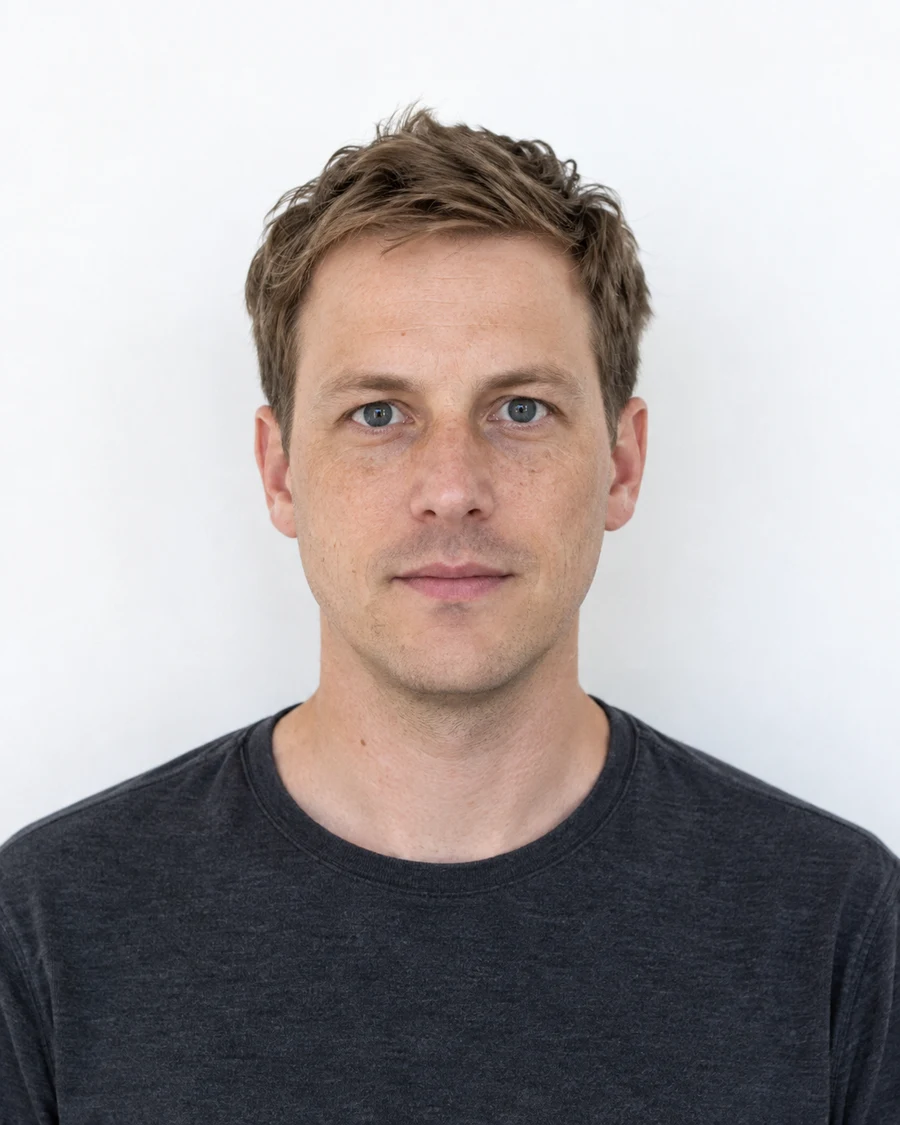
The watermarked preview is for review. The final digital image and any print sheet serve different submission needs, so choose the output for your application and inspect it before sending.
What preparation cannot decide
An automated check cannot grant a medical exception, replace an appointment or promise an agency’s approval. Those decisions remain with the authority receiving the application. Merodim’s role is to make photo preparation and the relevant instructions easier to use.
Merodim is an independent photo-preparation service, not a government agency. Find your document →